


We use cookies to improve your experience on our platform. By clicking “Accept all cookies”, you agree to the storing of cookies on your device to enhance site navigation, analyze site usage and assist in our marketing efforts.



















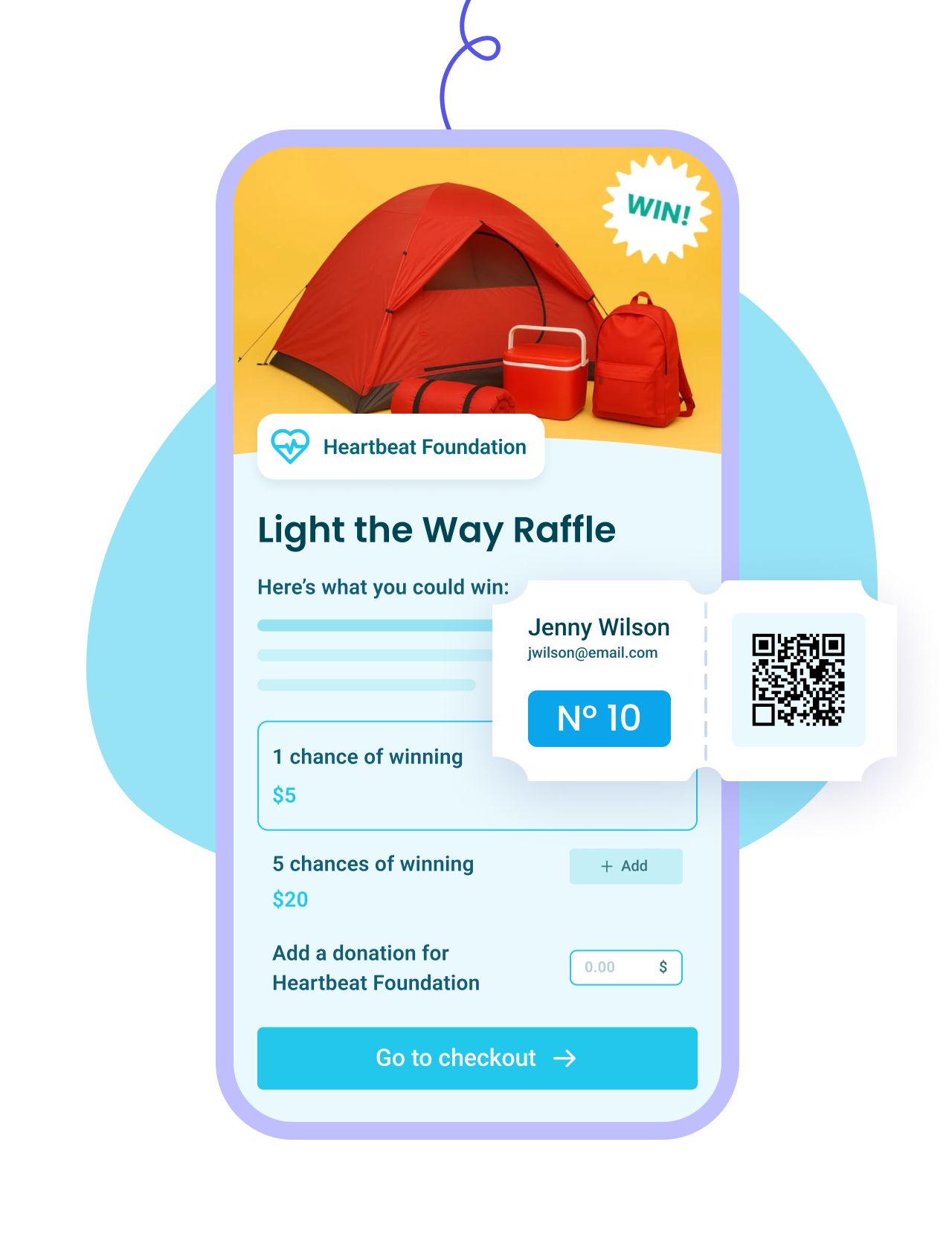
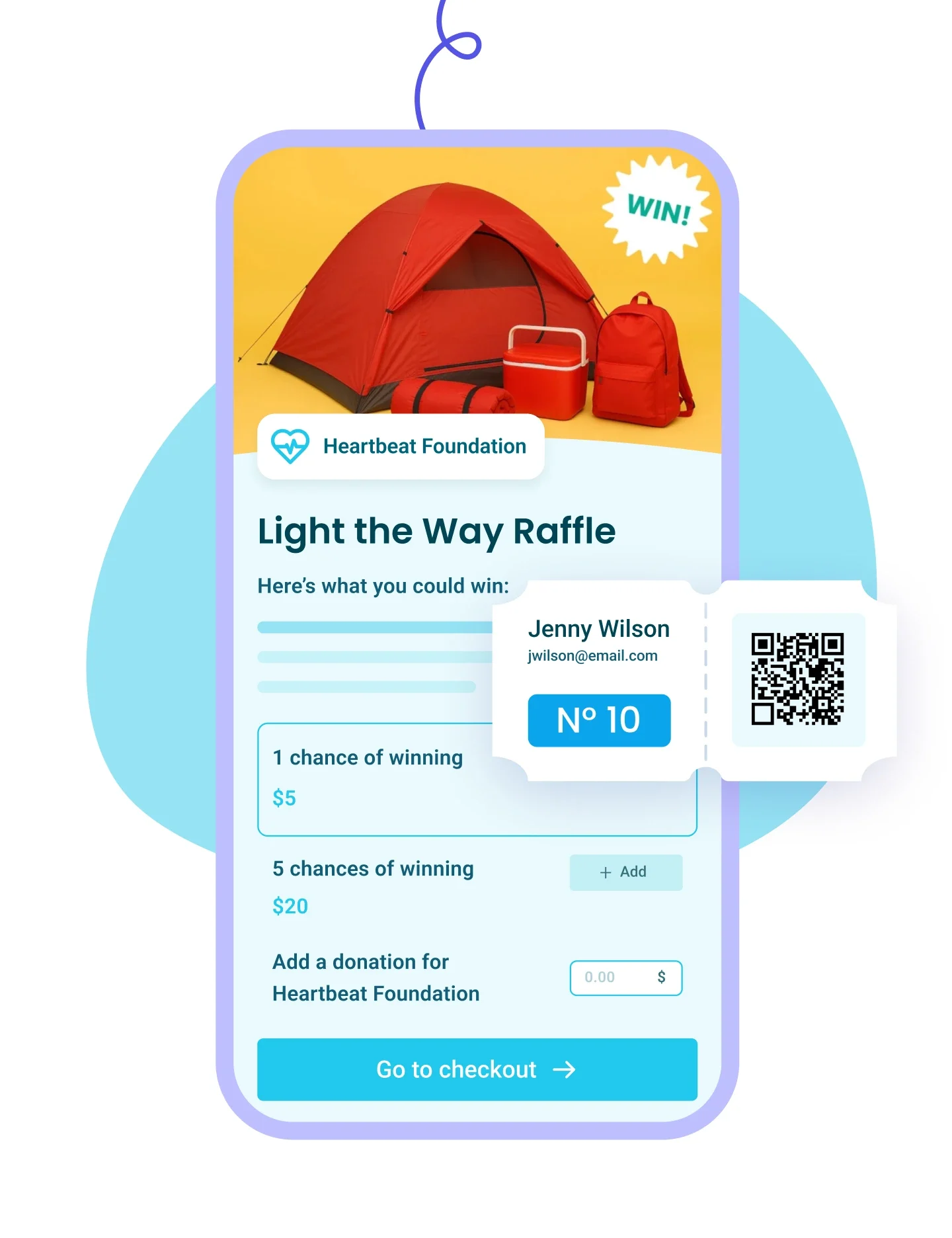


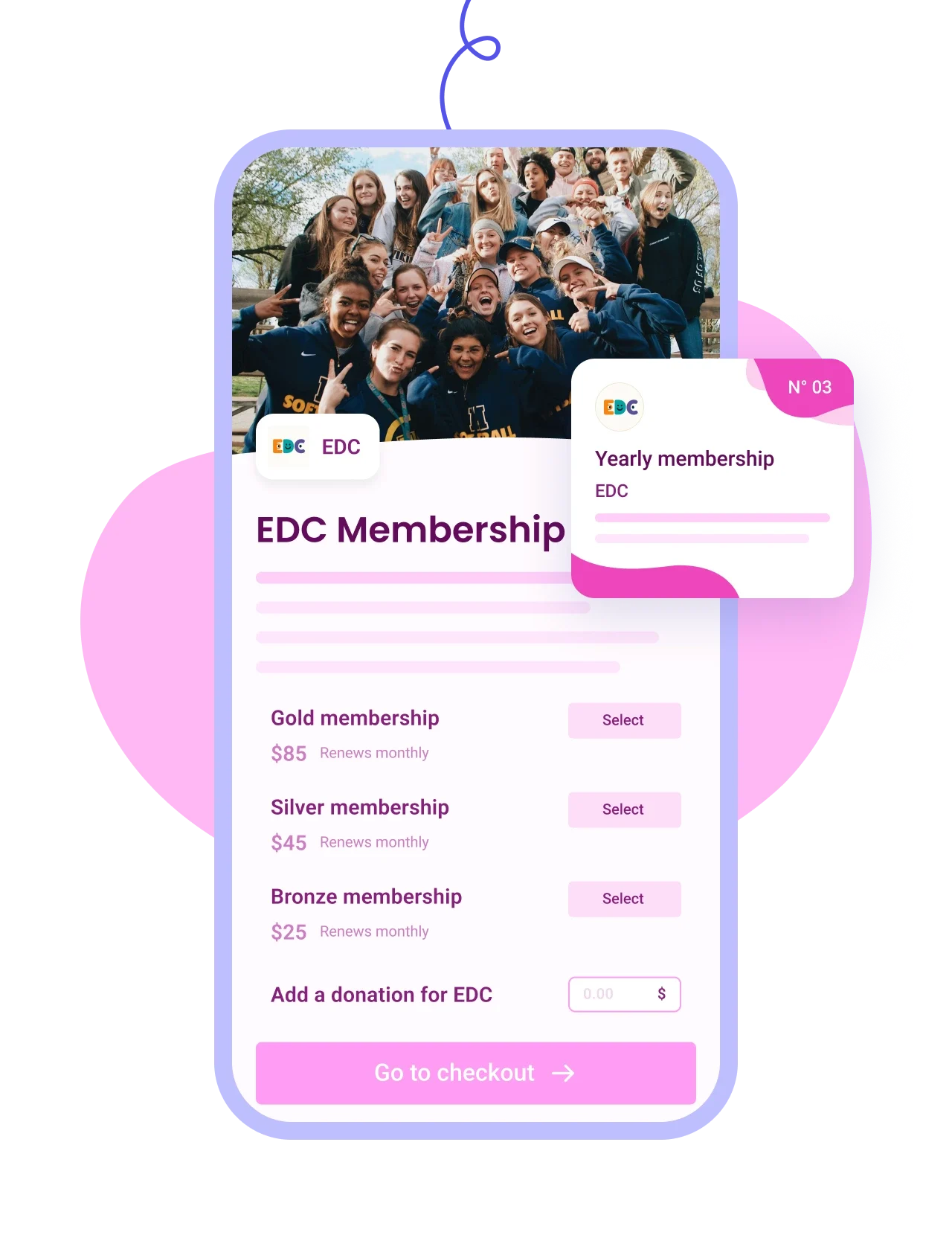
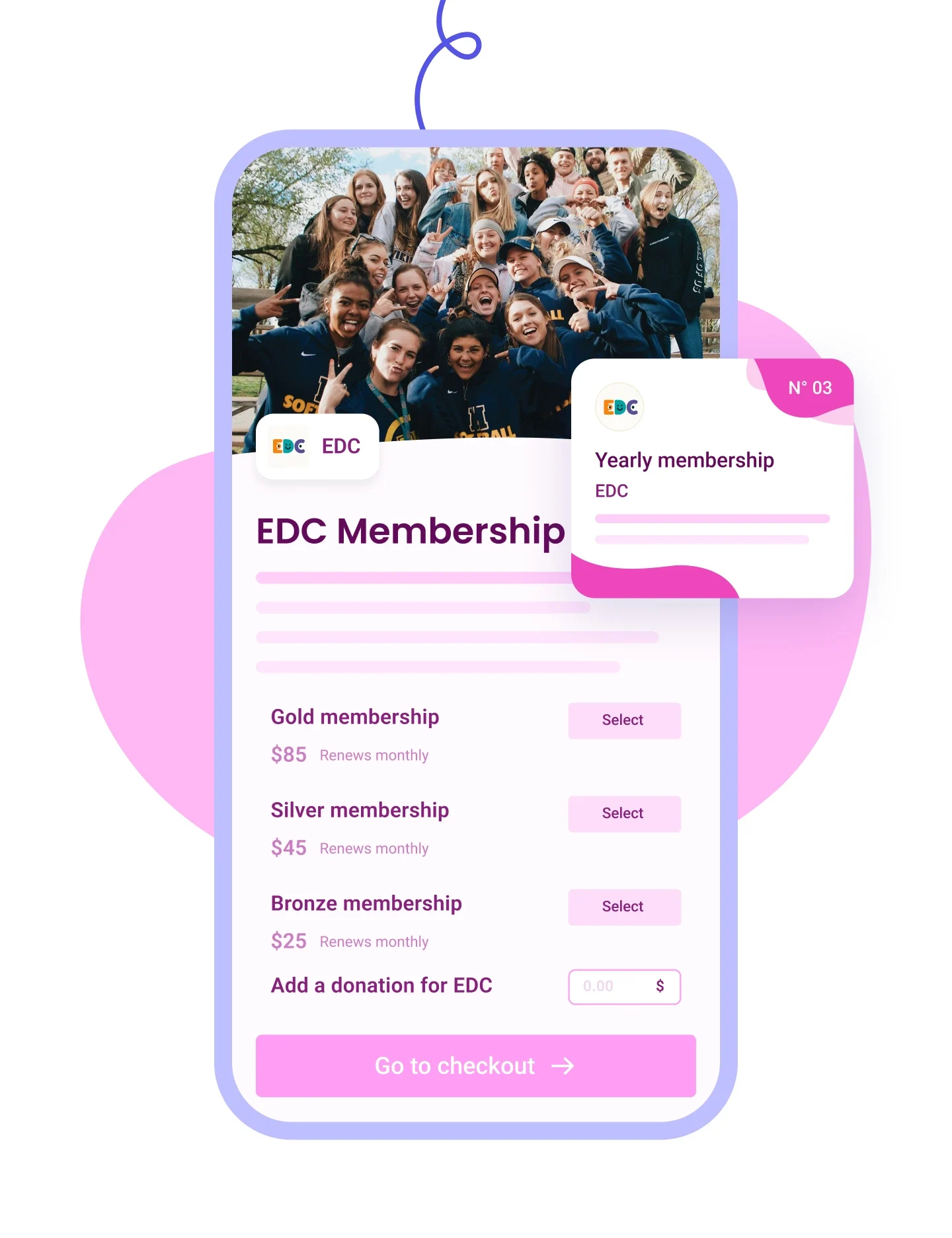






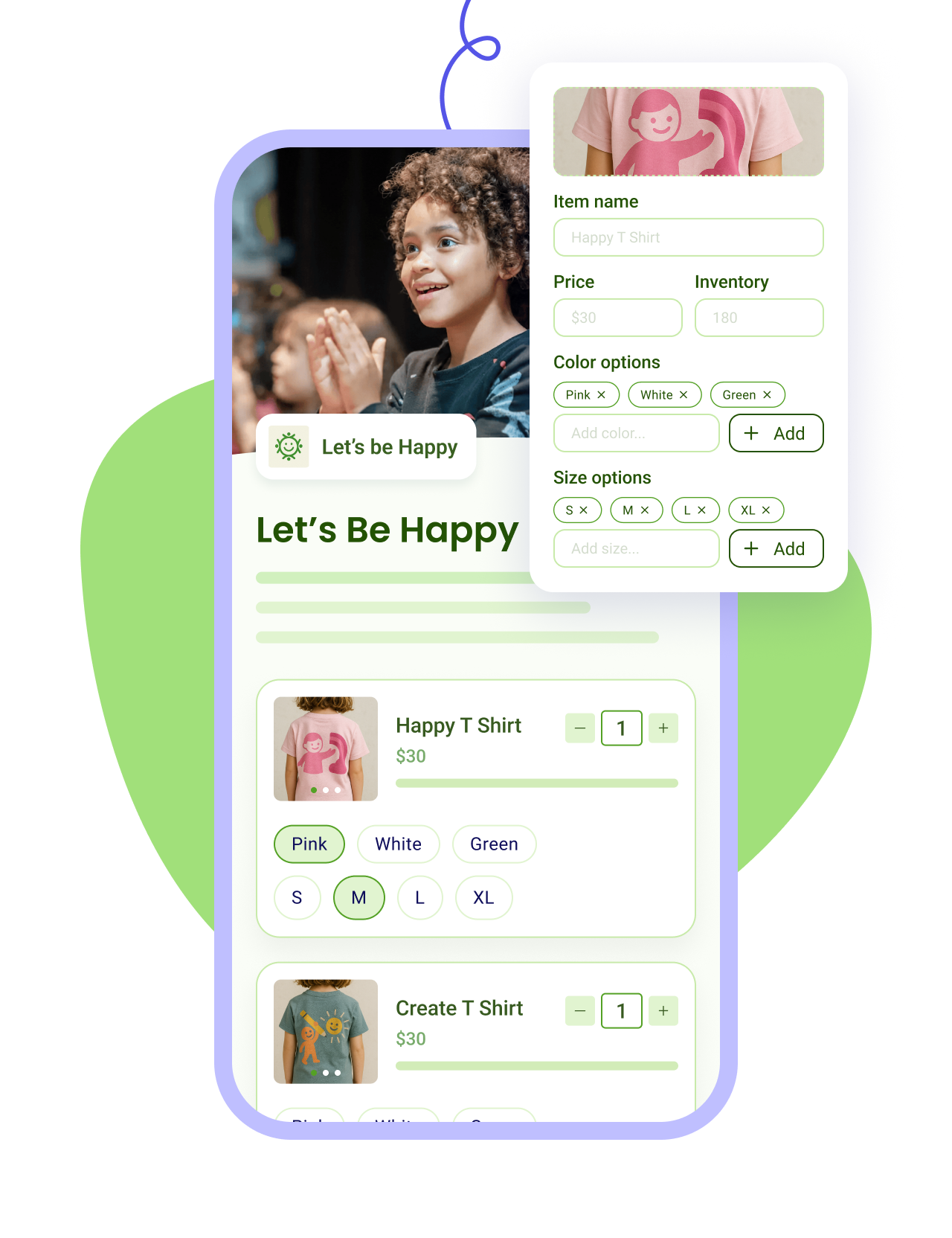
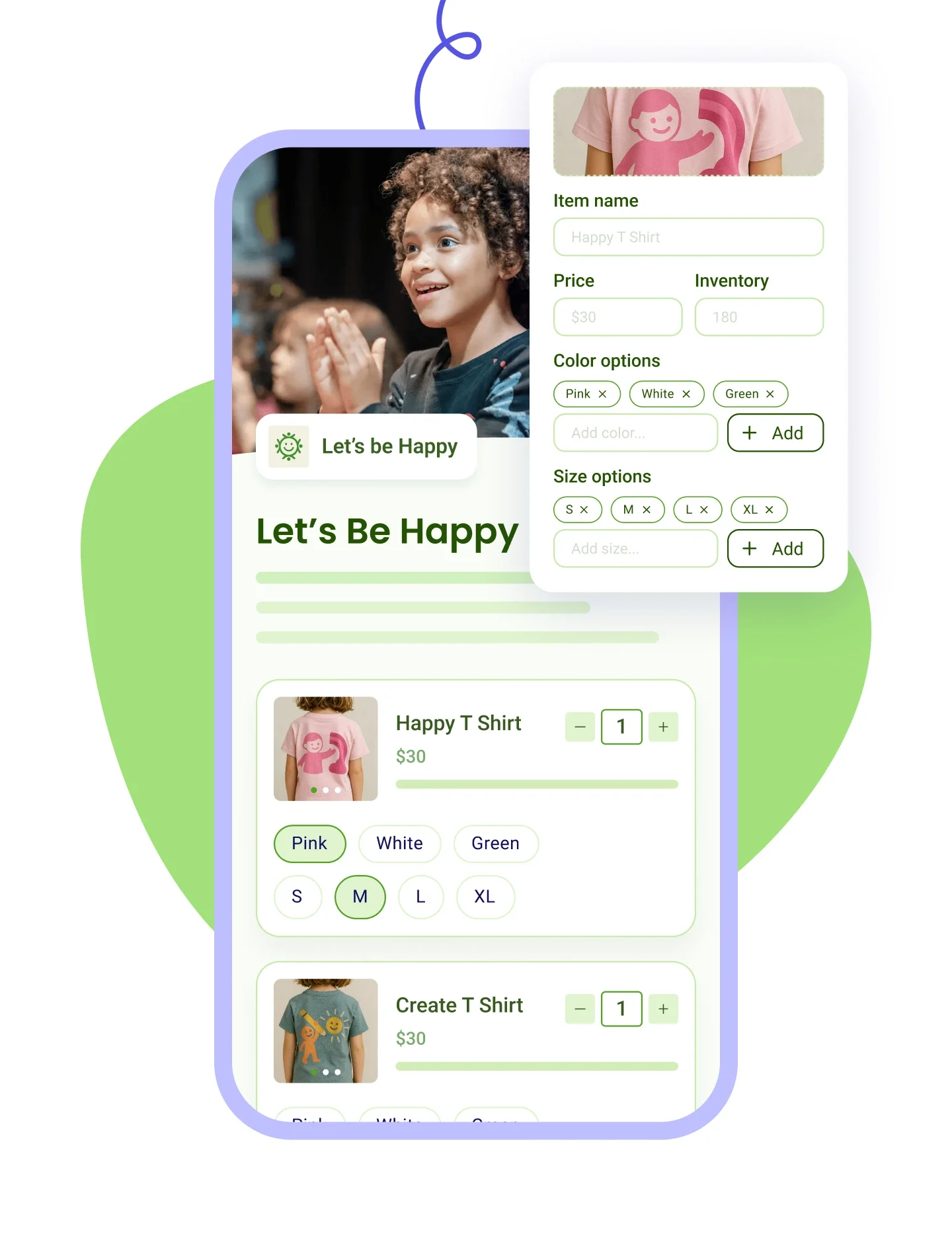


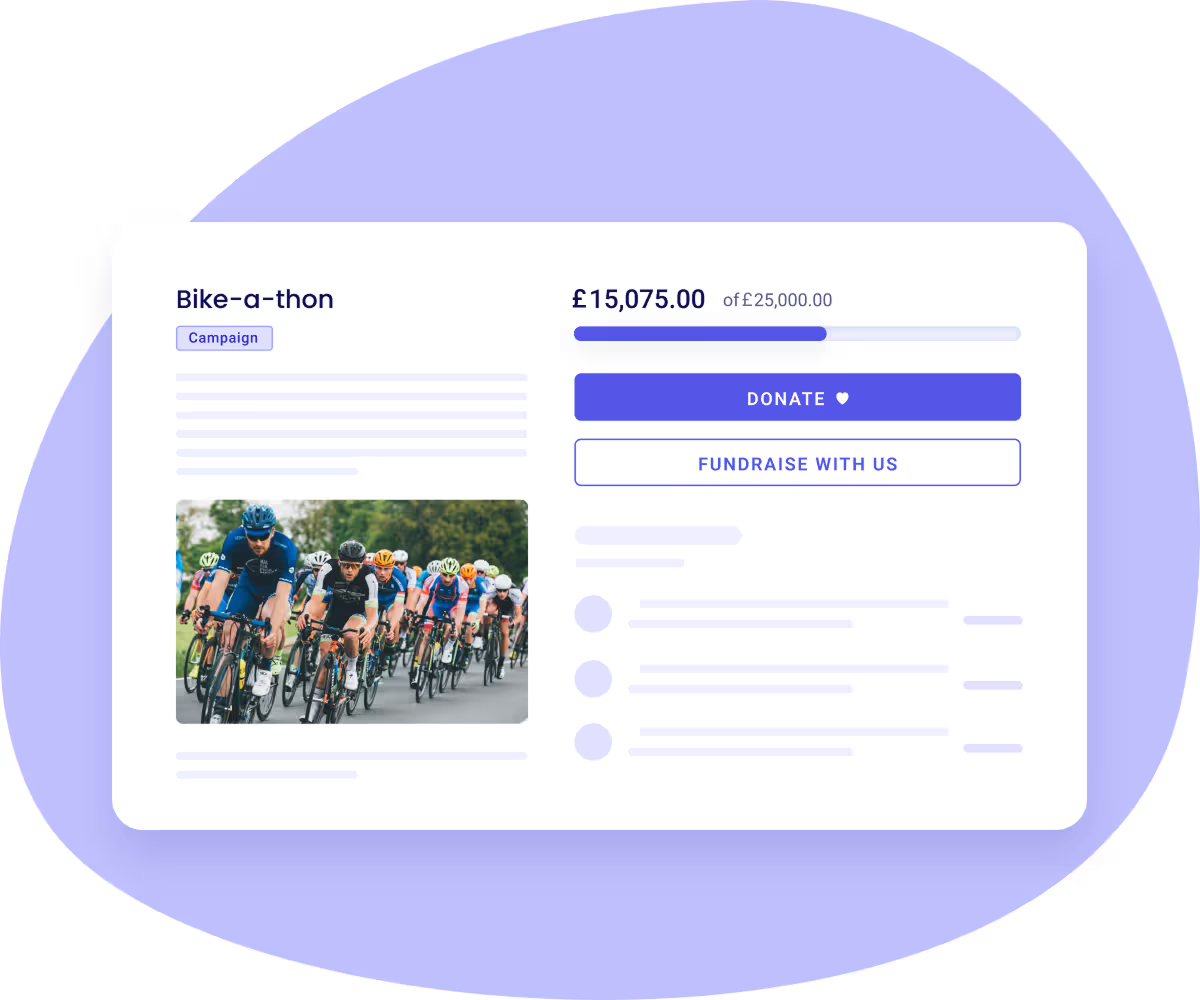
Donors who land on your campaign can choose to:
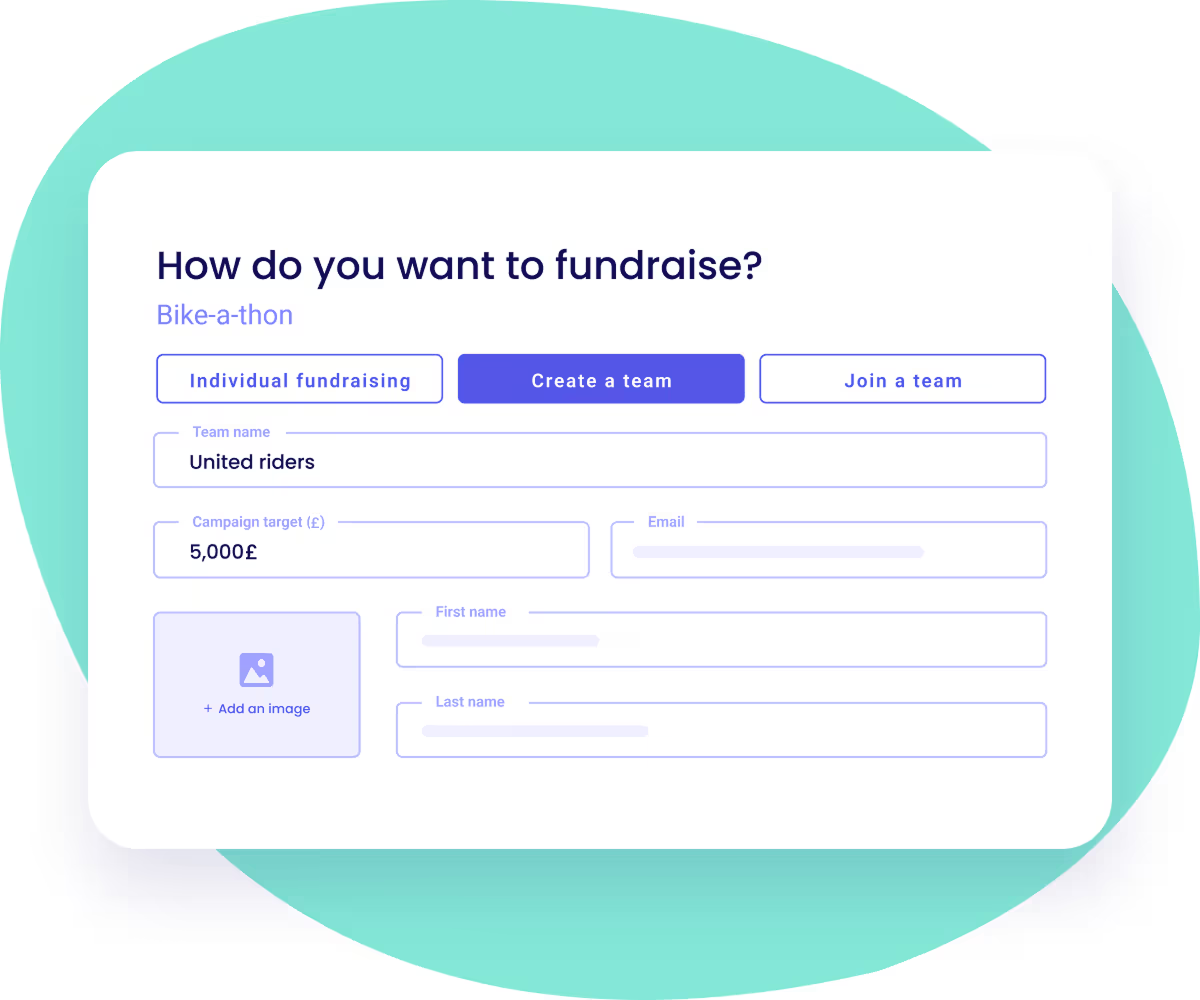

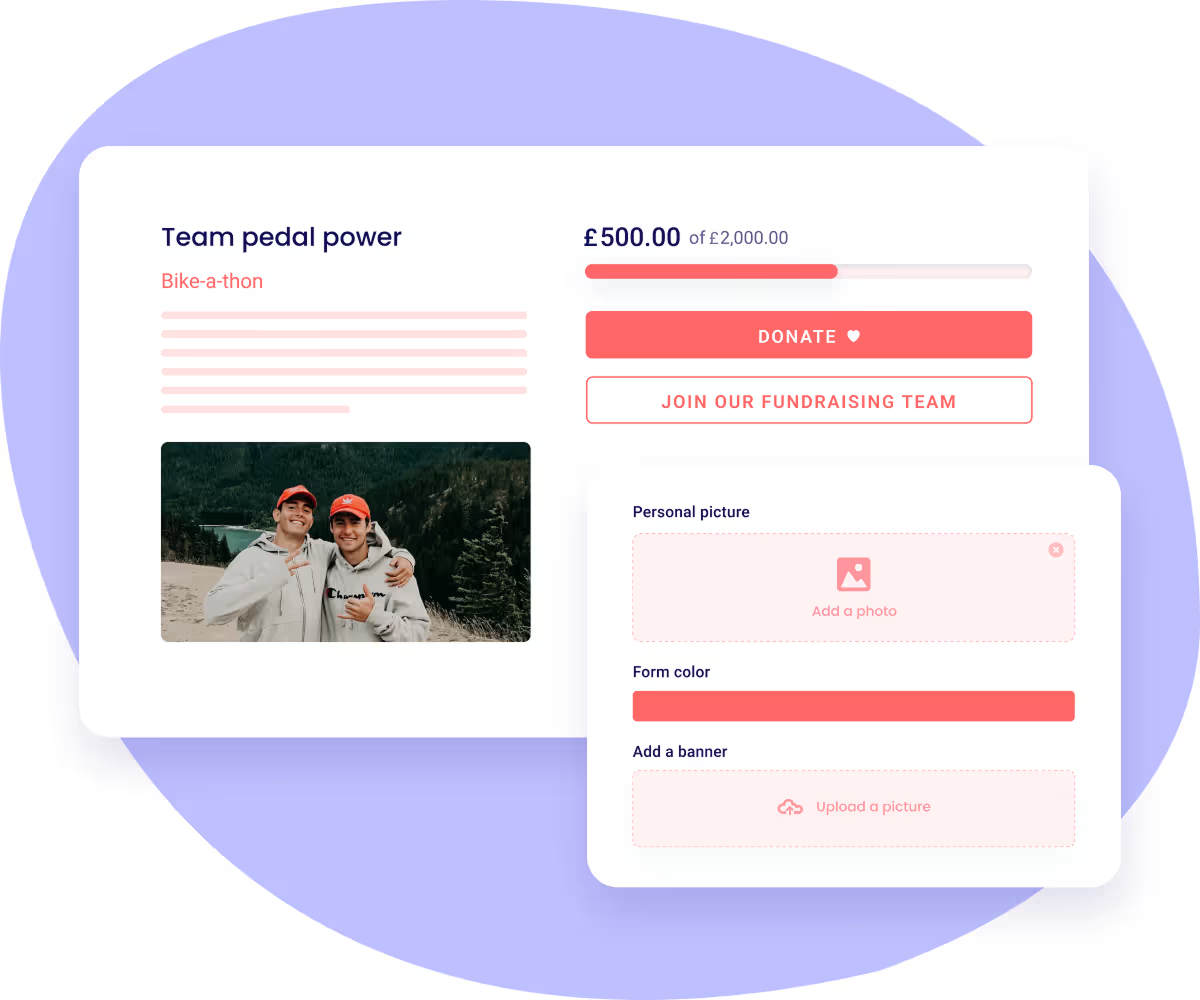
Fundraisers can:


.png)
Yes, and that includes everything your fundraisers bring in. There is no platform fee, no transaction fee, no card fee and no percentage of anyone's total, so a £50 sponsorship on a participant's page arrives as £50 in your bank account. What funds Zeffy is a voluntary contribution the donor can add at checkout, shown on its own line with an amount they are free to lower or set to zero.
Peer-to-peer is where a percentage does the most damage. You are collecting hundreds of small gifts across dozens of pages, and a cut comes off every single one of them before it reaches you.
Yes. Each fundraiser gets their own page under your campaign. They can set their own title and target, write their own story, add a profile photo and a banner, choose a colour, and write the thank-you message their donors receive. Everything they raise rolls up to your campaign total.
Both, and you decide which. Creating a team, joining a team and fundraising on your own are three separate switches. So you can run a campaign that is teams only, individuals only, or open to all of it. Donors can give to the main campaign, to a particular team, or to one person they know.
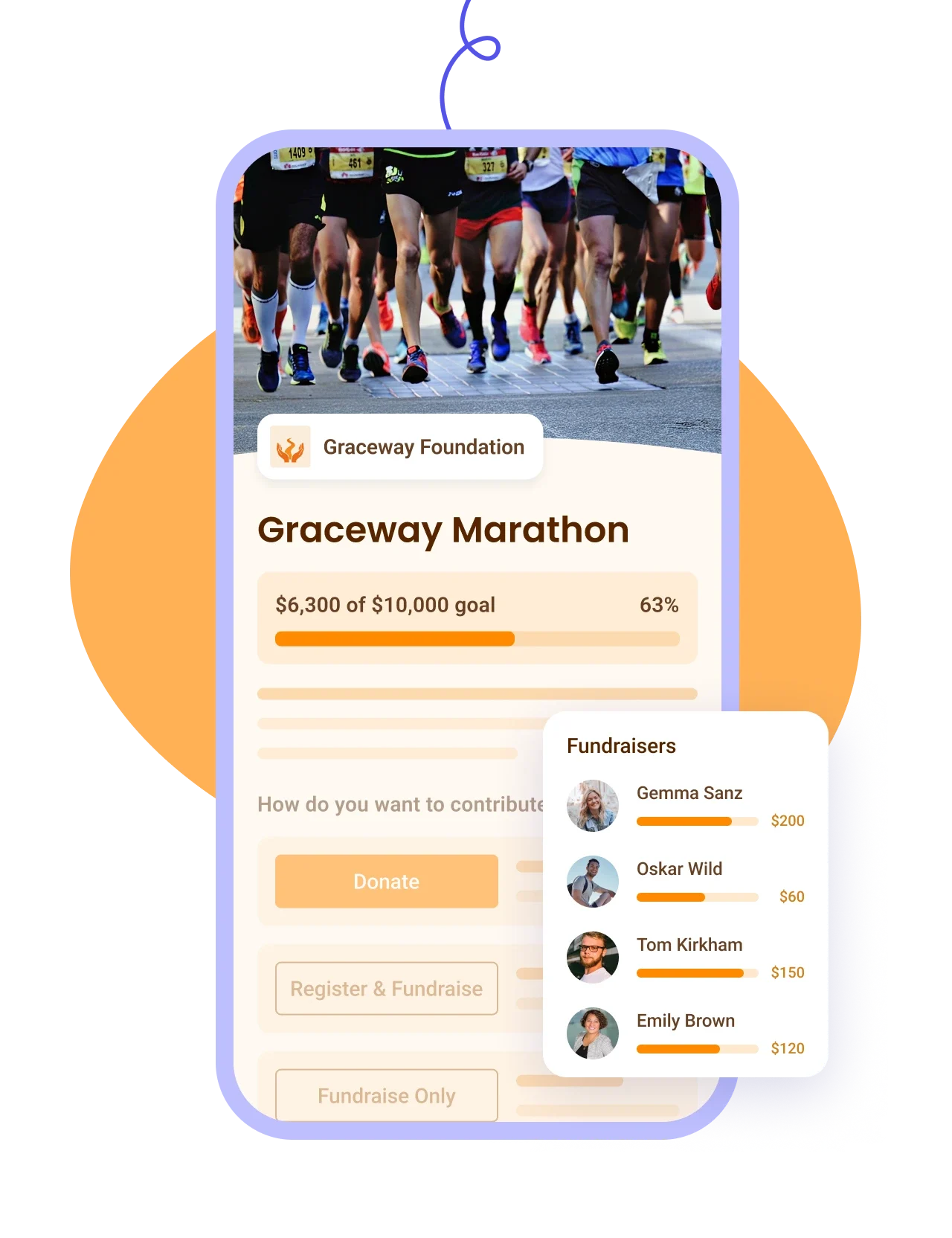
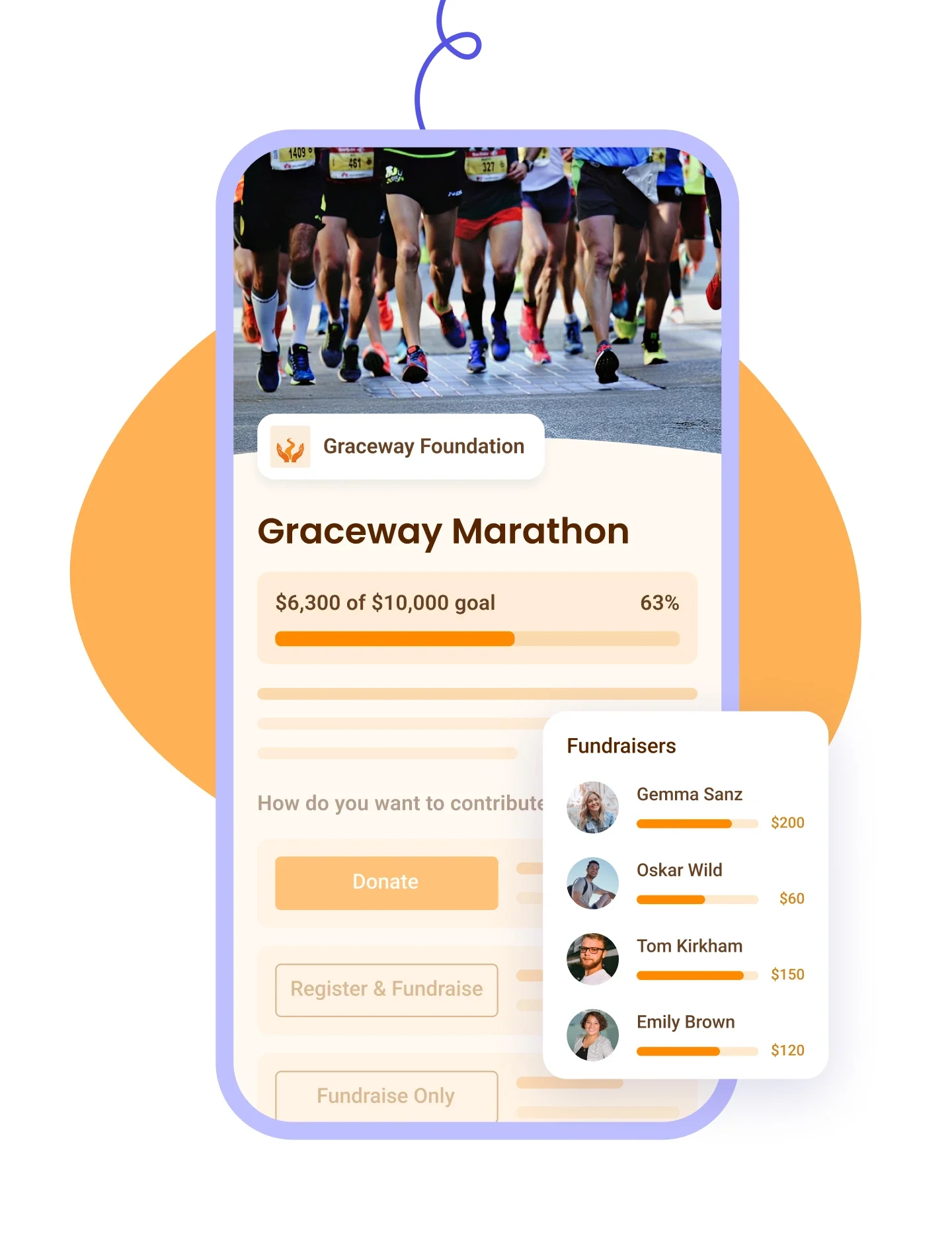
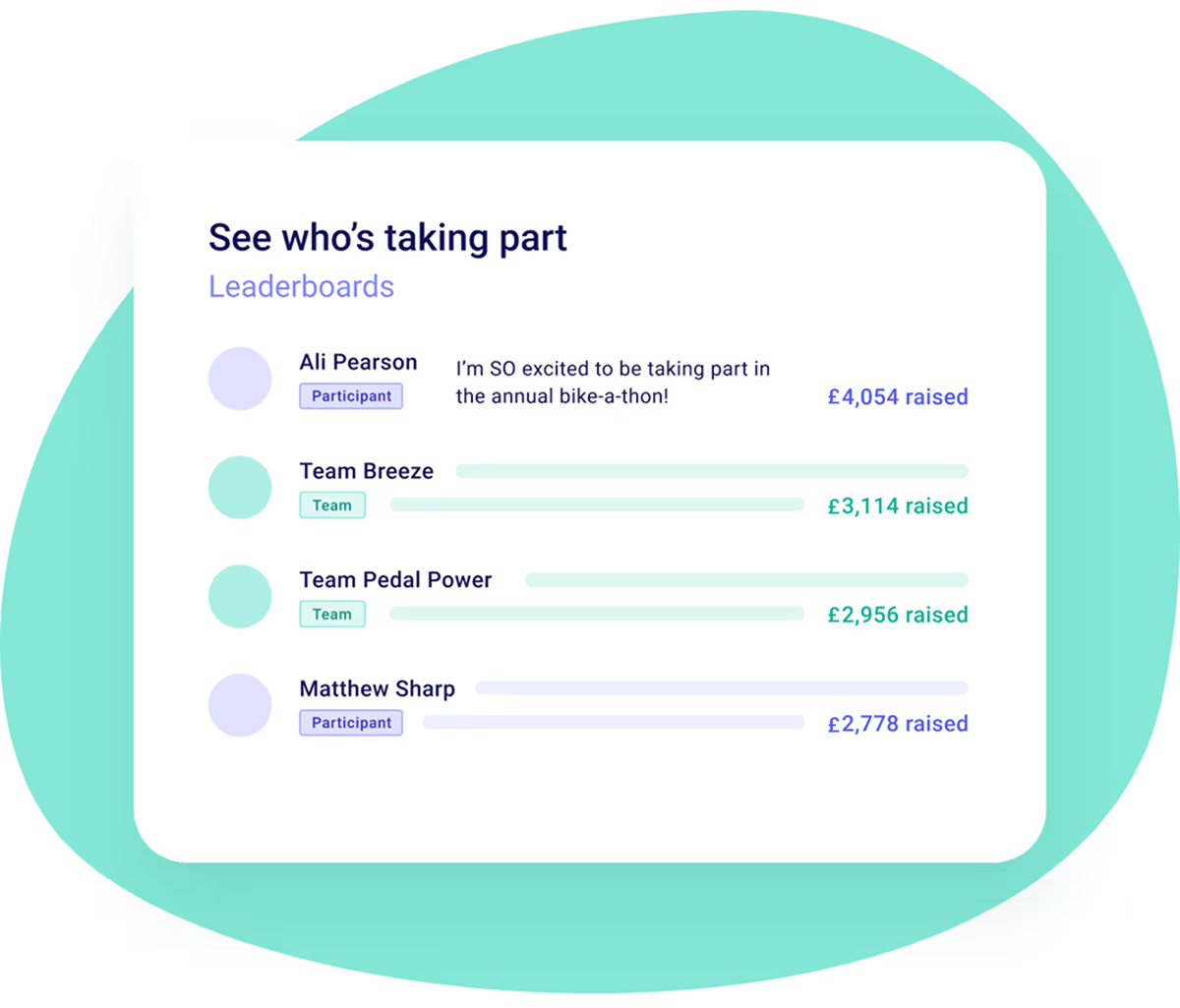
Yes. A public leaderboard ranks fundraisers and teams by how much they have raised. Each team and participant page also carries its own thermometer, the bar that fills up as gifts come in, alongside the campaign's. Setting a fundraising target is what puts that bar on the page, so skip the target and you get no thermometer. A public list of donors sits underneath it unless you switch that off, and donors can choose to stay anonymous either way. You can also embed the thermometer on your own website, on its own or next to the leaderboard. That bit of friendly competition is usually what turns a quiet week into a push.
Two routes, and the second one avoids most of the trouble people run into. Supporters can go to your campaign page and sign up themselves, choosing to start their own page, create a team or join one. Or you build the pages for them before launch, using each person's own email address so the page belongs to them, then send everyone a direct link to their own page.
That second route is worth the extra half hour. Nobody has to work out where to click, and you can switch off public signup so your campaign page only asks for donations. You can also send someone straight to the join-a-team or create-a-team step with a link, rather than making them navigate to it.
Each fundraiser's own. If you build the pages under your own email address to save time, every page ends up attached to you. Those team leaders then cannot edit their page, and will not hear about it when someone joins their team or a donation arrives. It is not something you can correct later either, since the email on a team cannot be changed, so putting it right means deleting the team and building it again. Collect names and email addresses before you start and you will only do this once.
Yes, both from the campaign itself. Your campaign overview lists every team and participant, and you can write to all of them from there, dropping in their first name so it does not read like a mass email. You can also export the list, which comes out with each fundraiser's team, the target they set and how much they have raised. That is what you want in front of you when you are working out who needs a nudge.
Share each fundraiser's own page link rather than the main campaign link. A gift given on the main campaign page counts towards your overall target but not towards any one participant or team, which catches people out when a fundraiser sends their family the wrong link. Every participant and team page has its own address, so ask your fundraisers to share theirs. And when a supporter hands one of your fundraisers cash or a cheque, log it as a payment against that person's page so their own total stays right.
Yes, on the sponsorship itself. Peer-to-peer campaigns are one of the form types Gift Aid is offered on, so a sponsor confirms their declaration at the moment they give rather than on a paper sponsor form chased after the event. That is usually the part of a sponsored run or walk that goes missing: the money comes in, the declarations do not.
The mechanism is worth being precise about. Gift Aid runs through Swiftaid: link your bank account, then connect a Swiftaid account to Zeffy from Settings, under Organisation. It is enabled across all your eligible forms rather than campaign by campaign, and it is only available to UK charities registered with HMRC for tax purposes, adding 25% to eligible donations from UK taxpayers at no cost to you.
One line to hold on to: sponsorship is a gift, so it qualifies, but an entry fee someone pays to take part is payment for a place, so it does not. And because Zeffy takes no platform or transaction fee, the sponsorship and the Gift Aid on top both reach you whole.
Create your campaign, set your target, and choose how supporters take part: they can start their own page, form a team, join someone else's, or all three, since each of those is a switch you control.
You can also build the teams yourself before you launch, name them and give each one its own target. Then send every leader straight to their page rather than asking them to find it.
From there you follow every page and every gift from one dashboard. One thing to get right first time: your campaign name sets your web address, and the address locks the moment you first save it.
Look for three things: every supporter gets their own fundraising page, all the gifts roll up to one campaign target, and the platform does not take a percentage of what your fundraisers raise. That third one usually decides it. If 30 fundraisers each bring in £500, that is £15,000, and on Zeffy the full £15,000 reaches your bank account, with no platform fee, no transaction fee and no card fee. Ask the same question about the Gift Aid uplift, because some platforms take a percentage of that as well. Zeffy takes no fee at all, so the 25p on every £1 reaches you whole too.
JustGiving is the name most UK donors will already recognise, which counts for something when a fundraiser is sharing their page with people who have never heard of your charity. For a side-by-side of what the UK options actually charge, our roundup of the best peer-to-peer fundraising platforms for UK charities has the detail.
Yes, and sponsored events are one of the most common ways it gets used: sponsored runs, walks, swims and silences, and school fun runs with a team for each year group or class. Each participant raises sponsorship towards the campaign target from their own page. If you want to charge people to take part, you can link a registration form to the campaign. It handles one registration at a time, so a family signing up together completes the registration form first, then joins the campaign after.
For the event itself, our 20-step guide to organising a charity 5K covers the planning, and if yours is a school read-a-thon there are free templates and a goal calculator to go with it.
.webp)


