How is Zeffy free?
How is Zeffy free?
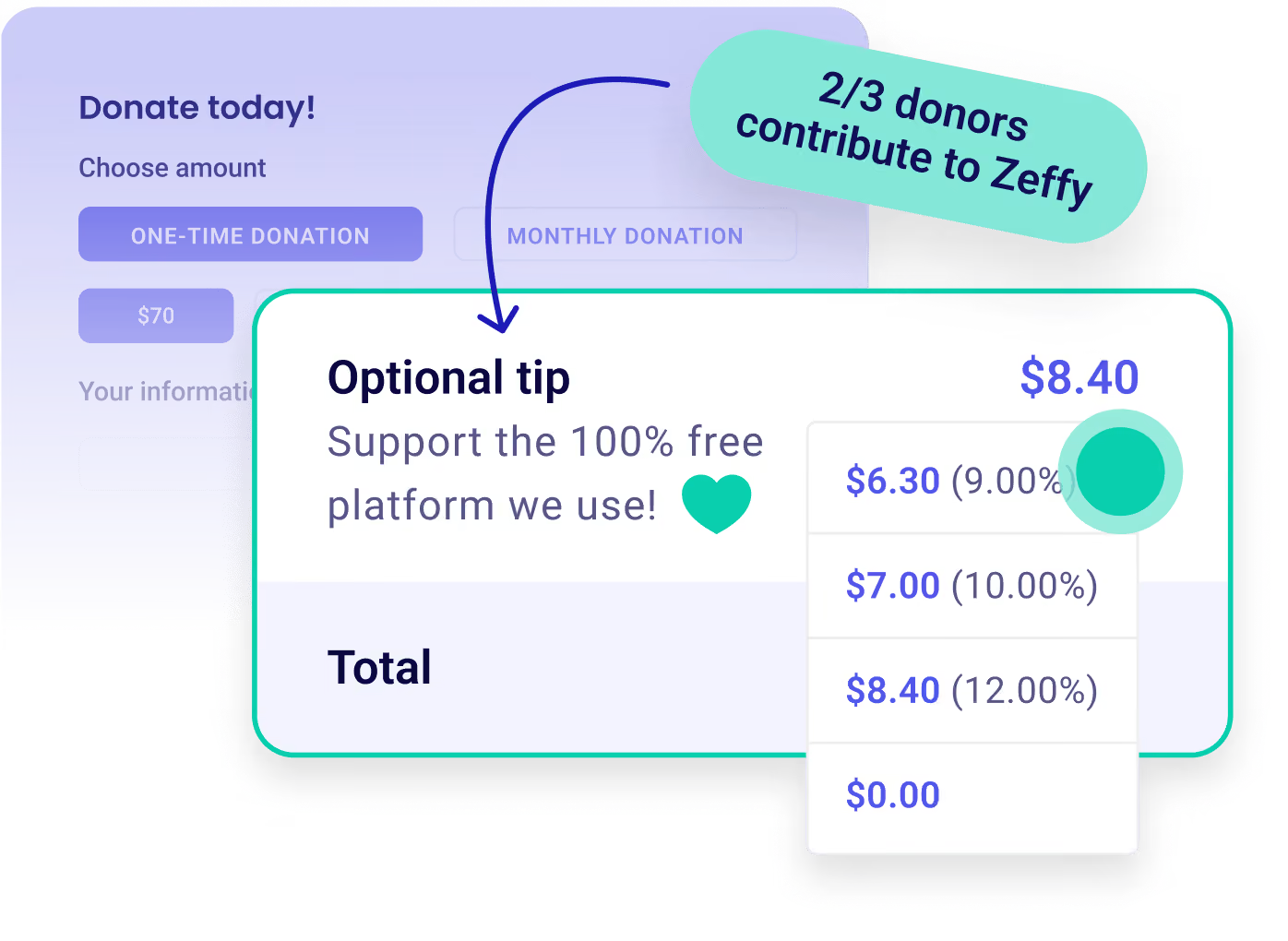
Zeffy relies entirely on optional contributions from donors. At the payment confirmation step - we ask donors to leave an optional contribution to Zeffy.
Learn more >

Multiply your fundraisers. Not your fees.

Enlist your donor network to fundraise for your not-for-profit with Zeffy's free peer-to-peer fundraising platform. Every other platform charges fees to fundraise, we don’t and won’t.

Multiply your fundraisers. Not your fees.

Customize Icon

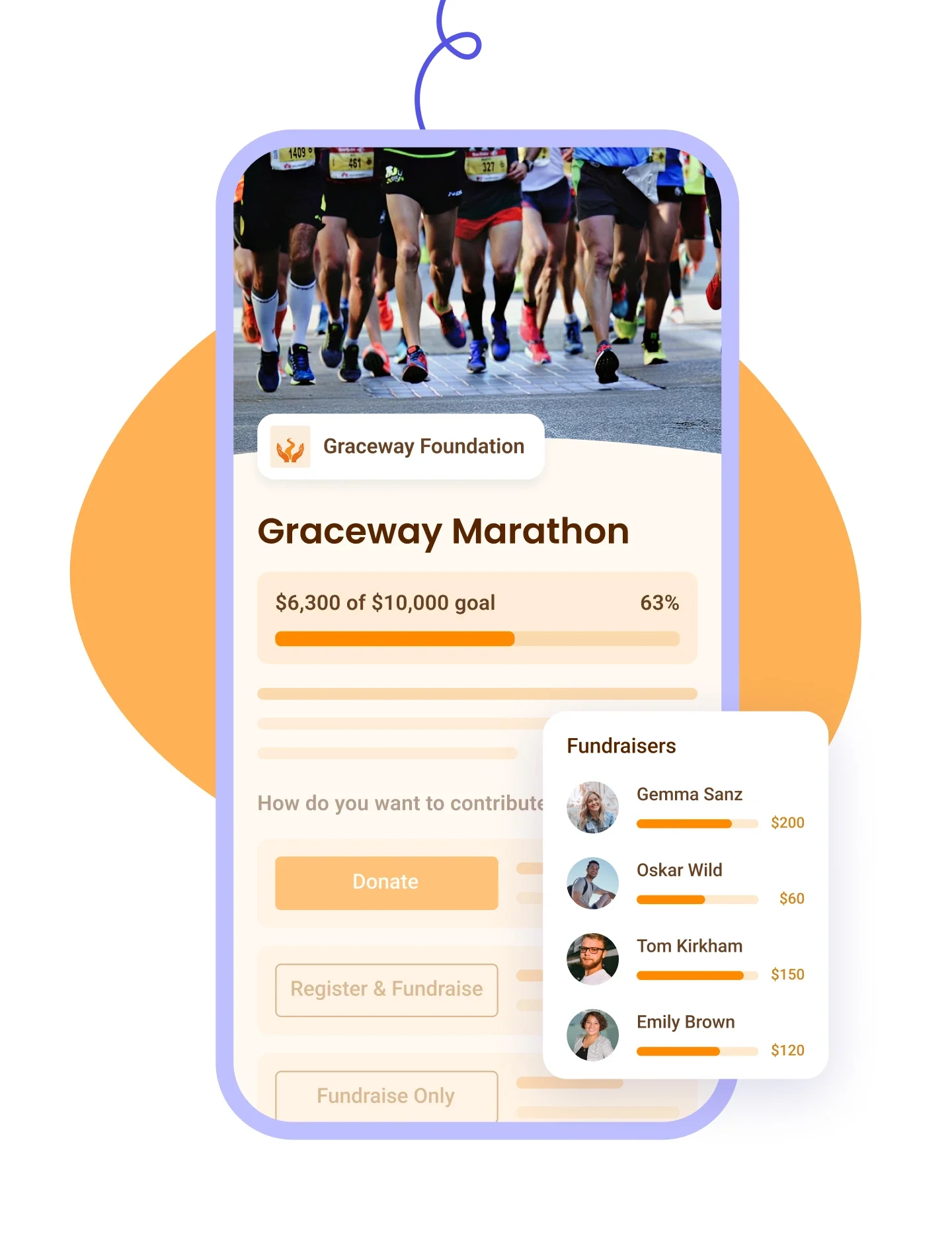
Peer fundraising. Give each supporter their own fundraising page to share with their community. One-click donations.

Payment Icon

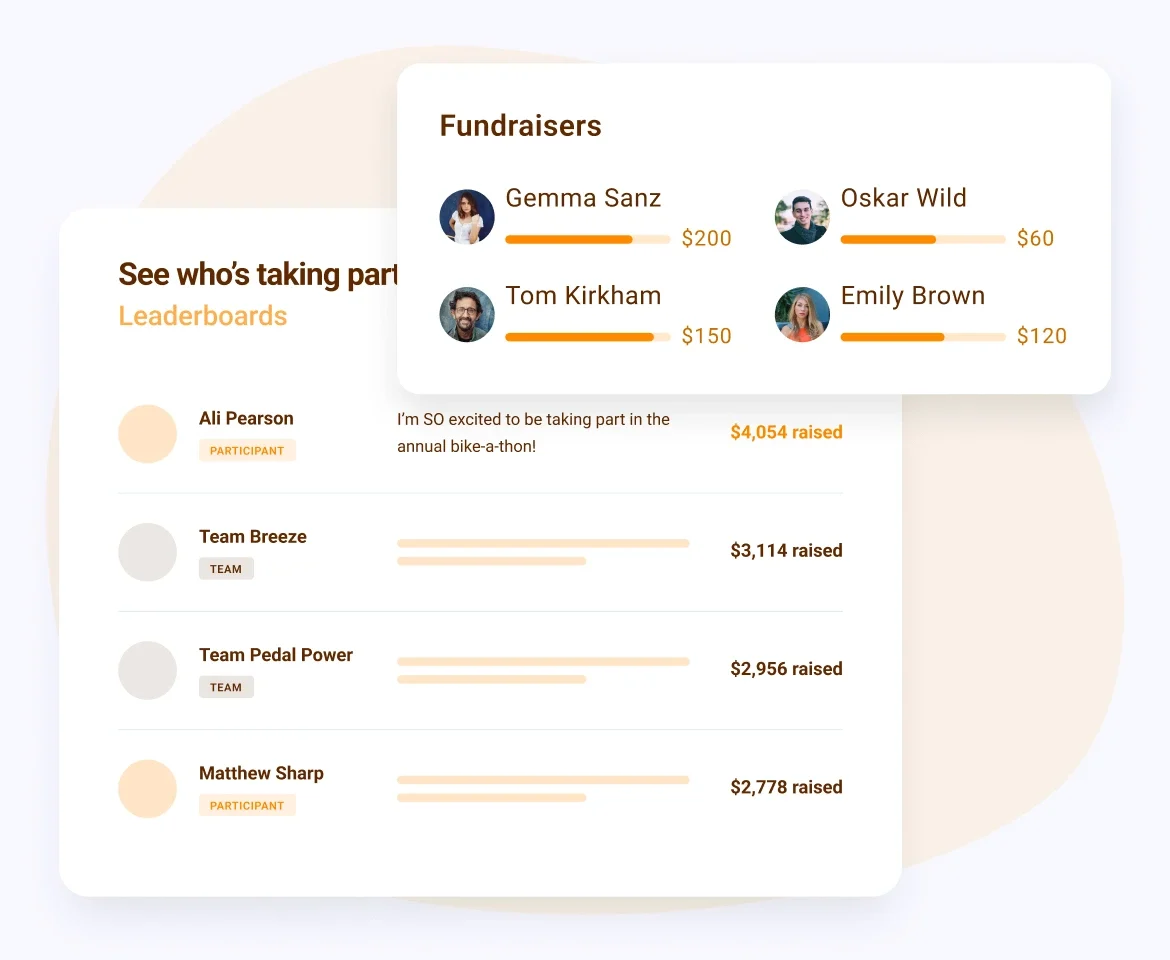
Engagement. Boost motivation with leaderboards, progress bars, etc. Recognize top contributors. Send outreach emails.

Donation Icon

Payments. Accept all payment types, including cards, Apple Pay, Google Pay, and ACH. No fees. Keep 100% of every donation.
Create a free campaign
100% free forever.
P2P
Worthy Dog Rescuekids cancer careBOYS & GIRLS CLUBS OF AMERICAthe YMCA
We were ready to sell tickets in less than 30 minutes. The reporting capabilities were better than some other paid-for sites.
Mark B
Theta Mu Lambda Charitable Foundation
We couldn't believe there was a free payment platform for our Girl Scout group. Zeffy took ZERO fees from us, which is huge when you run on very small amounts of money.
Jennifer H
GSCB Troop 144
Zeffy has been invaluable in helping me track our donors, sales, events, and revenue in one spot. The coolest thing about Zeffy is it really is free!
Debra B
Glory to Glory Women's Mentoring Ministry
Zeffy is very simple, allows for a lot of customisation and seamlessly integrates into our website. The fact that all of this is free is still wild to me.
Ryan S
Jesters Theatre: Youth Unlimited
Zeffy is very easy to use and ensures that every dollar quickly gets into our account. A huge help to our work!
Nathan C
Jiwa International
Since using Zeffy, our conversion rate of donations has skyrocketed. It's an easy platform to use. Plus customer support has always been responsive and helpful!
Stevie C
We Are HER
We were incurring a ton of fees for our past fundraising platform and Zeffy has helped us receive so much more of our donations.
Amy R
Rebuilding Together Metro Chicago
Everything about Zeffy suits us starting with (of course, NO fees) but also the ease of use and customer experience as well as their client support!!
Carmen M
DIVINA World Foundation
4.9
(819 reviews)
4.8
(474 reviews)
“Zeffy helps us support our athletes in raising money to offset the cost of participation without hidden fees. Each participant receives exactly what has been donated to them.”
Lorie K
Lorie K.
Rainier Volleyball Club
“Our previous fundraising CRM charged for such things as P2P fundraisers. Zeffy allows us to carry out these types of fundraisers for no cost.”
Sara P
Sara P.
Empower Missouri
“Zeffy offers a peer to peer fundraising option that's free and works very well. Others charge hundreds of dollars for the same service!”
Theresa W
Theresa W.
Executive Director
Zeffy is very simple, allows for a lot of customisation and seamlessly integrates into our website. The fact that all of this is free is still wild to me.
Elisa G
Elisa G.
Executive Director
“I love using Zeffy for fundraising as it allows us to easily and effectively collect peer-to-peer funds. The lack of processing fees is fantastic!”
Erica J
Erica J.
Development Director
“Zeffy is easy to use and customizable without being overwhelming, which allows me to create different peer-to-peer fundraisers for different campaigns.”
Liz C
Liz C.
Founder
“The Zeffy interface is easy to use and delivers attractive materials for social media and email. We used it for event registration, peer-to-peer campaigns, and donations.”
Michael L
Michael L.
Capterra
“I love that Zeffy offers an integrated platform with multiple online solutions whether it be a donation campaign, peer-to-peer fundraising, an auction, an online store and more.”
Doug L
Doug L.
Executive Director
4.9
(1039 reviews)
4.8
(474 reviews)

Raise more with 100% free fundraising tools

Dontaion IconDontaion Icon
Donations
Plus IconMinus Icon
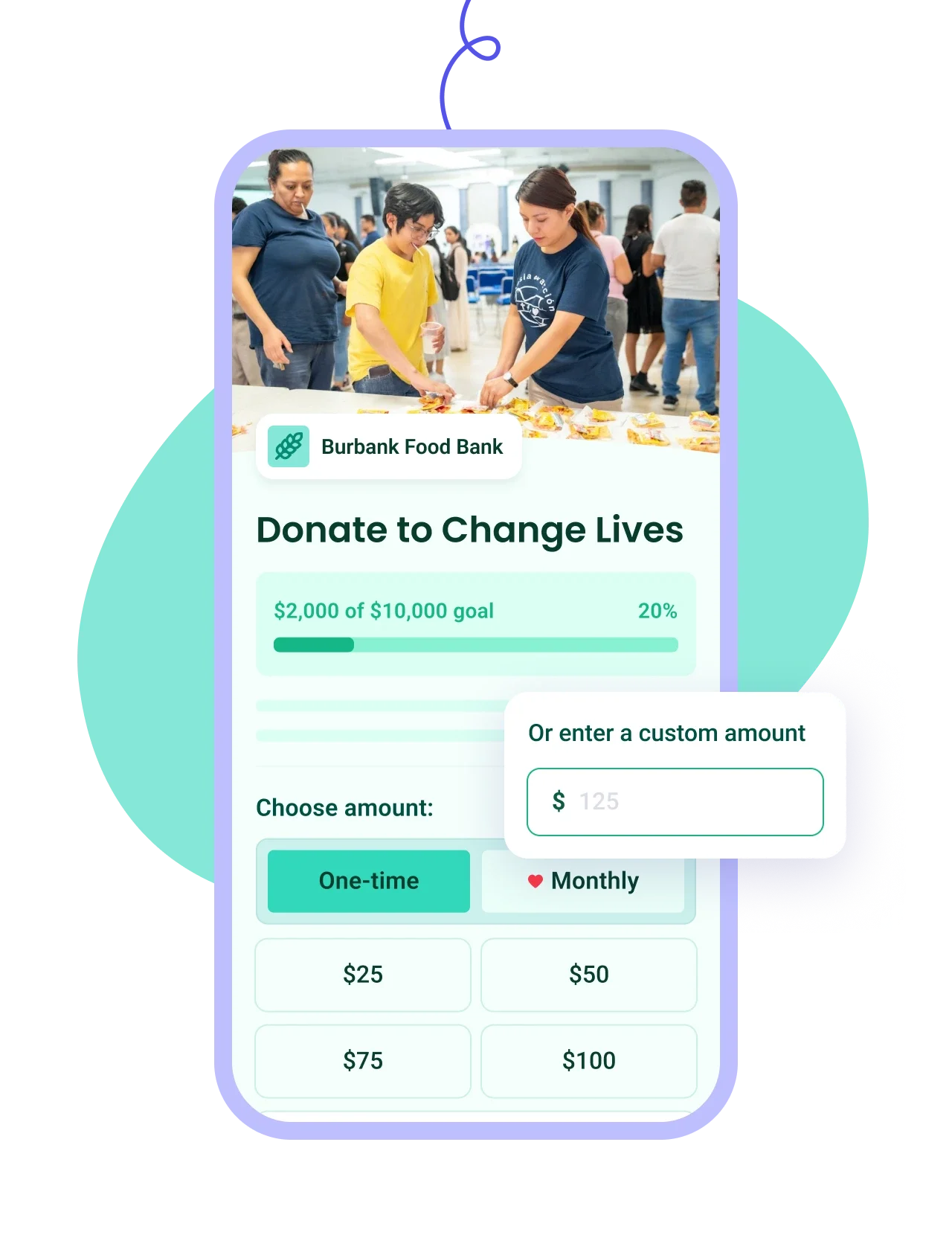
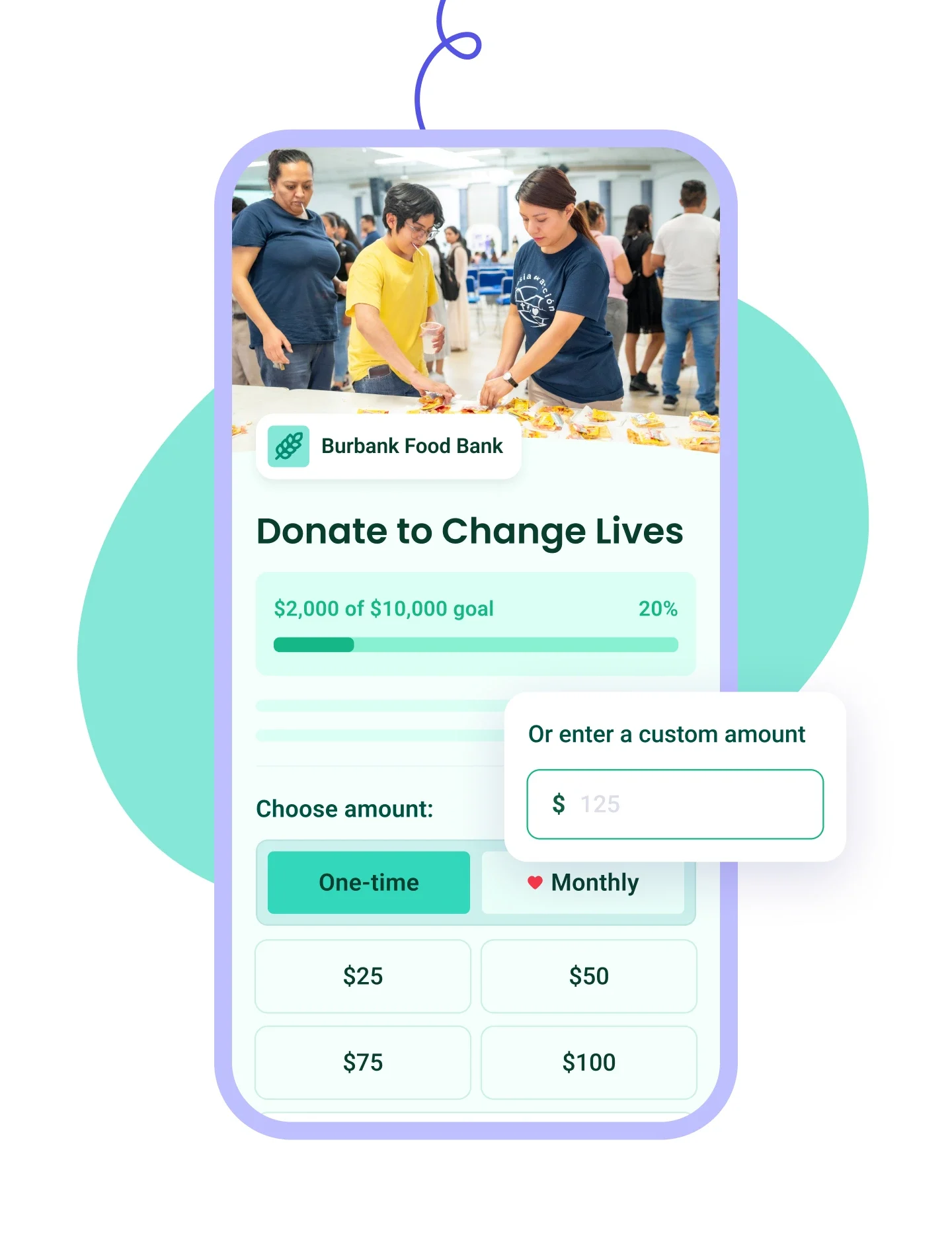
Build branded forms in minutes with one-time or recurring giving and automatic tax receipts.
Learn more
Right Arrow defaultRight Arrow Hover
Donation Tablet ImageDonation Mobile Image
Ticketing IconTicketing Icon
Ticketing
Plus IconMinus Icon
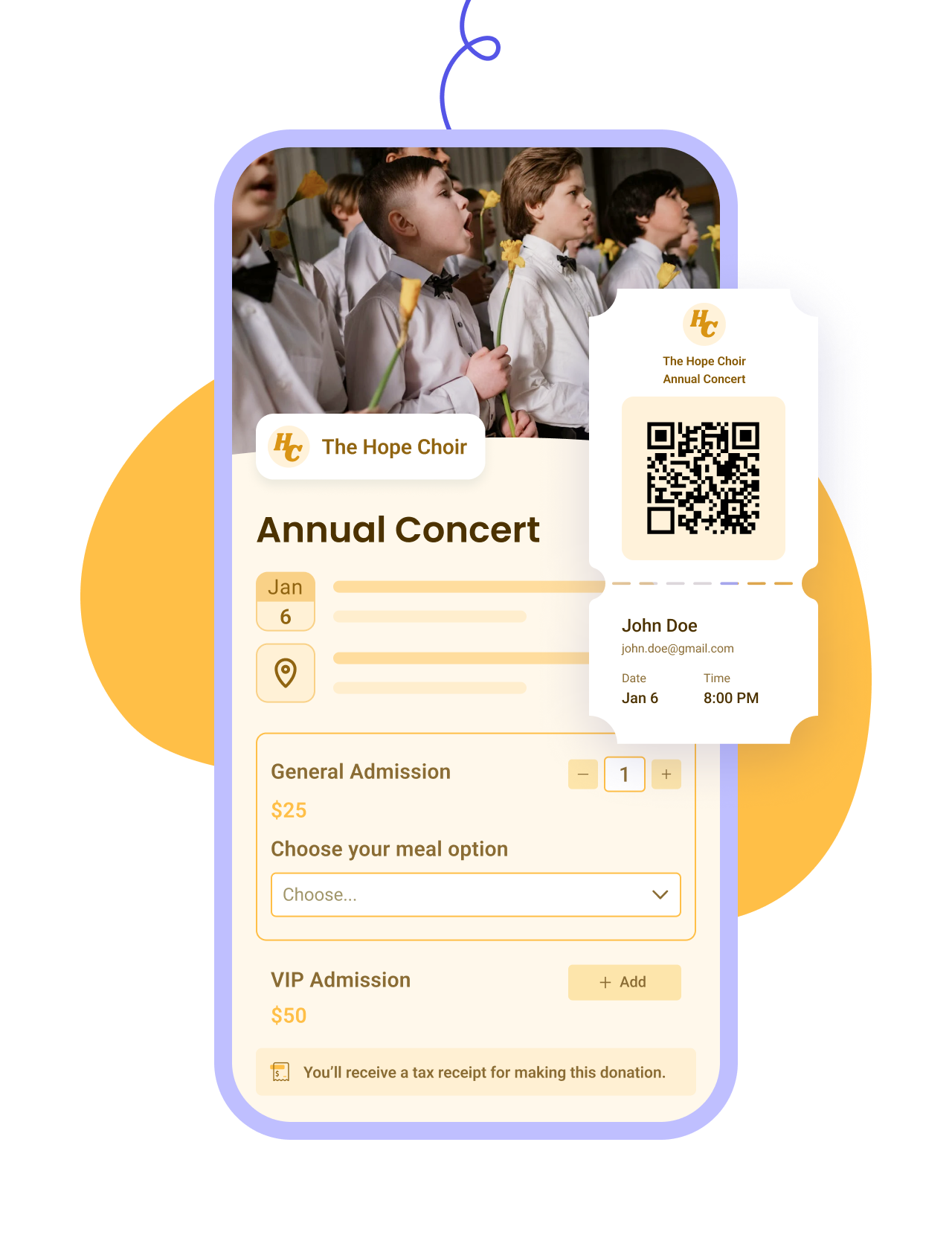
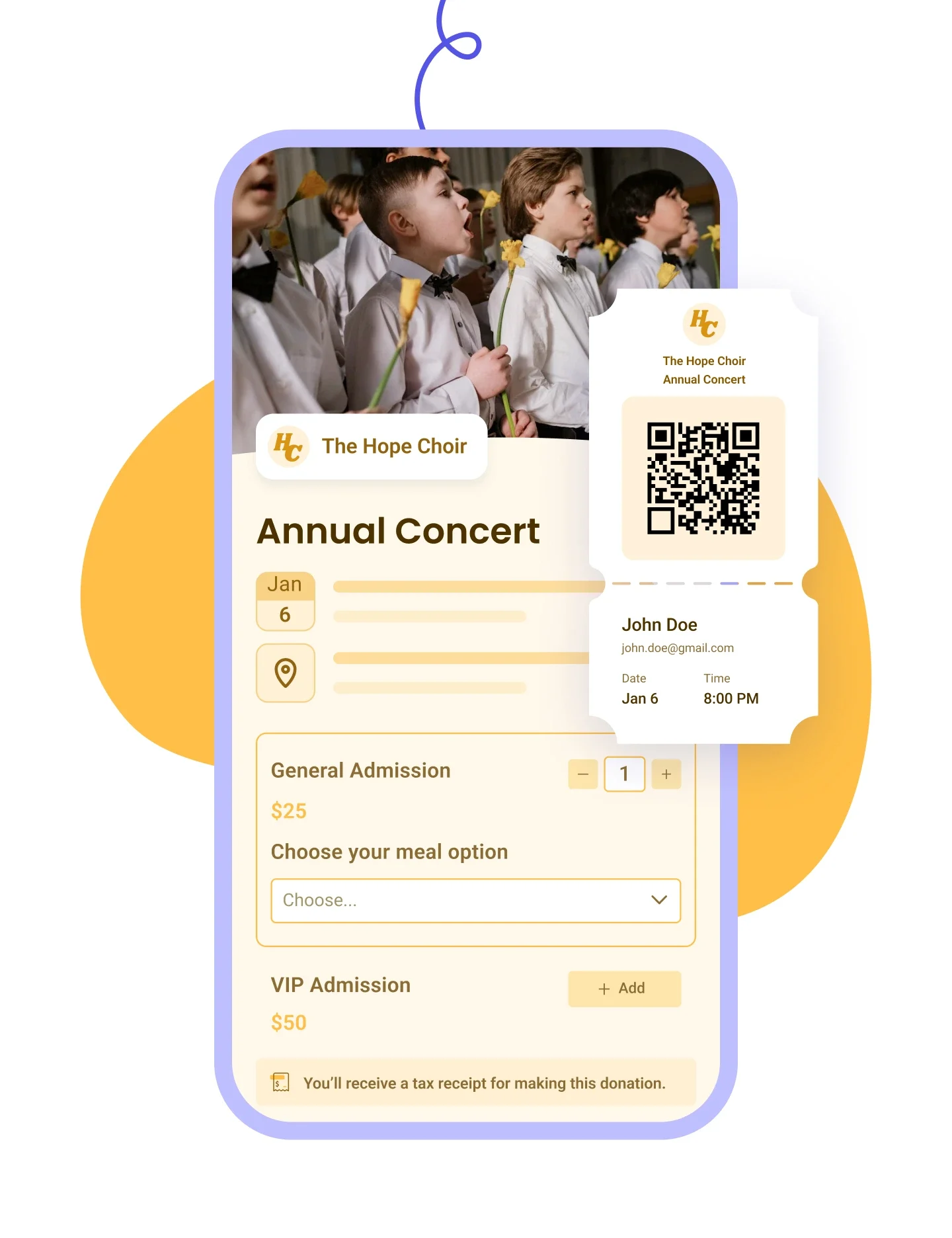
Customise your event form, email tickets, and manage check-ins and attendees on the day.
Learn more
Right Arrow defaultRight Arrow Hover
Ticketing Tablet ImageTicketing Mobile Image
Membership IconMembership Icon
Membership
Plus IconMinus Icon
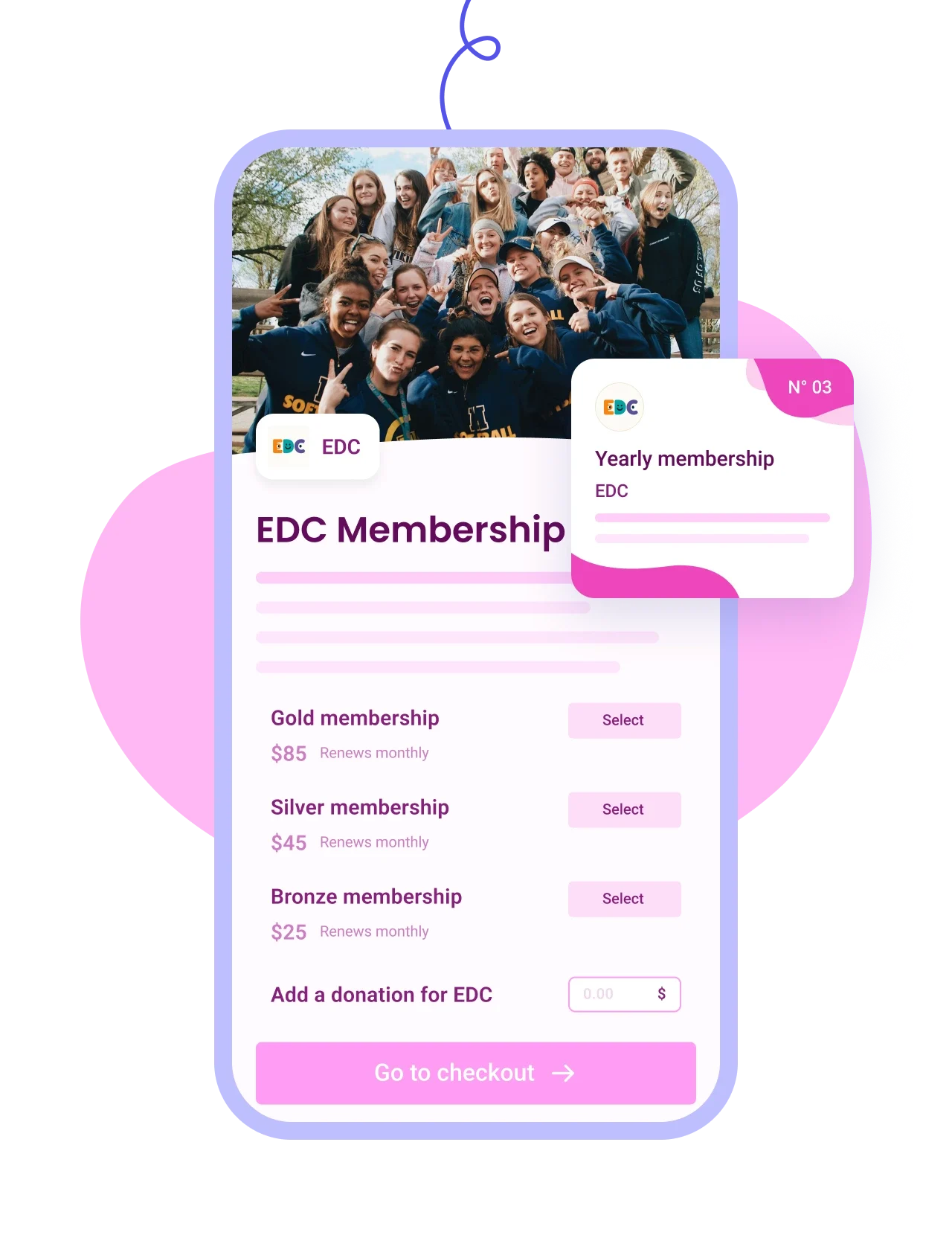
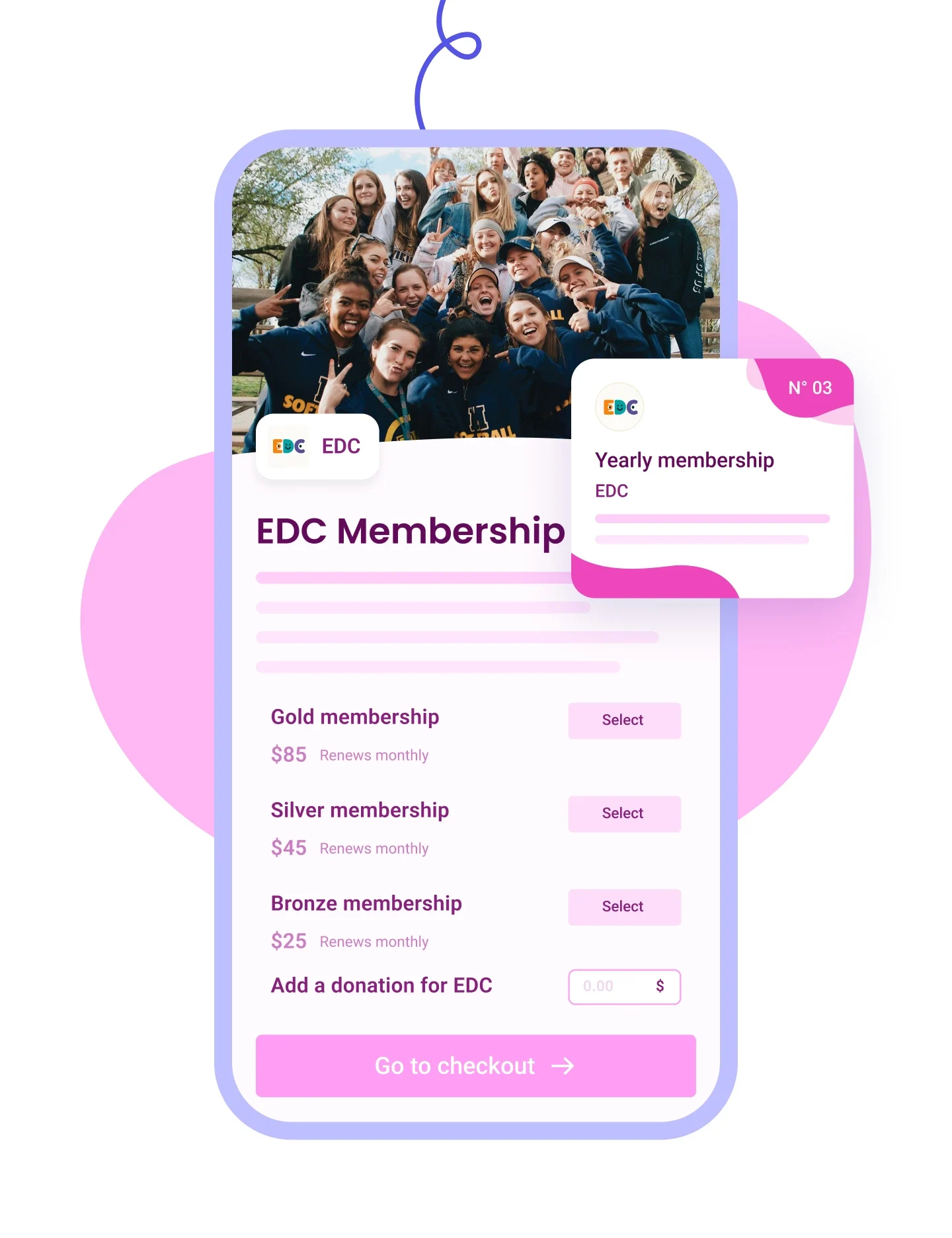
Sell tiered memberships with renewal options and send personalised cards by email.
Learn more
Right Arrow defaultRight Arrow Hover
Membership Tablet ImageMembership Mobile Image
Auction IconAuction Icon
Auctions
Plus IconMinus Icon
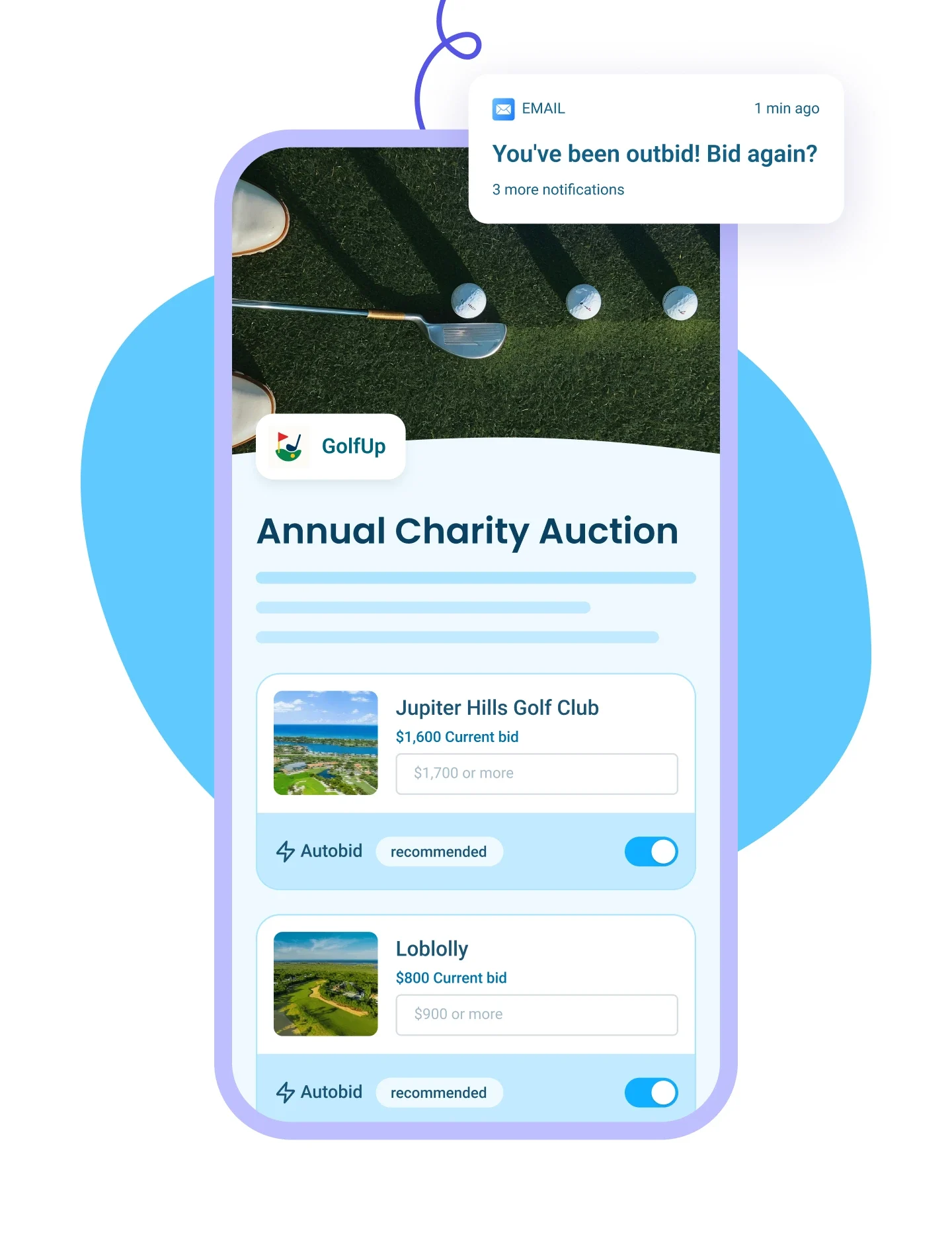
List auction items with images and write-ups, send outbid alerts, and auto-collect payments from winners.
Learn more
Right Arrow defaultRight Arrow Hover
Auction Tablet ImageAuction Mobile Image
p2p Iconp2p Icon
Peer-to-Peer Campaigns
Plus IconMinus Icon
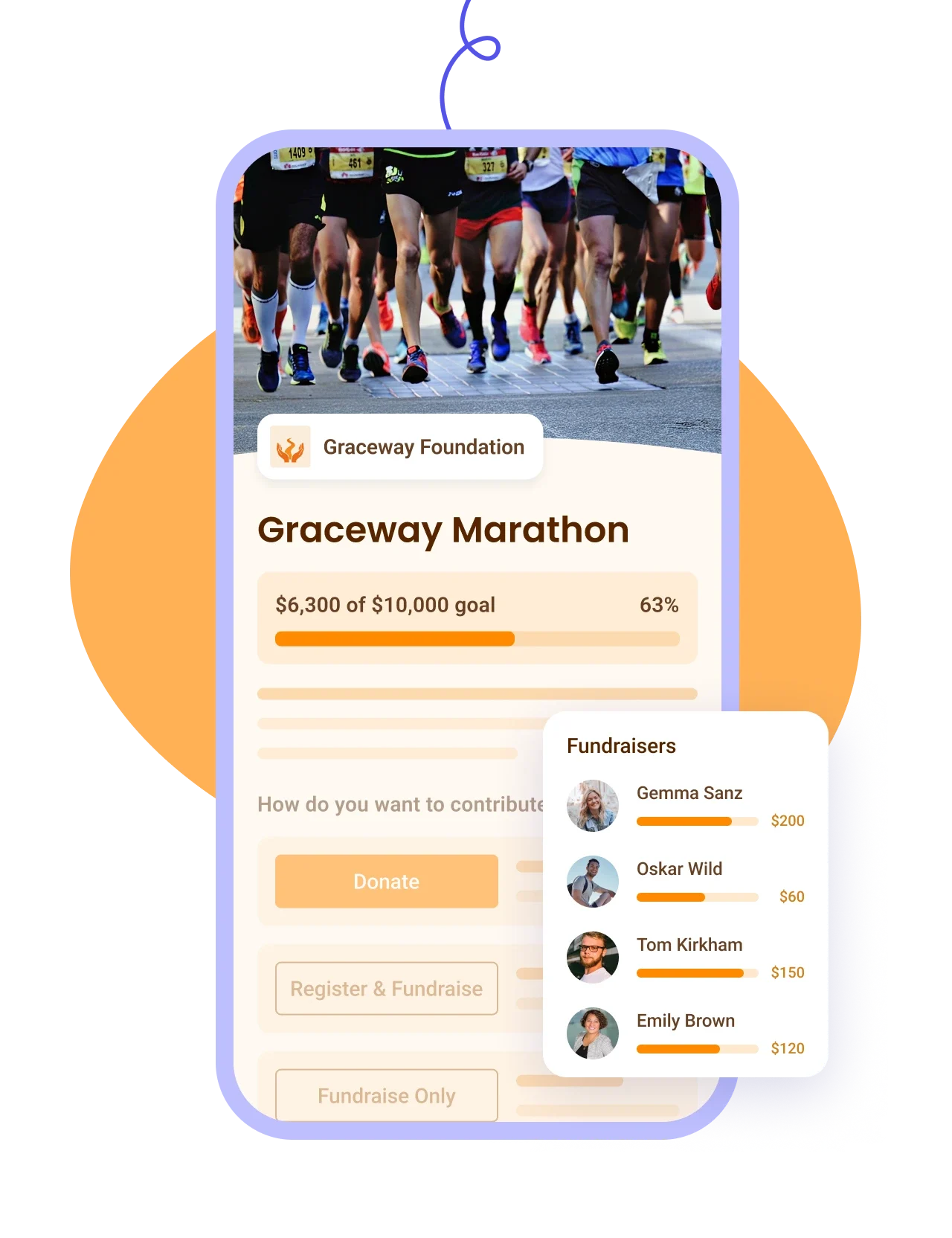
Let donors fundraise for your cause, track proceeds on a leaderboard — ideal for a-thons.
Learn more
Right Arrow defaultRight Arrow Hover
P2P Tablet ImageP2P Mobile Image
Online Store IconOnline Store Icon
Online Stores
Plus IconMinus Icon
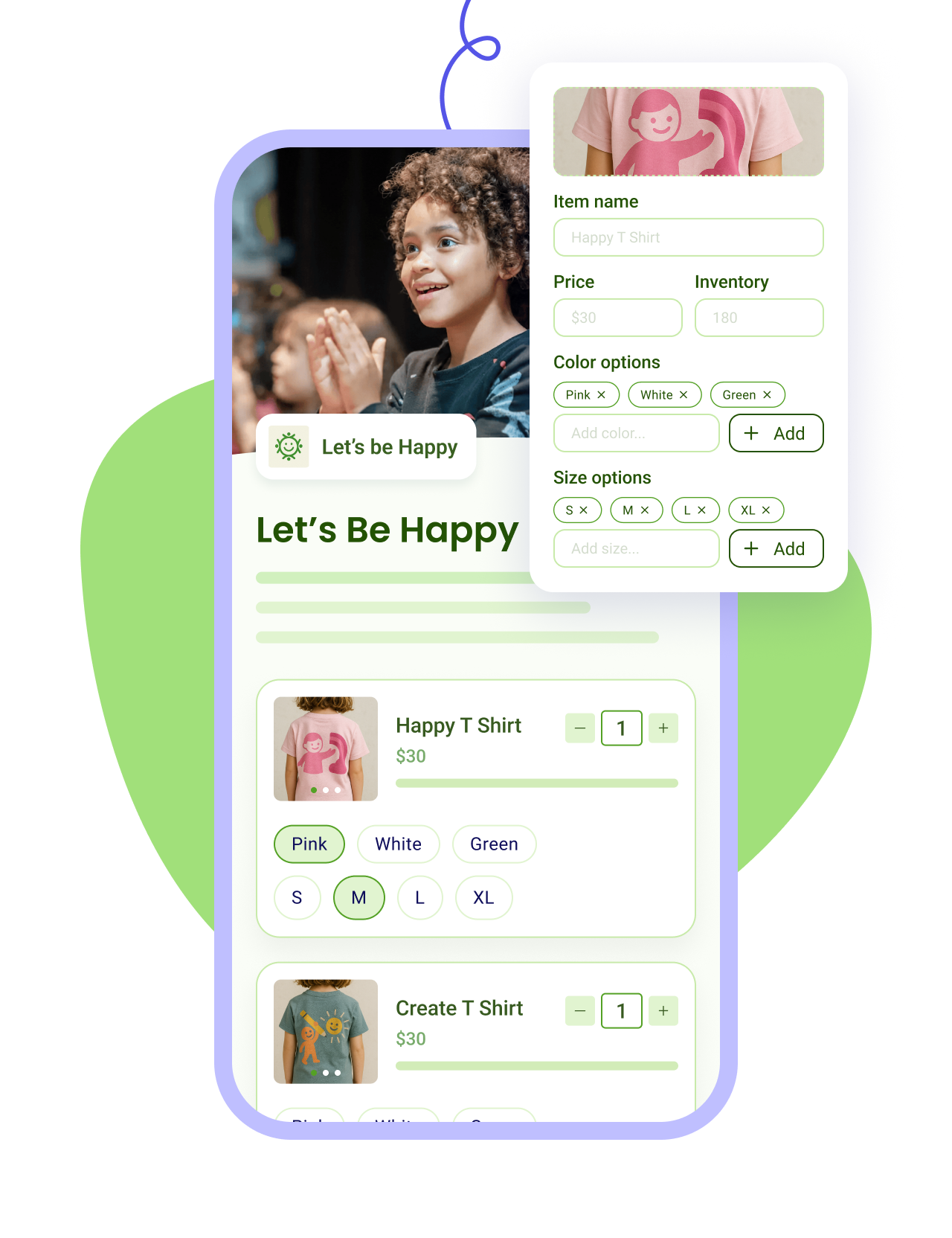
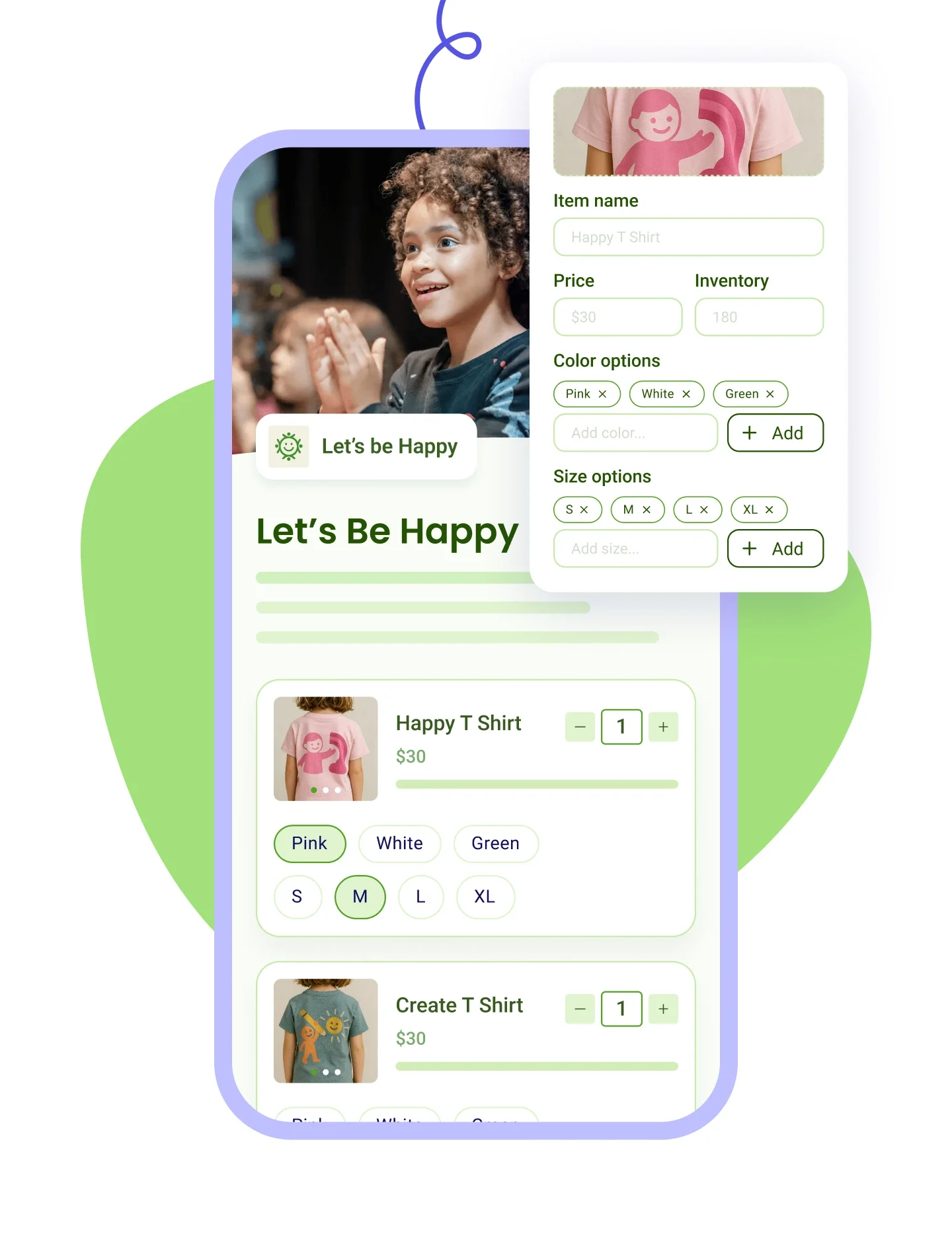
Sell merch with photos and variants, apply discounts, and track sales and inventory in one place.
Learn more
Right Arrow defaultRight Arrow Hover
Online Store Tablet ImageOnline Store Mobile Image
Top Curve Vector

How it works

Launch your peer-to-peer campaign.
STEP 1

Launch your peer-to-peer campaign.

Set your goal and share the campaign. Supporters spin up their own pages, solo or as a team.
Let supporters rally their networks.
STEP 2

Let supporters rally their networks.

Each fundraiser shares their page with friends and family. A live leaderboard keeps the friendly competition going.
STEP 3

Grow participation and donations.

No platform, transaction, or credit card fees. Every dollar your supporters raise goes straight to your cause.
Collect donations for free
Top Curve Vector

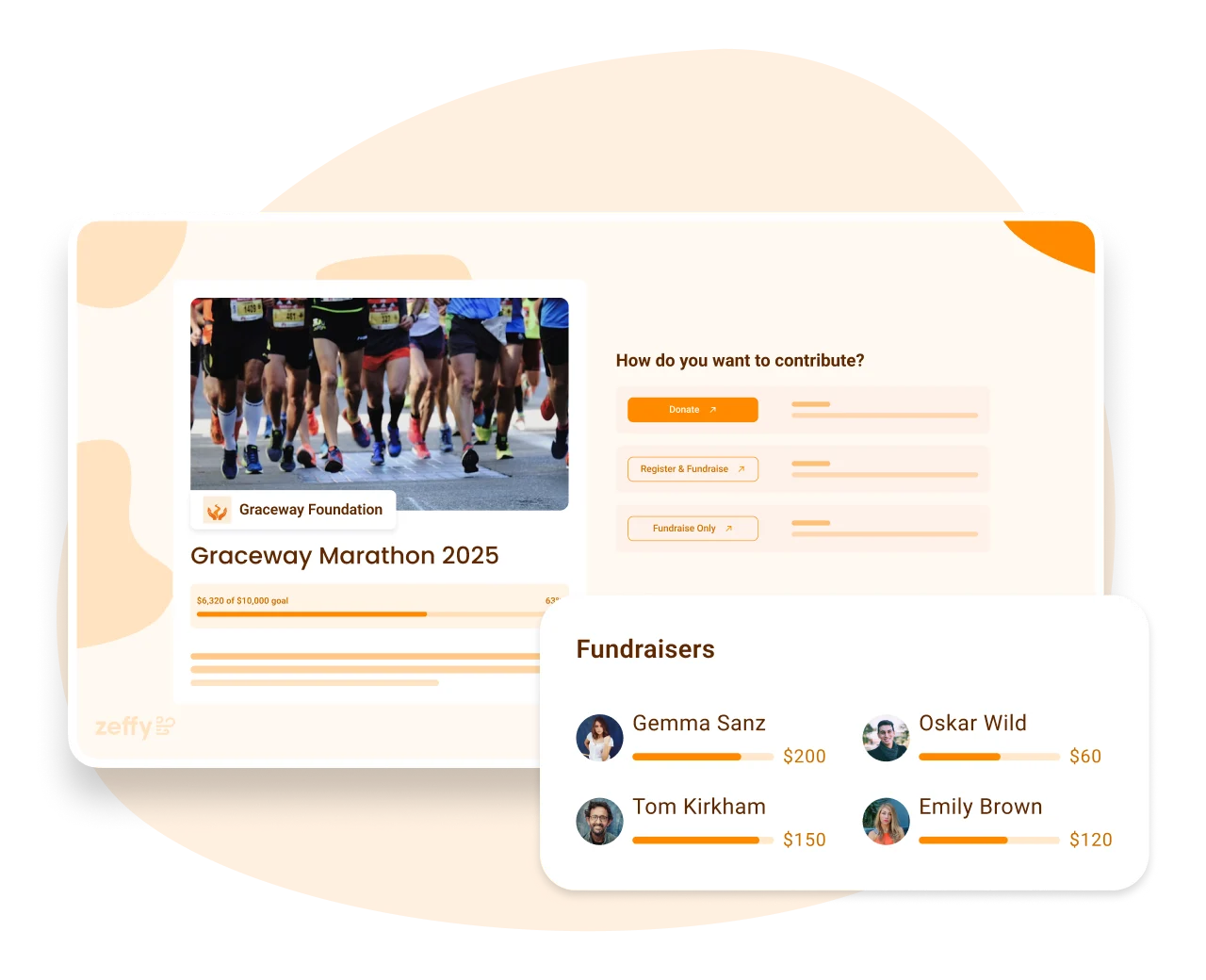
Easily create a campaign with multi-level fundraising.

Donors who land on your campaign can choose to:

  • Donate
  • Fundraise
  • or both!

More 100% free features

Easily create a campaign with multi-level fundraising.

Donors who land on your campaign can choose to:

  • Donate
  • Fundraise
  • or both!

Customise how your fundraisers sign up.

  • Allow your fundraisers to join as individuals or teams.
  • Fundraisers can easily create their own fundraising page from your campaign's page.

Accept all payment types

  • All credit cards
  • Apple Pay and Google
  • PayACH and PAD
  • Cheque

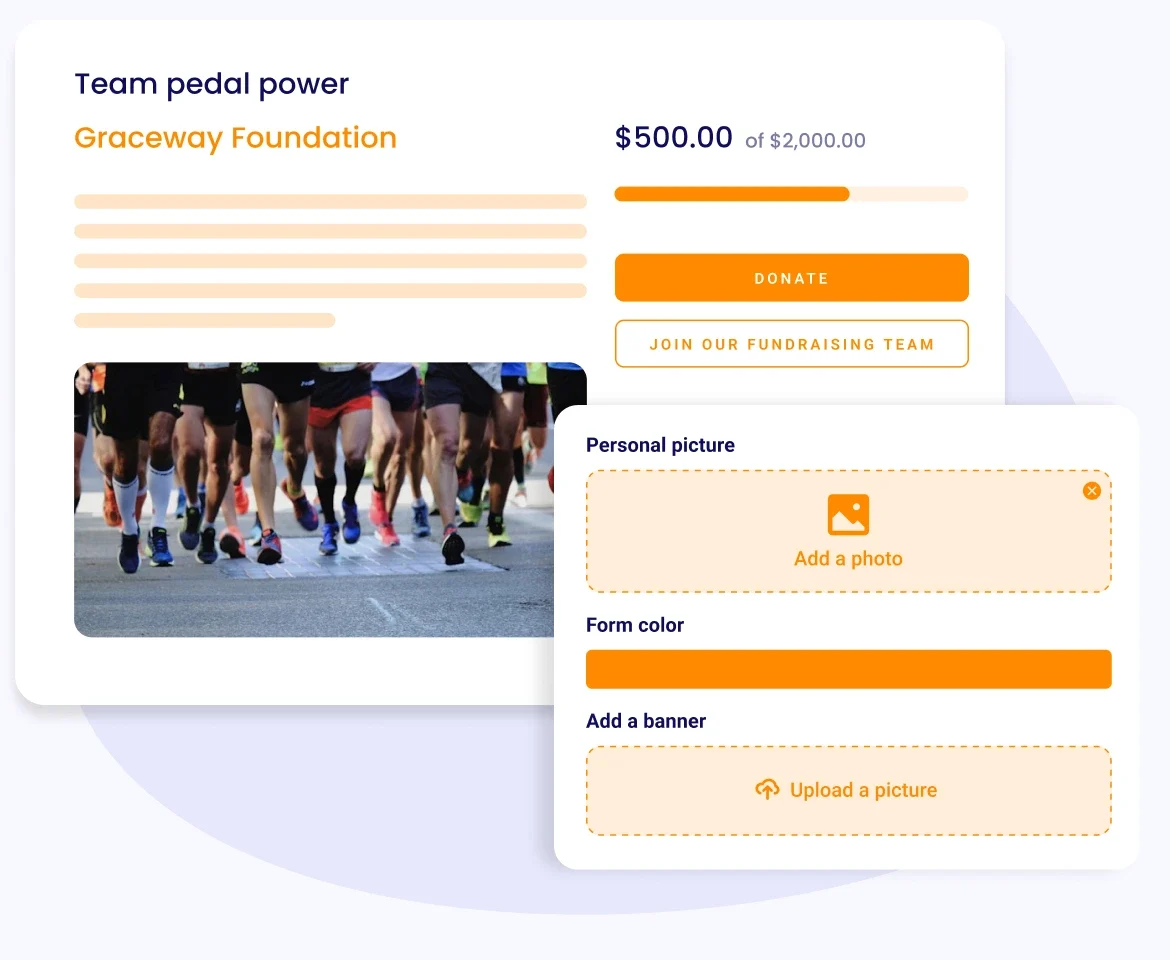
Give your fundraisers the freedom to customise their campaigns.

Fundraisers can:

  • Set campaign objectives
  • Customise the form colour and images
  • Tell their story by adding a description.
  • Personalise thank you messages.

Boost engagement with leaderboards and messages

  • Motivate potential supporters to give with a donor board.
  • Keep fundraisers engaged with team leaderboards.
  • Donors can leave messages to accompany their gift.

Easily manage your fundraisers and general campaign.

  • Add offline donations
  • Create campaigns for your fundraisers
  • Pull reports and contact your fundraisers directly from your dashboard
Decorative

Engage your supporters with our simple peer-to-peer fundraising experience.

Decorative
Allow your fundraisers to raise money for you.
Decorative
Fully customisable sub-campaign options.
Decorative
Embed your campaign thermometer on your website.
Decorative
Automatically send tax-deductible receipts.
Decorative
Collect information from your participants.
Decorative
Automate reminder emails.
Decorative
Keep in touch with your participants.
Decorative
Add discount codes.
Decorative
Add personalised thank you messages.
Decorative
... plus more! And it's all 100% free!
Start fundraising for free
Decorative
Decorative

Engage your supporters with our simple peer-to-peer fundraising experience.

Decorative
Allow your fundraisers to raise money for you.
Decorative
Fully customizable sub-campaign options.
Decorative
Embed your campaign thermometer on your website.
Decorative
Automatically send tax receipts.
Decorative
Collect information from your participants.
Decorative
Automate reminder emails.
Decorative
Keep in touch with your participants.
Decorative
Add discount codes.
Decorative
Add personalized thank you messages.
Decorative
... plus more! And it's all 100% free!
Start fundraising for free
Decorative

Frequently asked questions

Is Zeffy's peer-to-peer fundraising really free, including fees on what supporters raise?

Yes, including on what your fundraisers raise. No platform fee, no transaction fee, no credit card fee and no percentage of anyone's total. Zeffy is funded by optional contributions donors can add at checkout.

"Zeffy offers a peer to peer fundraising option that's free and works very well. Others charge hundreds of dollars for the same service!"

Theresa W., Executive Director (G2)

Can participants create their own fundraising pages?

Yes. Each supporter gets a personal page under your campaign. They can set their own title and goal, write their own story, add a profile photo and a banner, pick a color, and write the thank-you message their own donors receive. Everything they raise rolls up to your campaign total.

Can supporters fundraise as individuals and as teams?

Both, and you decide which. Creating a team, joining a team and fundraising solo are three separate switches, so you can run a campaign that's teams only, individuals only, or open to all of it. Donors can give to the main campaign, to a specific team, or to one person they know.

Is there a leaderboard to motivate fundraisers?

Yes. A public leaderboard ranks fundraisers and teams by how much they've raised, and each team and participant page carries its own goal thermometer, the bar that fills up as gifts come in, alongside the campaign's. Setting a fundraising goal is what puts that bar on the page, so skip the goal and you get no thermometer. A public list of donors sits underneath it unless you switch that off, and donors can choose to stay anonymous either way. You can also embed the thermometer on your own website, on its own or next to the leaderboard. That bit of friendly competition is usually what turns a quiet week into a push.

How do supporters actually join a team or start their own page?

Two routes, and the second one avoids most of the trouble people run into. Supporters can go to your campaign page and sign up themselves, choosing to start their own page, create a team or join one. Or you build the pages for them before launch, using each person's own email address so the page belongs to them, then send everyone a direct link to their own page. That second route is worth the extra half hour: nobody has to work out where to click, and you can switch off public signup so your campaign page only asks for donations. You can also send someone straight to the join-a-team or create-a-team step with a link instead of making them navigate to it.

Whose email should each fundraiser's page be under?

Each fundraiser's own. If you build the pages under your own email address to save time, every page ends up attached to you, which means those leaders can't edit their page and won't hear about it when someone joins their team or a donation arrives. It isn't something you can correct later either, since the email on a team can't be changed, so putting it right means deleting the team and building it again. Collect names and email addresses before you start and you'll only do this once.

Can I email and keep track of all my fundraisers?

Yes, both from the campaign itself. Your campaign overview lists every team and participant, and you can write to all of them from there, dropping in their first name so it doesn't read like a mass email. You can also export the list, which comes out with each fundraiser's team, the target they set and how much they've raised, which is what you want in front of you when you're working out who needs a nudge.

How do I make sure donations count toward the right fundraiser?

Share each fundraiser's own page link rather than the main campaign link. A gift given on the main campaign page counts toward your overall goal but not toward any one participant or team, which catches people out when a fundraiser sends their family the wrong link. Every participant and team page has its own address, so ask your fundraisers to share theirs. And when a supporter hands one of your fundraisers cash or a check, log it as a payment against that person's page so their own total stays right.

How do I start a peer-to-peer campaign with Zeffy?

Create your campaign, set your goal, and choose how supporters take part: they can start their own page, form a team, join someone else's, or all three, since each of those is a switch you control.

You can also build the teams yourself before you launch, name them and give each one its own goal, then send every leader straight to their page rather than asking them to find it.

From there you follow every page and every gift from one dashboard. One thing to get right first time: your campaign name sets your web address, and the address locks the moment you first save it.

What are the best peer-to-peer fundraising platforms for nonprofits?

Look for three things: every supporter gets their own fundraising page, all the gifts roll up to one campaign goal, and the platform doesn't take a percentage of what your supporters raise. That third one usually decides it, because peer-to-peer is where a percentage hurts most. You're collecting hundreds of small gifts across dozens of pages, and a cut comes off every one of them. If 30 fundraisers each bring in $500, that's $15,000, and on Zeffy the full $15,000 reaches your bank account, with no platform fee, no transaction fee and no credit card fee. For a side-by-side of what the paid options charge, our roundup of the best peer-to-peer fundraising platforms has the detail.

Does peer-to-peer work for a walk-a-thon, run or ride?

Yes, and a-thons are one of the most common ways it gets used, including school fun runs with a team for each grade or class. Each participant raises donations toward the campaign goal from their own page. If you want to charge people to take part, you can link a registration form to the campaign, though it handles one registration at a time, so a family signing up together goes through your registration form first and joins the campaign after. For the event itself, our 20-step guide to organizing a 5K covers the planning, and if yours is a school read-a-thon there are free templates and a goal calculator to go with it.

Zeffy makes money exclusively from optional tips from your donors

Donation UI

Will I ever have to pay to use Zeffy?

How does Zeffy make money?

What if my donors don’t leave a tip?

Why would donors tip Zeffy?

Donation UI
Sign up for free

Frequently asked questions

Is Zeffy's peer-to-peer fundraising really free, including fees on what supporters raise?

Yes, including on what your fundraisers raise. No platform fee, no transaction fee, no credit card fee and no percentage of anyone's total. Zeffy is funded by optional contributions donors can add at checkout.

"Zeffy offers a peer to peer fundraising option that's free and works very well. Others charge hundreds of dollars for the same service!"

Theresa W., Executive Director (G2)

Can participants create their own fundraising pages?

Yes. Each supporter gets a personal page under your campaign. They can set their own title and goal, write their own story, add a profile photo and a banner, pick a color, and write the thank-you message their own donors receive. Everything they raise rolls up to your campaign total.

Can supporters fundraise as individuals and as teams?

Both, and you decide which. Creating a team, joining a team and fundraising solo are three separate switches, so you can run a campaign that's teams only, individuals only, or open to all of it. Donors can give to the main campaign, to a specific team, or to one person they know.

Is there a leaderboard to motivate fundraisers?

Yes. A public leaderboard ranks fundraisers and teams by how much they've raised, and each team and participant page carries its own goal thermometer, the bar that fills up as gifts come in, alongside the campaign's. Setting a fundraising goal is what puts that bar on the page, so skip the goal and you get no thermometer. A public list of donors sits underneath it unless you switch that off, and donors can choose to stay anonymous either way. You can also embed the thermometer on your own website, on its own or next to the leaderboard. That bit of friendly competition is usually what turns a quiet week into a push.

How do supporters actually join a team or start their own page?

Two routes, and the second one avoids most of the trouble people run into. Supporters can go to your campaign page and sign up themselves, choosing to start their own page, create a team or join one. Or you build the pages for them before launch, using each person's own email address so the page belongs to them, then send everyone a direct link to their own page. That second route is worth the extra half hour: nobody has to work out where to click, and you can switch off public signup so your campaign page only asks for donations. You can also send someone straight to the join-a-team or create-a-team step with a link instead of making them navigate to it.

Whose email should each fundraiser's page be under?

Each fundraiser's own. If you build the pages under your own email address to save time, every page ends up attached to you, which means those leaders can't edit their page and won't hear about it when someone joins their team or a donation arrives. It isn't something you can correct later either, since the email on a team can't be changed, so putting it right means deleting the team and building it again. Collect names and email addresses before you start and you'll only do this once.

Can I email and keep track of all my fundraisers?

Yes, both from the campaign itself. Your campaign overview lists every team and participant, and you can write to all of them from there, dropping in their first name so it doesn't read like a mass email. You can also export the list, which comes out with each fundraiser's team, the target they set and how much they've raised, which is what you want in front of you when you're working out who needs a nudge.

How do I make sure donations count toward the right fundraiser?

Share each fundraiser's own page link rather than the main campaign link. A gift given on the main campaign page counts toward your overall goal but not toward any one participant or team, which catches people out when a fundraiser sends their family the wrong link. Every participant and team page has its own address, so ask your fundraisers to share theirs. And when a supporter hands one of your fundraisers cash or a check, log it as a payment against that person's page so their own total stays right.

How do I start a peer-to-peer campaign with Zeffy?

Create your campaign, set your goal, and choose how supporters take part: they can start their own page, form a team, join someone else's, or all three, since each of those is a switch you control.

You can also build the teams yourself before you launch, name them and give each one its own goal, then send every leader straight to their page rather than asking them to find it.

From there you follow every page and every gift from one dashboard. One thing to get right first time: your campaign name sets your web address, and the address locks the moment you first save it.

What are the best peer-to-peer fundraising platforms for nonprofits?

Look for three things: every supporter gets their own fundraising page, all the gifts roll up to one campaign goal, and the platform doesn't take a percentage of what your supporters raise. That third one usually decides it, because peer-to-peer is where a percentage hurts most. You're collecting hundreds of small gifts across dozens of pages, and a cut comes off every one of them. If 30 fundraisers each bring in $500, that's $15,000, and on Zeffy the full $15,000 reaches your bank account, with no platform fee, no transaction fee and no credit card fee. For a side-by-side of what the paid options charge, our roundup of the best peer-to-peer fundraising platforms has the detail.

Does peer-to-peer work for a walk-a-thon, run or ride?

Yes, and a-thons are one of the most common ways it gets used, including school fun runs with a team for each grade or class. Each participant raises donations toward the campaign goal from their own page. If you want to charge people to take part, you can link a registration form to the campaign, though it handles one registration at a time, so a family signing up together goes through your registration form first and joins the campaign after. For the event itself, our 20-step guide to organizing a 5K covers the planning, and if yours is a school read-a-thon there are free templates and a goal calculator to go with it.

Frequently asked questions

What is peer-to-peer fundraising?

Peer-to-peer fundraising is when your supporters raise money for your cause on your behalf. Instead of asking donors directly, you give volunteers and fans their own fundraising pages to share with friends and family, multiplying your reach.

How does peer-to-peer fundraising work?

You create one main campaign, and each supporter spins up a personal fundraising page beneath it. They share their page with their own network, and every gift rolls up to your campaign's overall goal.

How do I start a peer-to-peer campaign?

Create a free peer-to-peer campaign on Zeffy, set your goal, and invite supporters to join. Each fundraiser gets a page they can personalize with a photo and story, and you track everything from one dashboard.

Can supporters fundraise as individuals and as teams?

Yes. Supporters can raise money on their own or form teams, and donors can give to the main campaign, a specific team, or an individual fundraiser.

Is there a leaderboard to motivate fundraisers?

Yes. A public leaderboard ranks fundraisers and teams by the amount raised, and you can embed it, alongside a goal thermometer, right on your website to build momentum.

Is peer-to-peer good for a walk-a-thon or run?

Yes. Peer-to-peer fits a-thon events well, where each participant collects pledges toward a walk, run, or ride. You can also add an optional registration fee for participants.

What's the difference between peer-to-peer and crowdfunding?

In crowdfunding, one page collects gifts for a goal. In peer-to-peer, many supporters each get their own page under your campaign, so your reach grows with every fundraiser you recruit.

Is Zeffy free for peer-to-peer fundraising?

Yes. No platform, transaction, or credit card fees, so your campaign keeps everything your supporters raise. Zeffy runs on optional contributions donors can add at checkout.