How is Zeffy free?
How is Zeffy free?
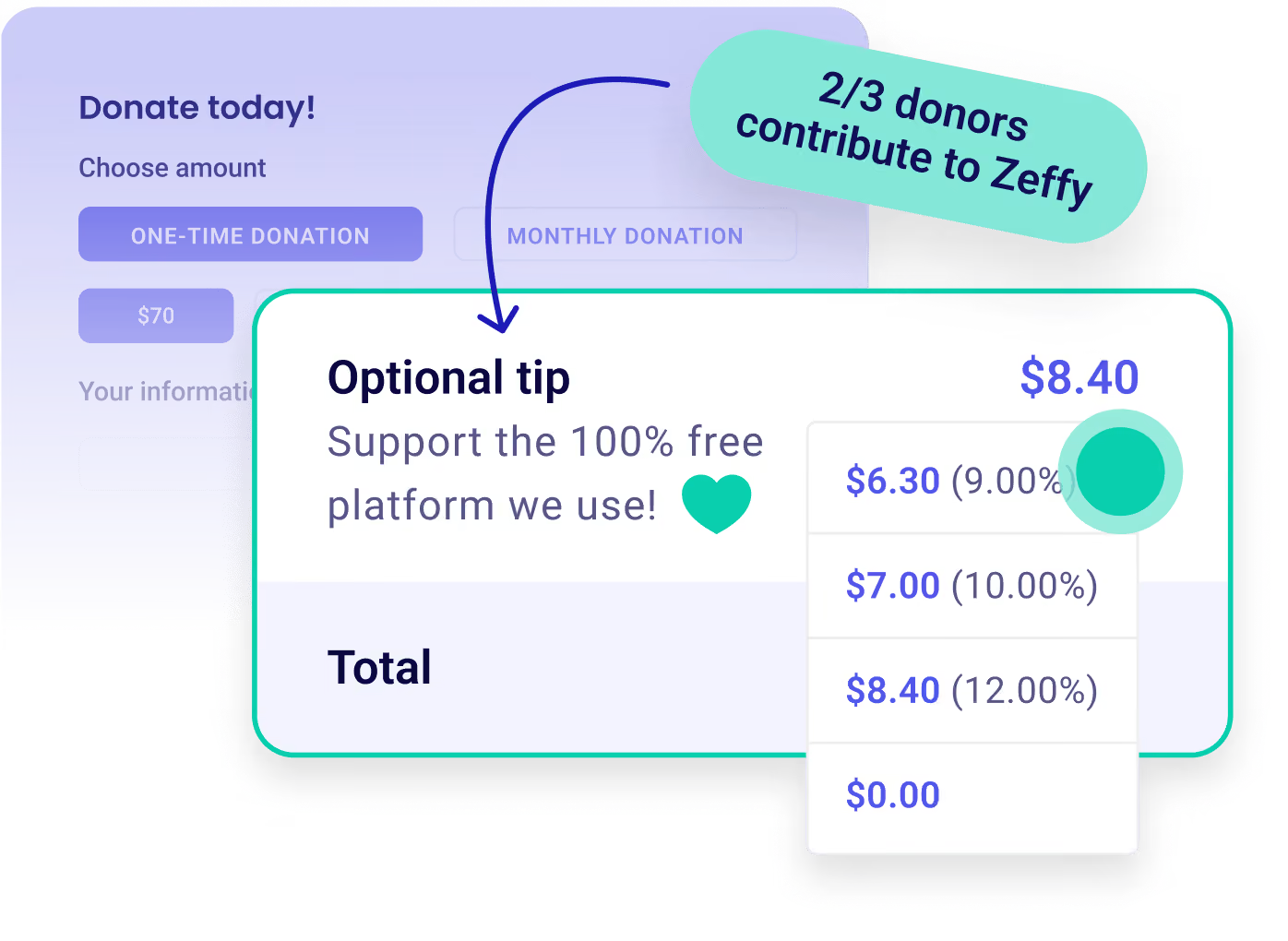
Zeffy relies entirely on optional contributions from donors. At the payment confirmation step - we ask donors to leave an optional contribution to Zeffy.
Learn more >

Free event ticketing for nonprofits. No fees. No catch.

Customize Icon

Personalize your form with colors, images, description, and customizable ticket rates.

Payment Icon

Manage your event effortlessly with e-tickets, in-person sales, guest lists, and participant reports.

Donation Icon

Keep 100% of the money for your mission with zero fees. We even cover credit card costs.
Sell tickets for free
100% free forever.
Worthy Dog Rescuekids cancer careBOYS & GIRLS CLUBS OF AMERICAthe YMCA
5 Stars
“We had used Eventbrite for our Concert ticket sales and hated the fact that they were taking 20% of our sales. with Zeffy we saved $600 on our last concert.”
Jim C
Jim C.
Executive Director
5 Stars
“Zeffy has already saved us thousands on tickets for our Walk to End Parkinson's and our upcoming Red Tulip Gala.”
Erika G
Erika G.
Director of Development
5 Stars
“Setting up our first gala ticketing page was impressively easy and professional-looking, going live in under 20 minutes without needing a developer.”
Jayesh M
Jayesh M.
Program Director
5 Stars
“The event features of guest check-in, e-tickets and email capabilities is saving me so much time.”
Courtney H
Courtney H.
Director of Development
5 Stars
“We used to do all of our ticketing through another well-known site and it was so clunky. Zeffy is much easier to use, so we use it a lot!”
Beth D
Beth D.
Les Dames d'Escoffier
5 Stars
“Zeffy ticketing is so easy for our audience members to use. Even up to the last minute purchasing tickets.”
Laura M
Laura M.
Executive Sponsor
5 Stars
“Because we save on each ticket sale and donation, we are able to keep that money in the nonprofit to fund even more dance scholarships”
Michelle C
Michelle C.
Project SMASH
5 Stars
“We are able to avoid charges for large event registration when we use Zeffy over eventbrite.”
Dr. Nelson M
Dr. Nelson M.
The Center, One Foundation
4.9
(1039 reviews)
5 Stars
4.8
(474 reviews)
5 Stars

Start selling tickets in 5 easy steps

STEP 1

Create your ticketing form.

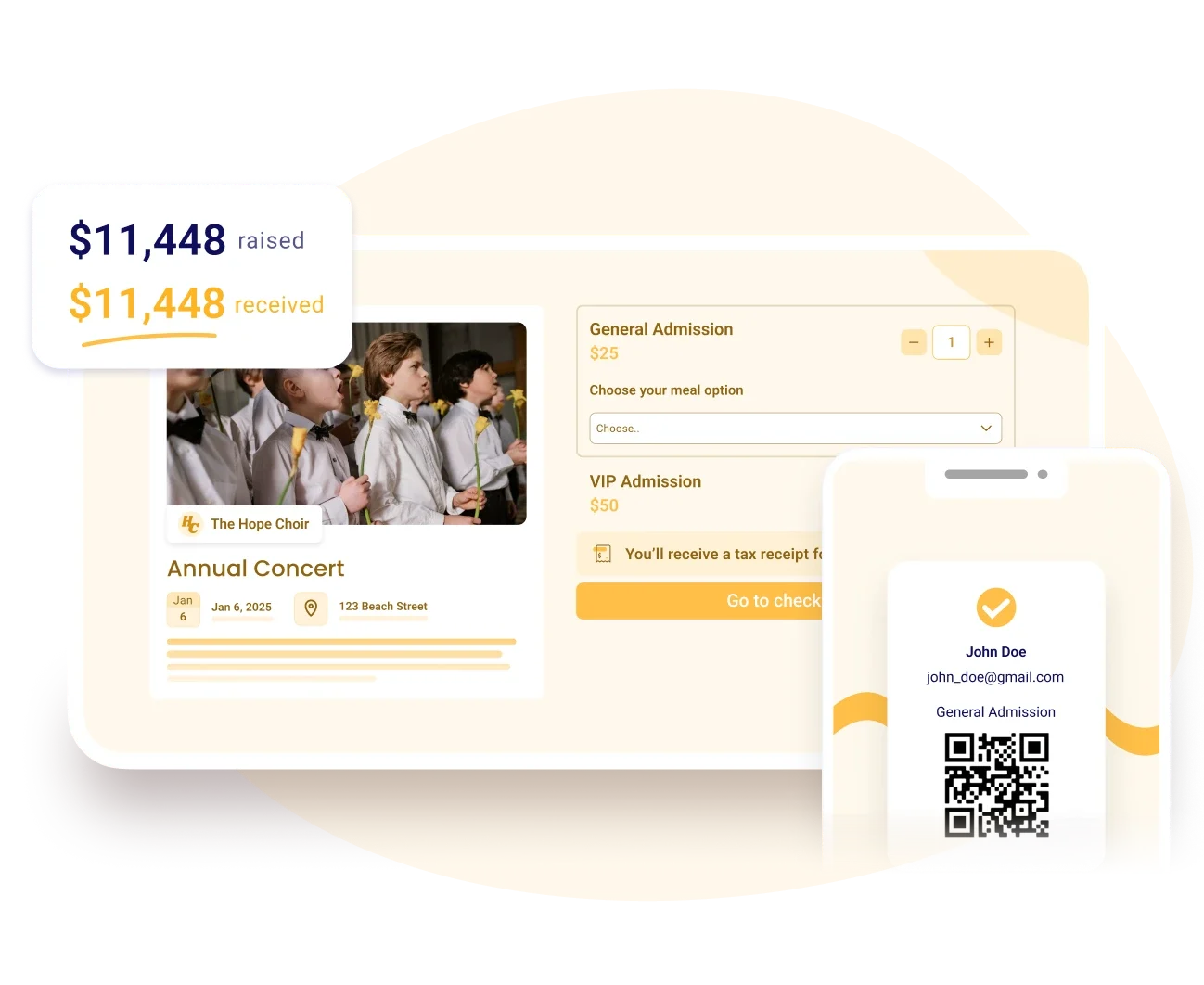
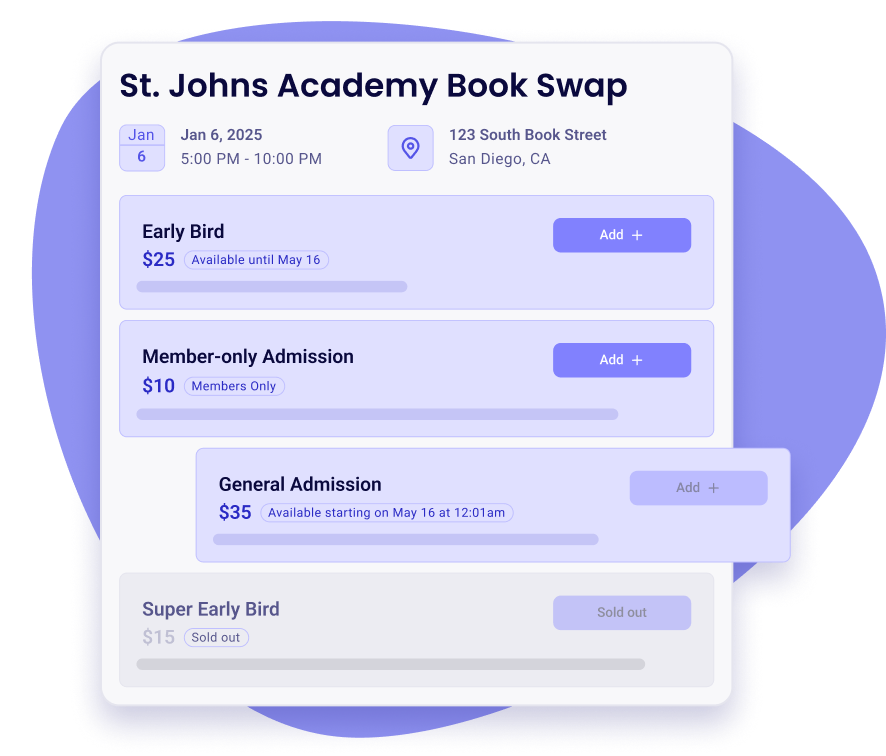
Customize the participant experience with several ticket types, dates, questions, logos, colors, and images.

Sell tickets for free
STEP 2

Collect payments in one click.

Your supporters can choose their favorite payment method. Tickets will be emailed to them automatically.

Sell tickets for free
STEP 3

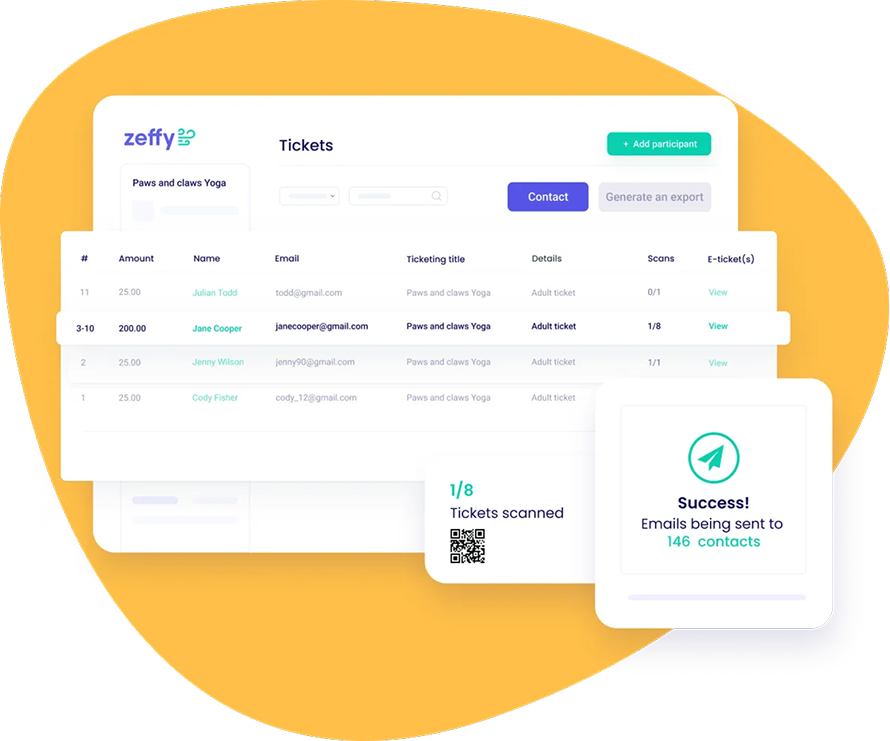
Keep track of participants and prepare your event.

Access detailed reports of your event showing ticket types, specific participant information, and more!
Sell tickets for free
STEP 4

Manage check-ins effortlessly.

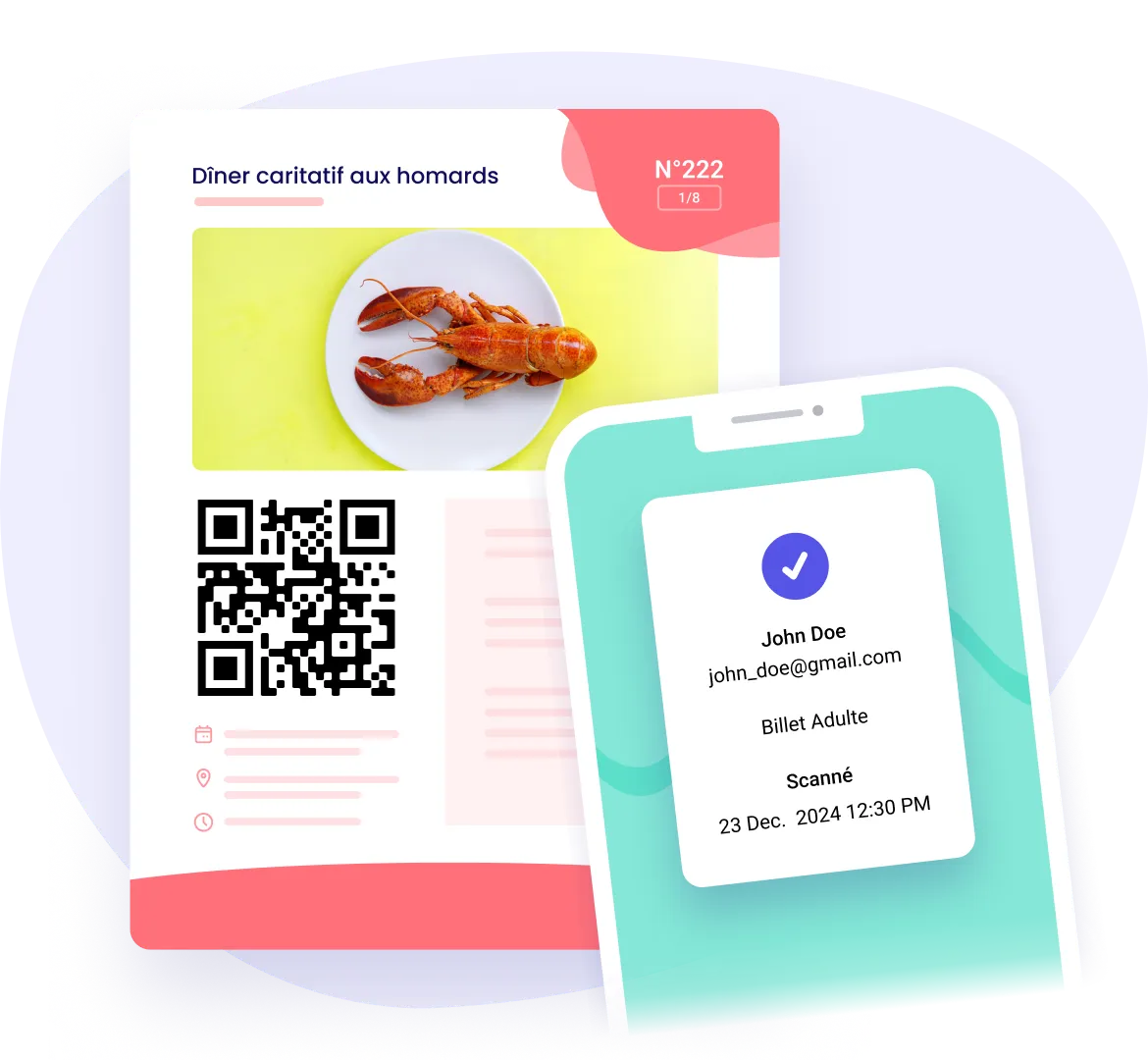
Check people in with QR codes and sell tickets at the door all through your phone. No additional hardware is needed!

Sell tickets for free
100% Free
STEP 5

Keep 100% of the money.

You will receive the entirety of your funds in your weekly payout. We never charged a cent to nonprofits, and we never will.
Sell tickets for free

Everything you need to run your event, for free

Before the event

Set up your tickets and sell them on your schedule

  • Offer group tickets and members-only rates
  • Set one capacity for the whole event
  • Limit sales per ticket type and per buyer
  • Open and close sales on any ticket, on your dates

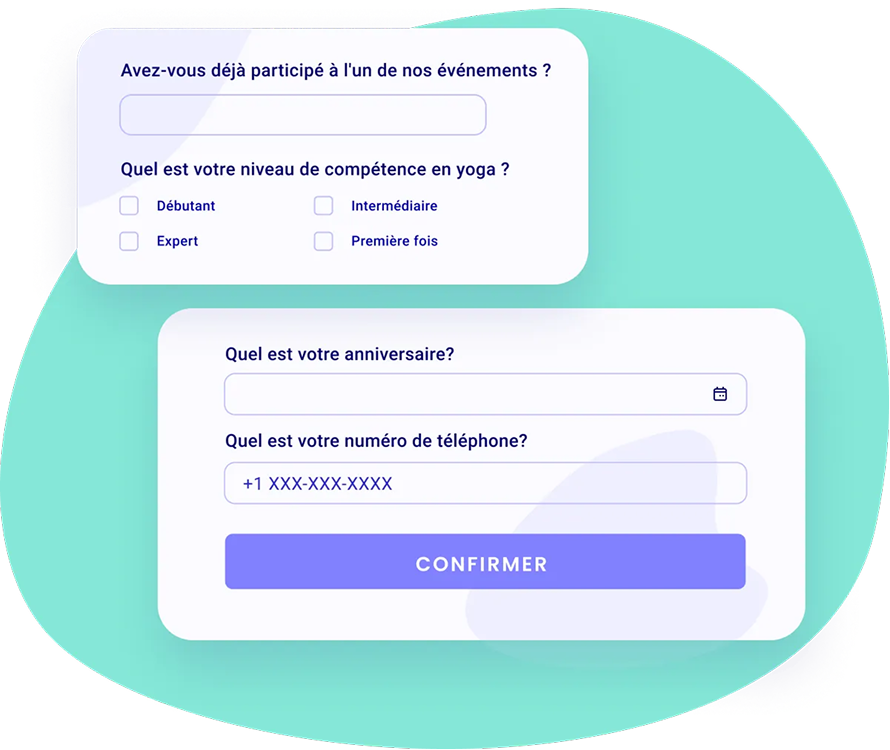
Customize questions for your participants

  • Choose from a variety of question types
  • Set answer formats like phone number, date and email
  • Set questions as required, and for specific tickets
  • Collect guest names and emails after checkout

On the day

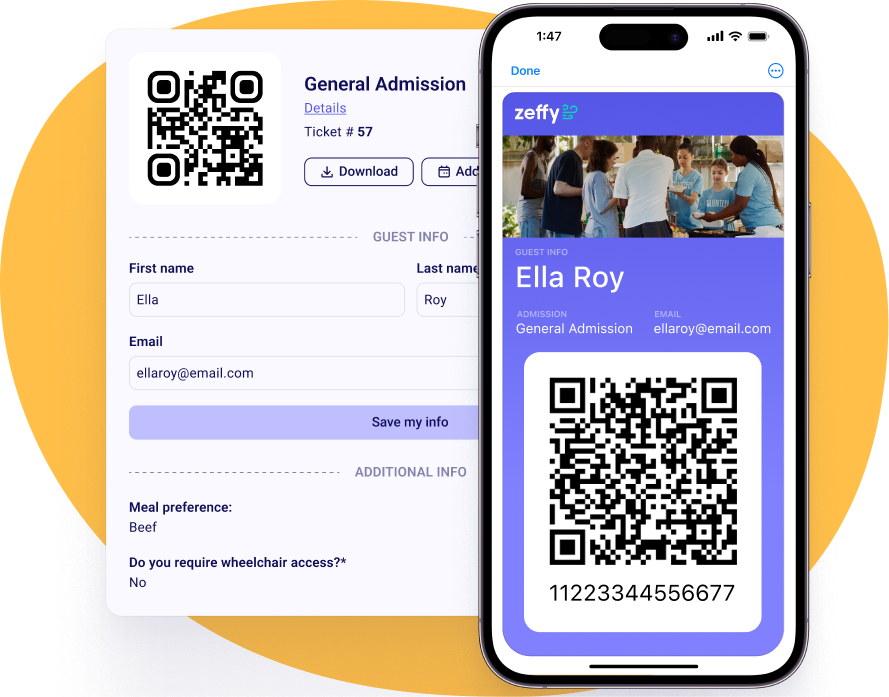
Scannable e-tickets to check your guests in

  • Guests get their e-tickets by email and can add them to their wallet
  • Customize your e-tickets and send tax receipts automatically
  • Scan tickets in the Zeffy app, or check in whole orders at once
  • No scanner? Share a web check-in page, no app or login needed

Accept payments in person. No terminal. No fees.

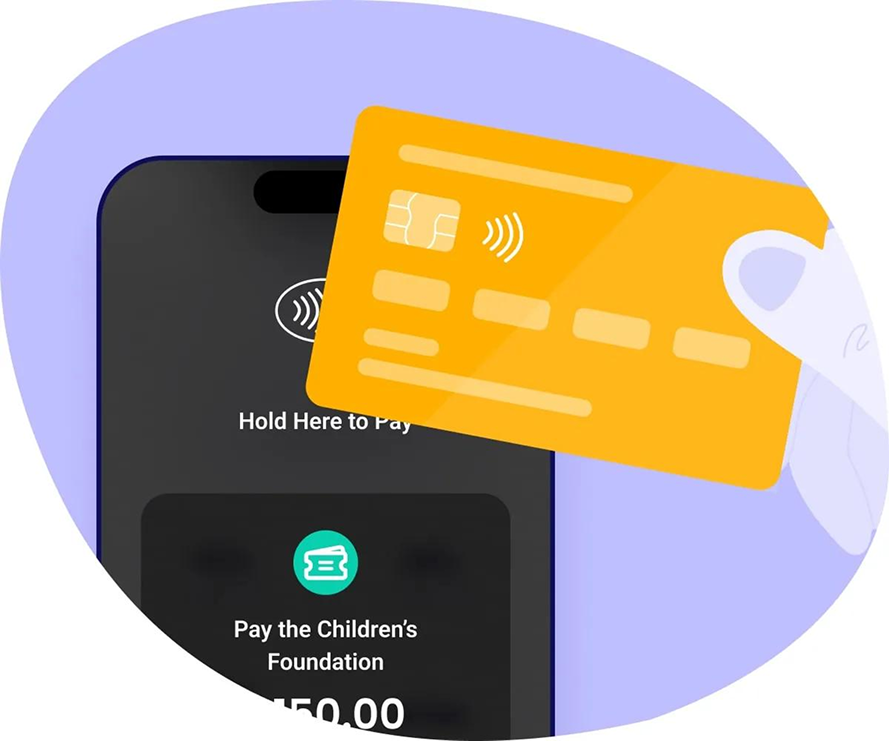
  • Accept all payments in person with our Tap to Pay solution
  • No terminal needed, just your iPhone or Android

Sell the extras, not just the seat

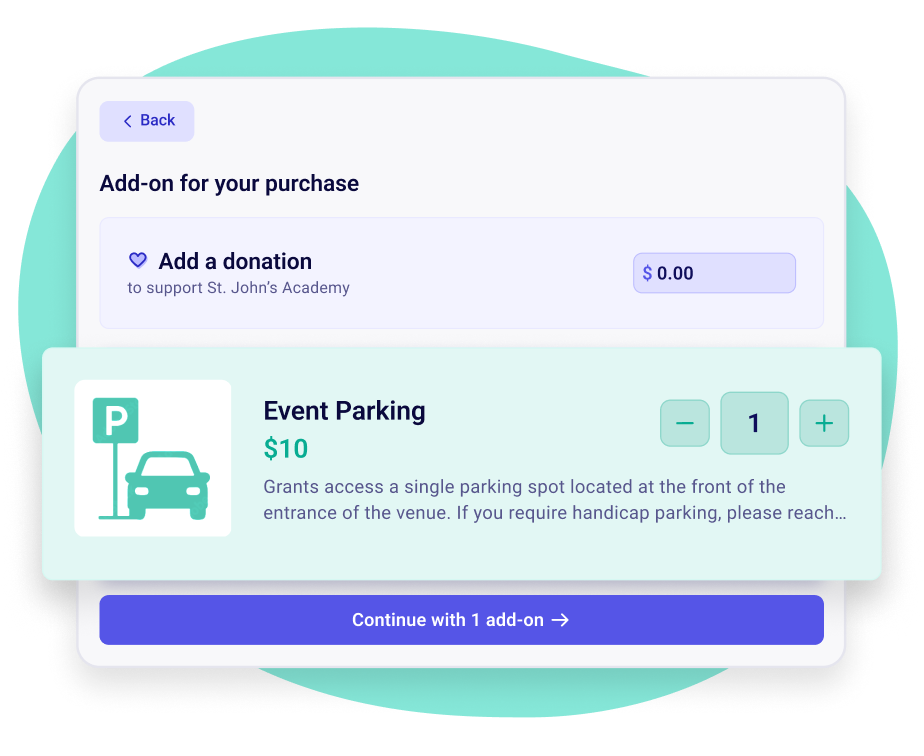
  • Sell apparel, meal choices, parking and more in the same form
  • Redeem add-ons at the door with a QR coupon
  • Refund one add-on without touching the rest of the order

After the event

Stay in touch before, during, and after the event

  • Automate and customize reminder emails
  • Attach a waiver, a map or a schedule to reminders
  • Schedule your thank-you email before the event
  • Create and group attendee lists

Your ticket buyers become your donors

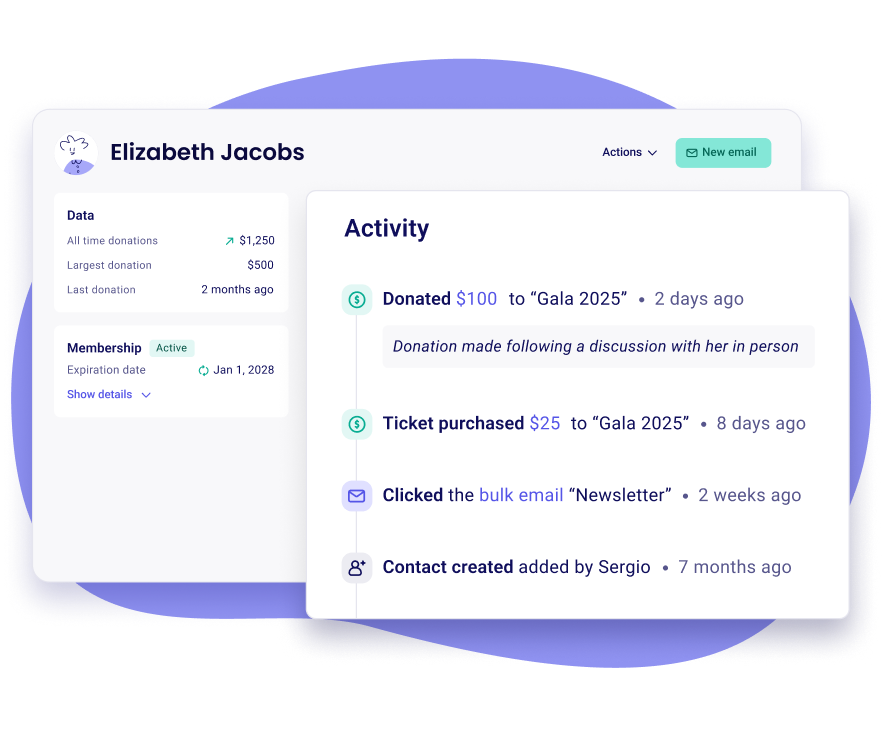
  • Every buyer becomes a contact in your free donor CRM
  • Tickets, donations and memberships land on one record
  • Filter last year's attendees and email them, no export needed

A streamlined ticketing experience for you and your supporters

Generate scannable e-tickets
Accept all payment methods
Add questions to ask buyers
Automatically send tax receipts
Sell group or individual tickets
Automate reminder emails
Add a donation option
Add discount codes
Mobile-friendly forms
Members-only ticket prices
Pay what you can tickets
Show your fundraising goal live on the big screen
... and more!
Sign up for free

Zeffy makes money exclusively from optional tips from your donors

Donation UI

Will I ever have to pay to use Zeffy?

How does Zeffy make money?

What if my donors don’t leave a tip?

Why would donors tip Zeffy?

Donation UI

Frequently asked questions

Is Zeffy really free to sell event tickets, and are there any fees?

Zeffy doesn't take a ticketing fee, a platform fee or a card fee, and that doesn't change as you sell more or as your event grows. What funds Zeffy is an optional contribution buyers can add at checkout, and your total is exactly the same whether they add one or not. A $40 ticket means $40 reaches your bank account.

Can guests register for free events, not just paid ones?

Yes. Set a ticket price to zero for free registration, or use Pay What You Can and let guests choose their own amount. You still get the full attendee list, your custom questions and QR check-in.

How is Zeffy different from Eventbrite for nonprofits?

They're built for different jobs, and it shows up after the event more than during it. Eventbrite is built to sell tickets, and the record ends with the attendee list.

On Zeffy that same sale writes the guest into your donor CRM with their full giving history, so the person who bought a gala ticket in March is the same record when they start a monthly gift in July. If your organization issues tax receipts, Zeffy splits the deductible portion for you too, so a $50 ticket that includes only $30 of deductible value gets receipted right without you working it out. The rest of your event runs from that one account: silent auction bidding on guests' phones, raffle tickets, an online store, the free Tap to Pay app for sales at the door, and QR check-in with no extra hardware.

On cost, Eventbrite's published organizer pricing puts a 3.7% + $1.79 service fee on every paid ticket, with 2.9% payment processing on the order. Zeffy charges nothing on any of it. Our Zeffy vs Eventbrite comparison has the fee-by-fee detail.

Can I refund a ticket?

Yes, you can refund a ticket from your Zeffy dashboard, in full or in part, whether the buyer paid by card or by PayPal. If the guest also bought an add-on, you can refund or cancel only that add-on and keep the rest of the order.

Can I run tickets, an auction and a raffle for the same event, and collect donations too?

Yes, all from the same Zeffy account. You'd set up a ticketing form for entry and tables, an auction form for the silent bidding, a raffle form for the 50/50, and a donation ask built into the ticket form for guests who want to give more. Everything reports into one dashboard, and every supporter shows up as a single record across all of it, so you're not reconciling four exports the week after your gala.

Can I charge sales tax on ticket sales?

Yes, you can charge sales tax on ticket sales with Zeffy if your organization is in the United States or Canada. Set your taxes up once in your account settings, with a name, a rate and your tax ID, then switch them on for the items that need them. Buyers see the tax on its own line before they pay, receipts itemize it under your organization's name and tax number, and your payouts show tax collected separately from revenue. Taxes don't apply to donations, peer-to-peer campaigns, auctions, memberships or shipping fees.

What happens if a guest loses their ticket?

A guest who loses their ticket can get it back on their own. Every buyer can log in at zeffy.com/login with the email they used at checkout and find their ticket, receipt and membership card under My transactions. You can also resend a ticket or receipt to any buyer from your dashboard in two clicks. One thing worth knowing: transactions are tied to the email used at the time of payment, so a guest who bought with a work address and looks with a personal one will only see part of their history.

Fundraise with zero fees

What tools would be useful to your nonprofit?

What kind of organization are you?

Donation
Donations
Ticketing
Event ticketing
Raffles
Raffles
Auctions
Auctions
Online Stores
Online
stores
P2P
Peer-to-peer campaigns
Memberships
Memberships
Tap To Pay
Tap to Pay
All of the above
All of the
above
Next
School
School
Sports Team
Sports Team
Animal Rescue
Animal Rescue
Church
Church
Food Bank & Aid
Food Bank & Aid
Volunteer Fire Department
Arts & Culture
Arts & Culture
Parent Teacher Association
Other
Other
Next
CloseClose Icon