


Step 1
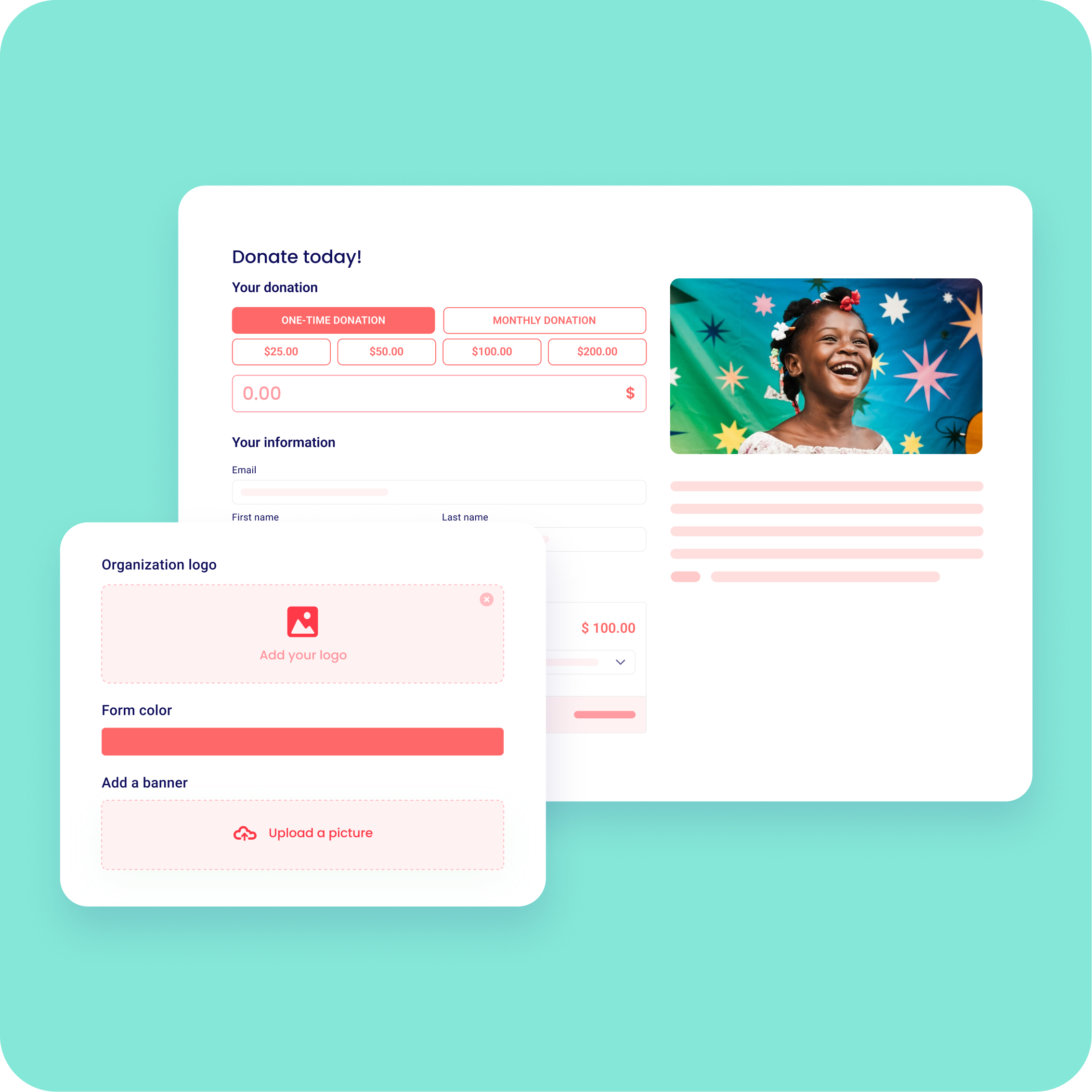
Create your free donation form
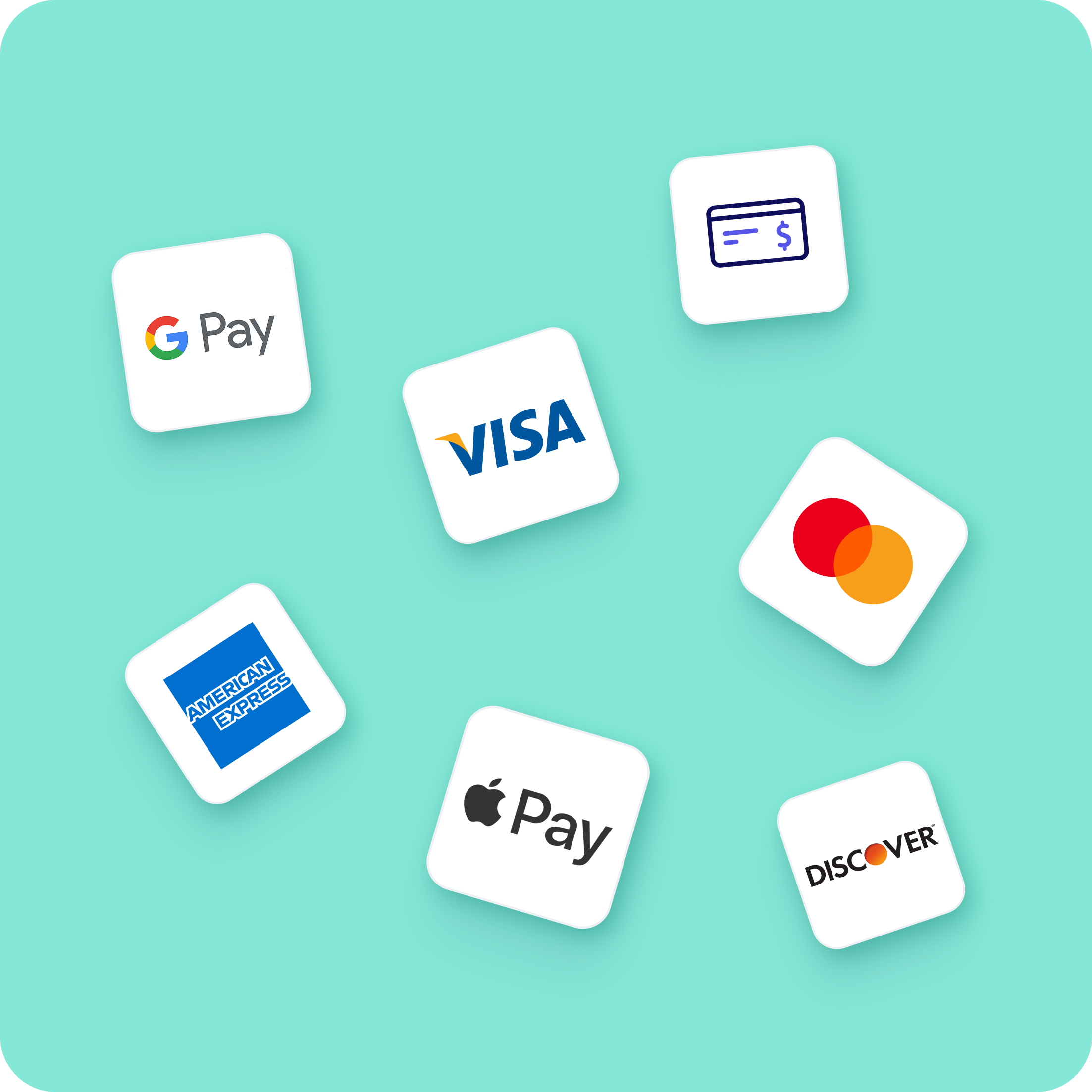
Apple Pay and Google Pay are enabled automatically on every form. No setup, no plugin, no gateway.

Step 2
Share your form where donors are on their phones
Instagram bio, a text, or a QR code at your fete or quiz night. Mobile donors see the wallet option at the checkout.

Step 3
Donors give in one tap
iPhone donors see Apple Pay, Android donors see Google Pay, and confirm with Face ID or a fingerprint. You keep 100%.
Step 4
Take contactless gifts in person
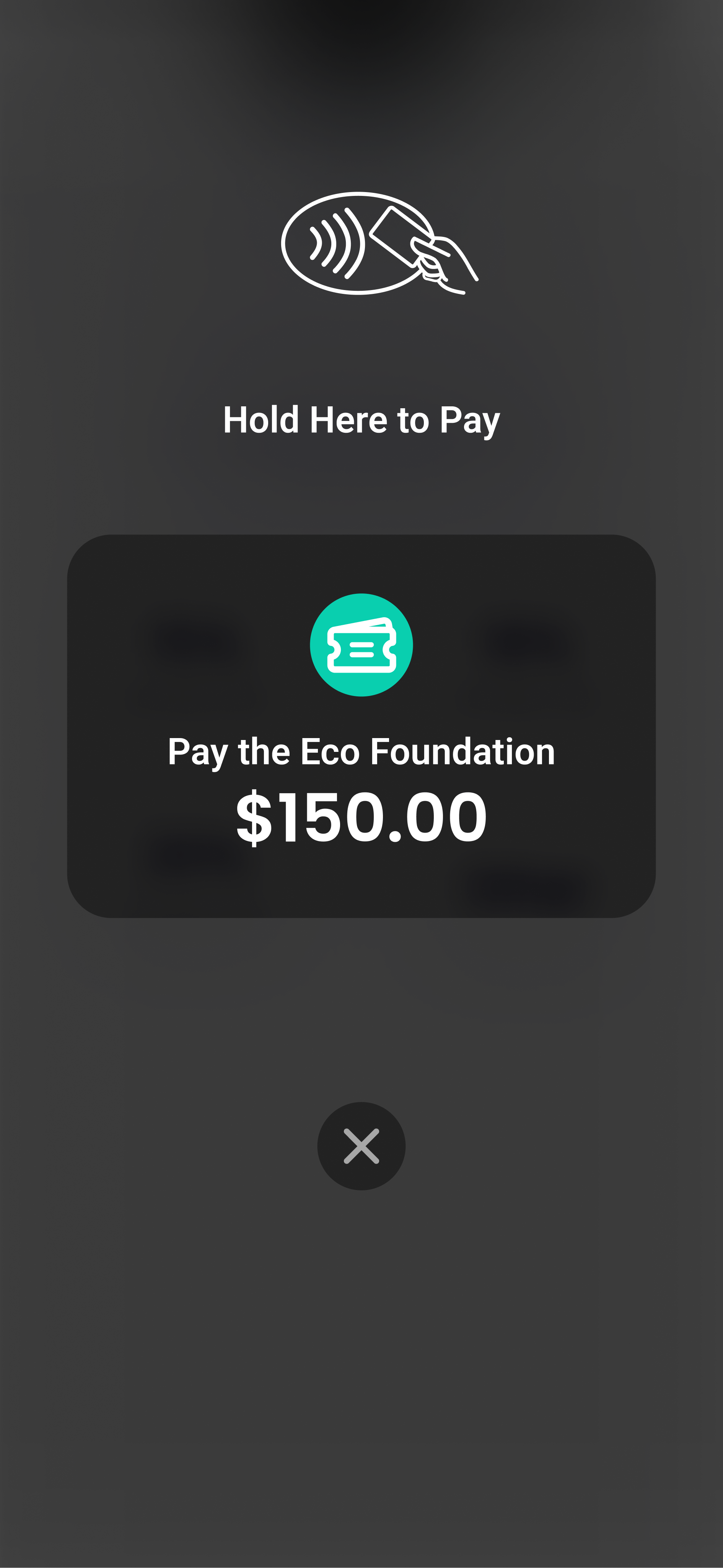
Use Zeffy's Tap to Pay app to accept Apple Pay, Google Pay, and contactless cards at events, with no card reader to buy.



.png)



%20(1).webp)

%20(1).webp)
.webp)

%20(1).webp)


.webp)
.webp)


