Get fundraising tips straight to your inbox
Join 250K+ fundraising leaders receiving exclusive tips
Get weekly fundraising tips from charity experts


We use cookies to improve your experience on our platform. By clicking “Accept all cookies”, you agree to the storing of cookies on your device to enhance site navigation, analyze site usage and assist in our marketing efforts.



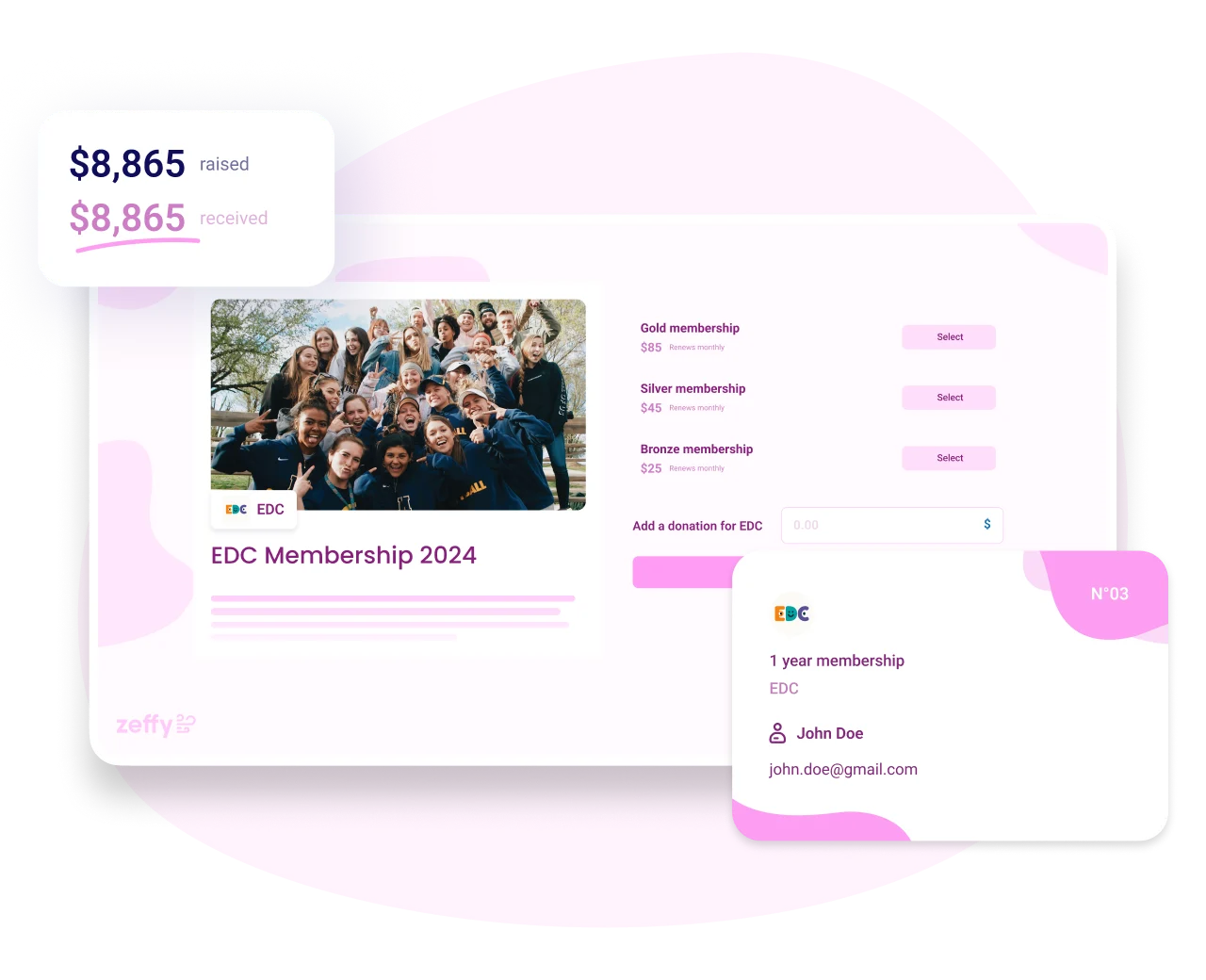
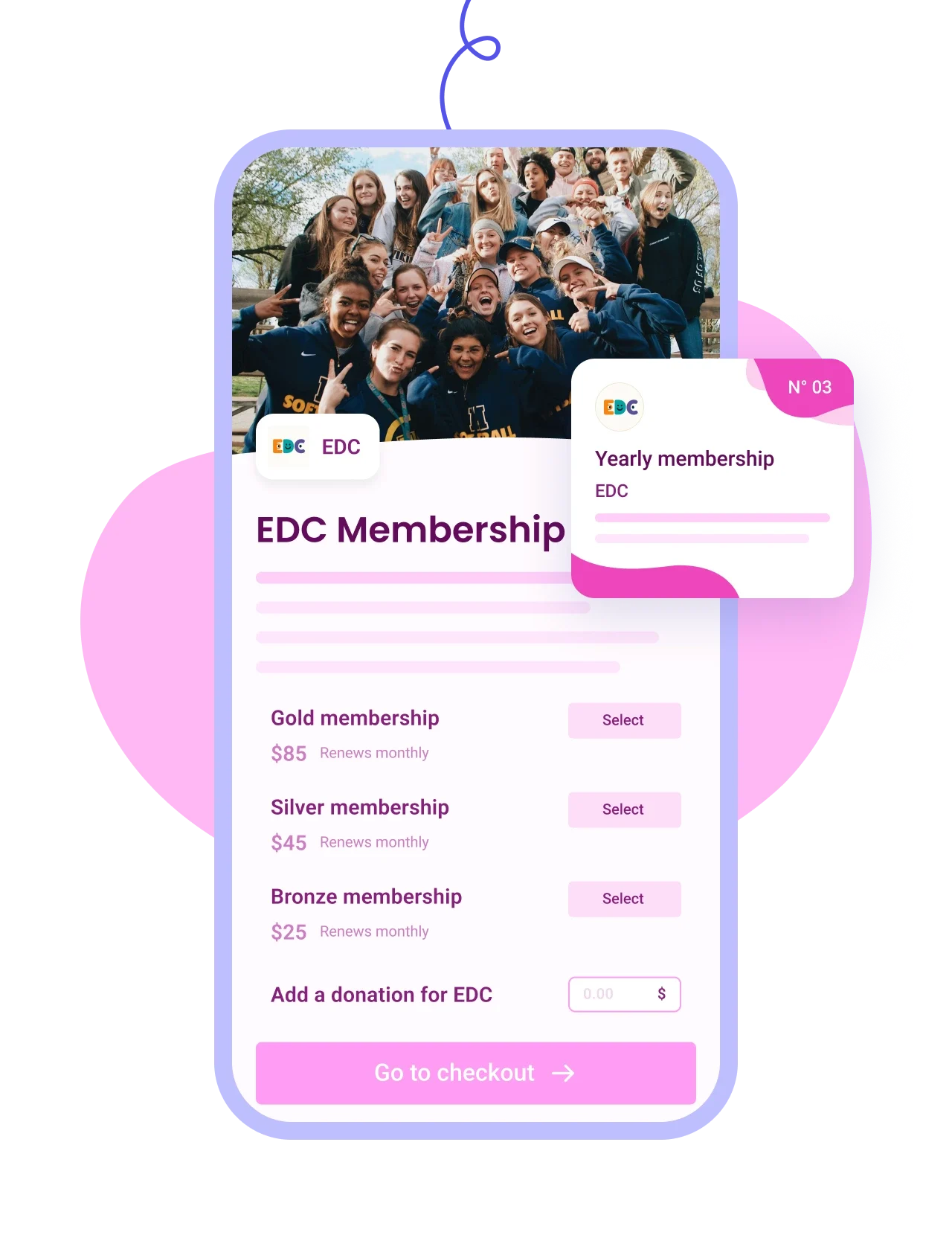
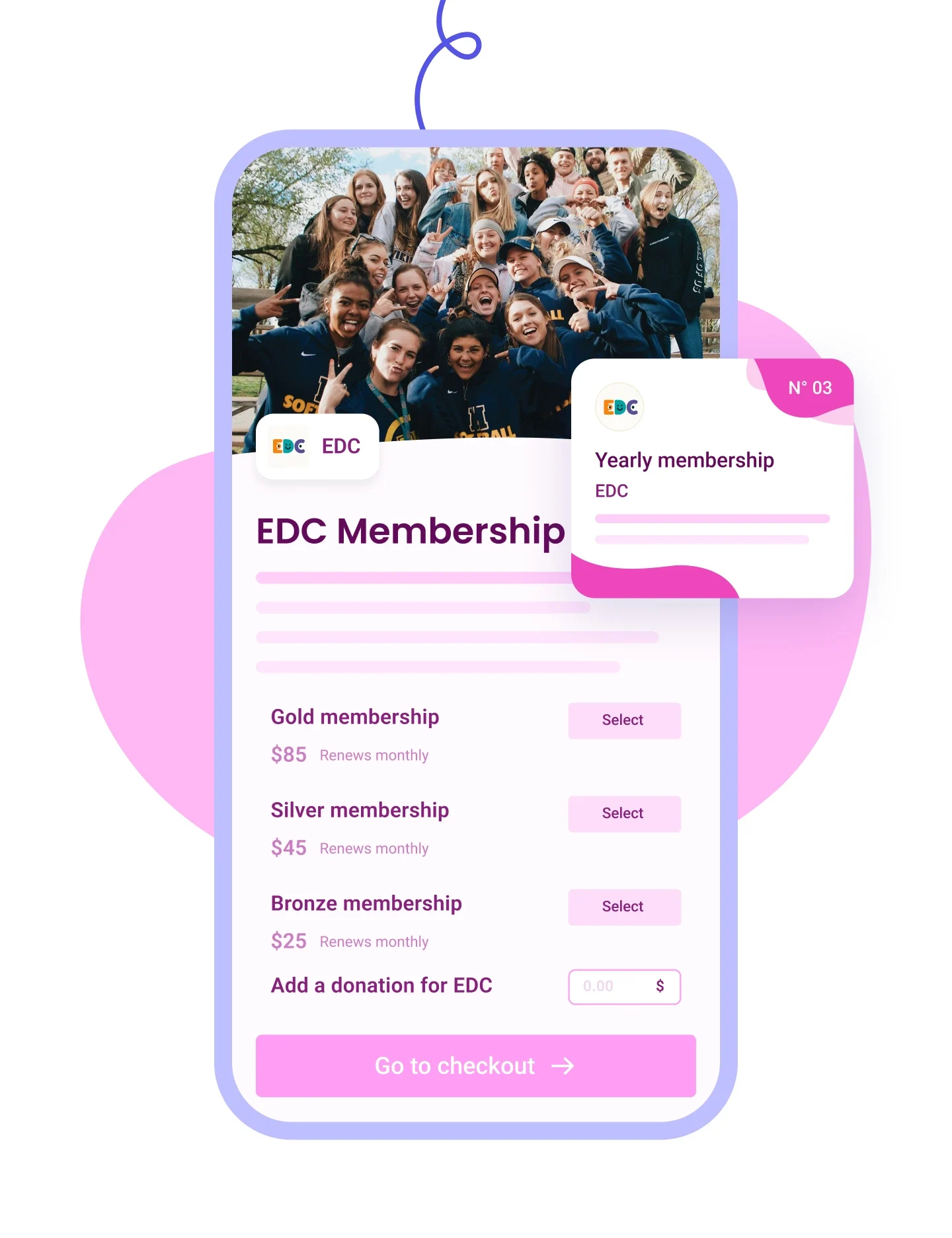
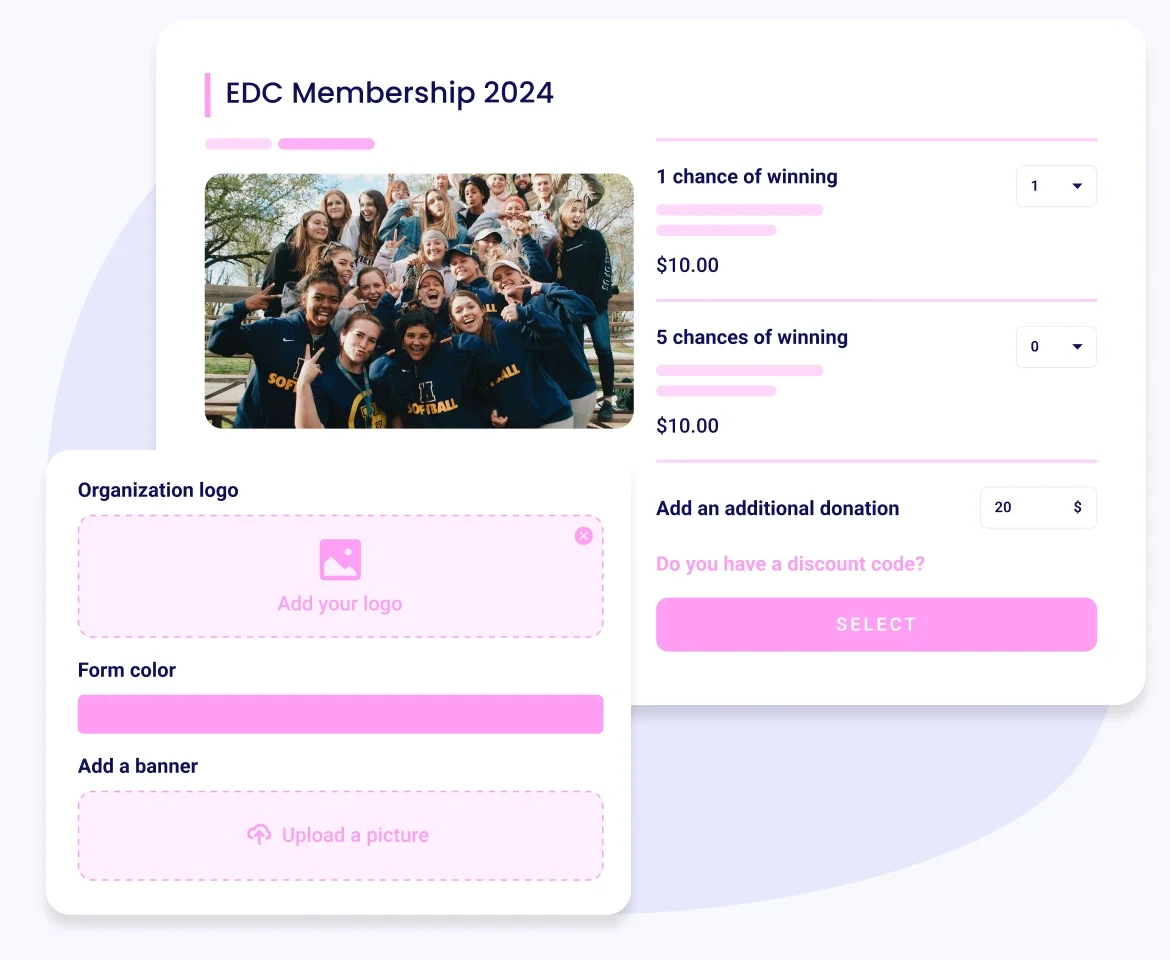
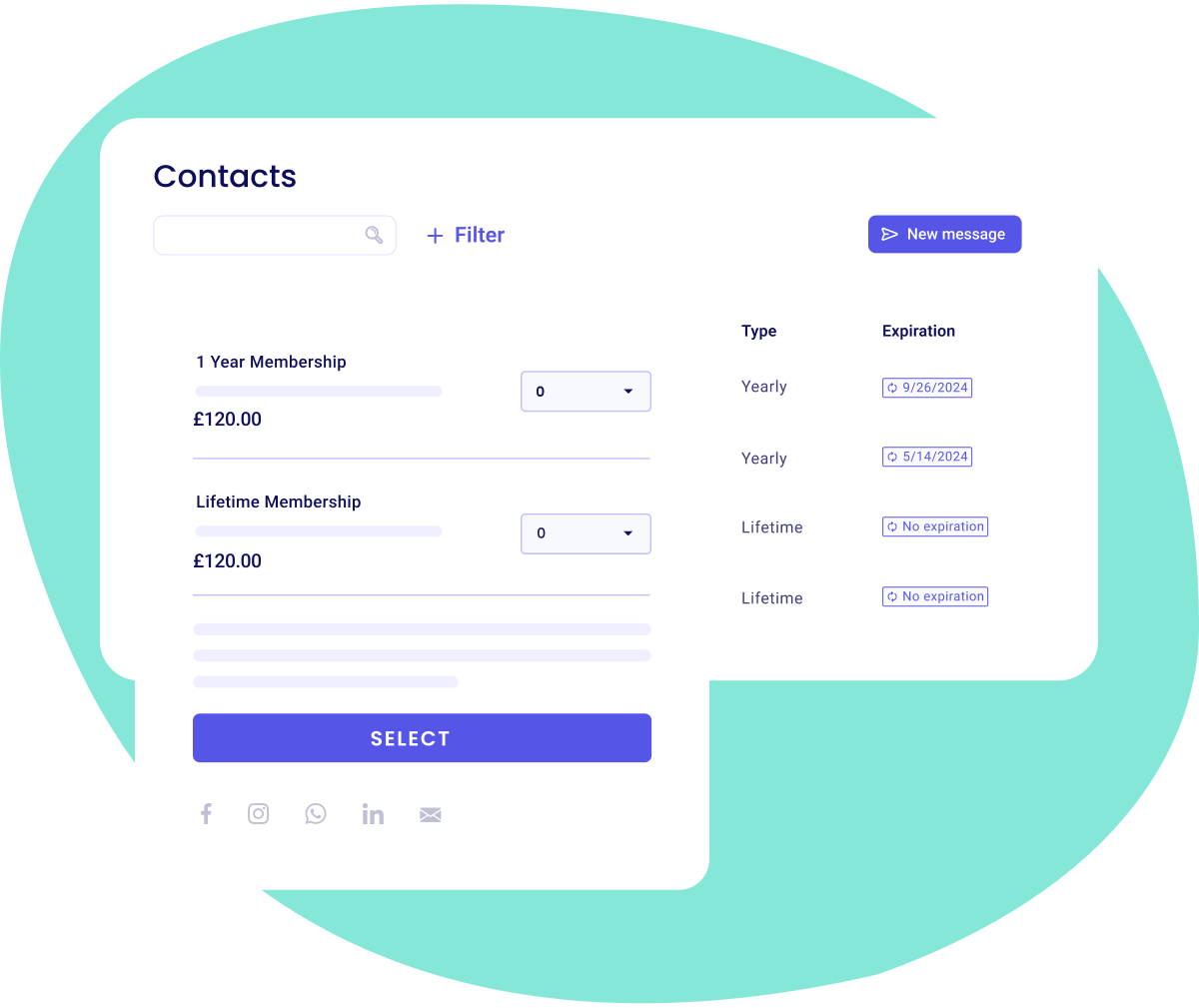
Personalise your membership form with colours, images, custom questions and as many membership tiers as you want.

Manage members effortlessly with membership cards, automated renewals and reminders, exportable lists, and contact profiles.

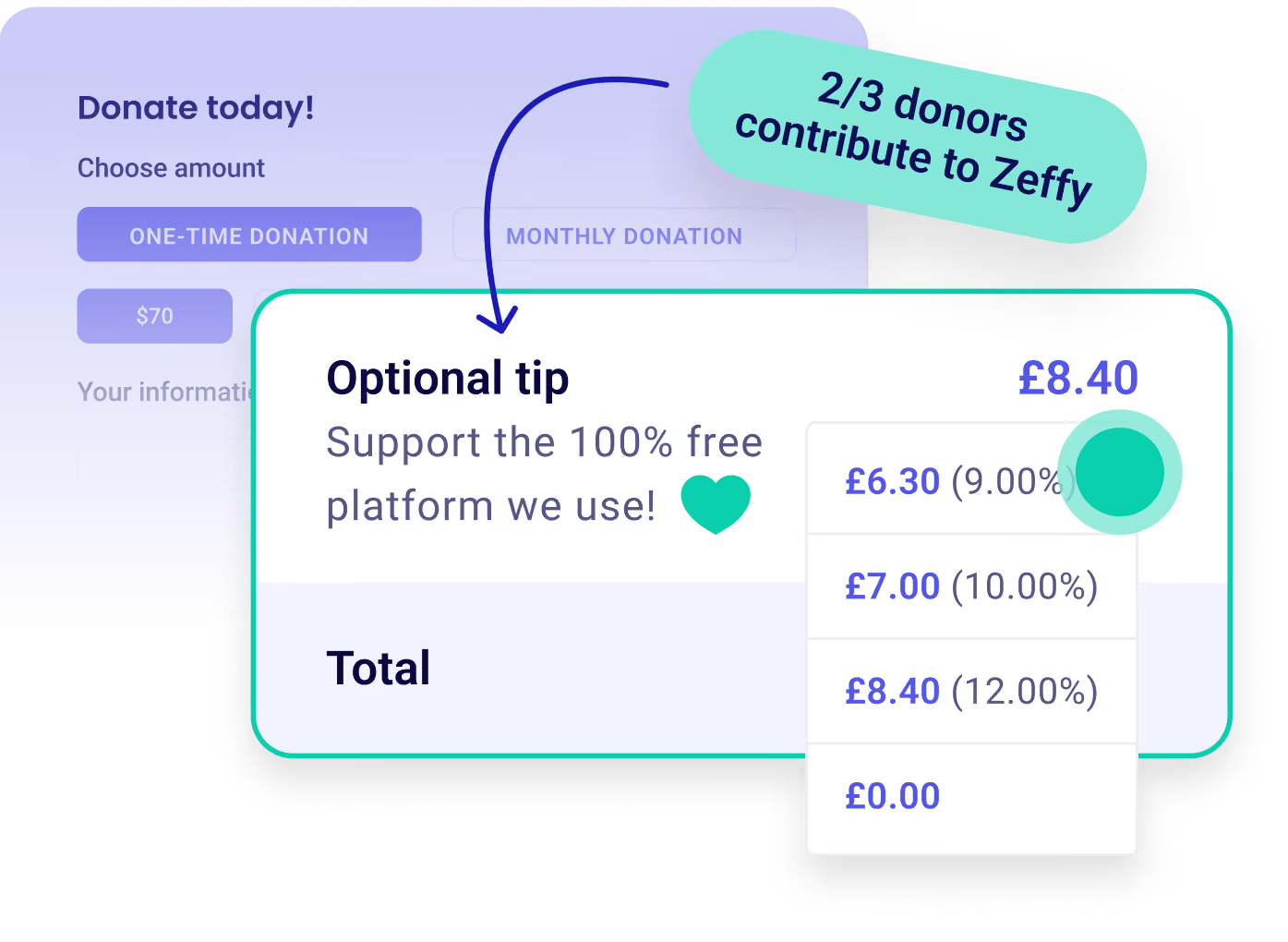
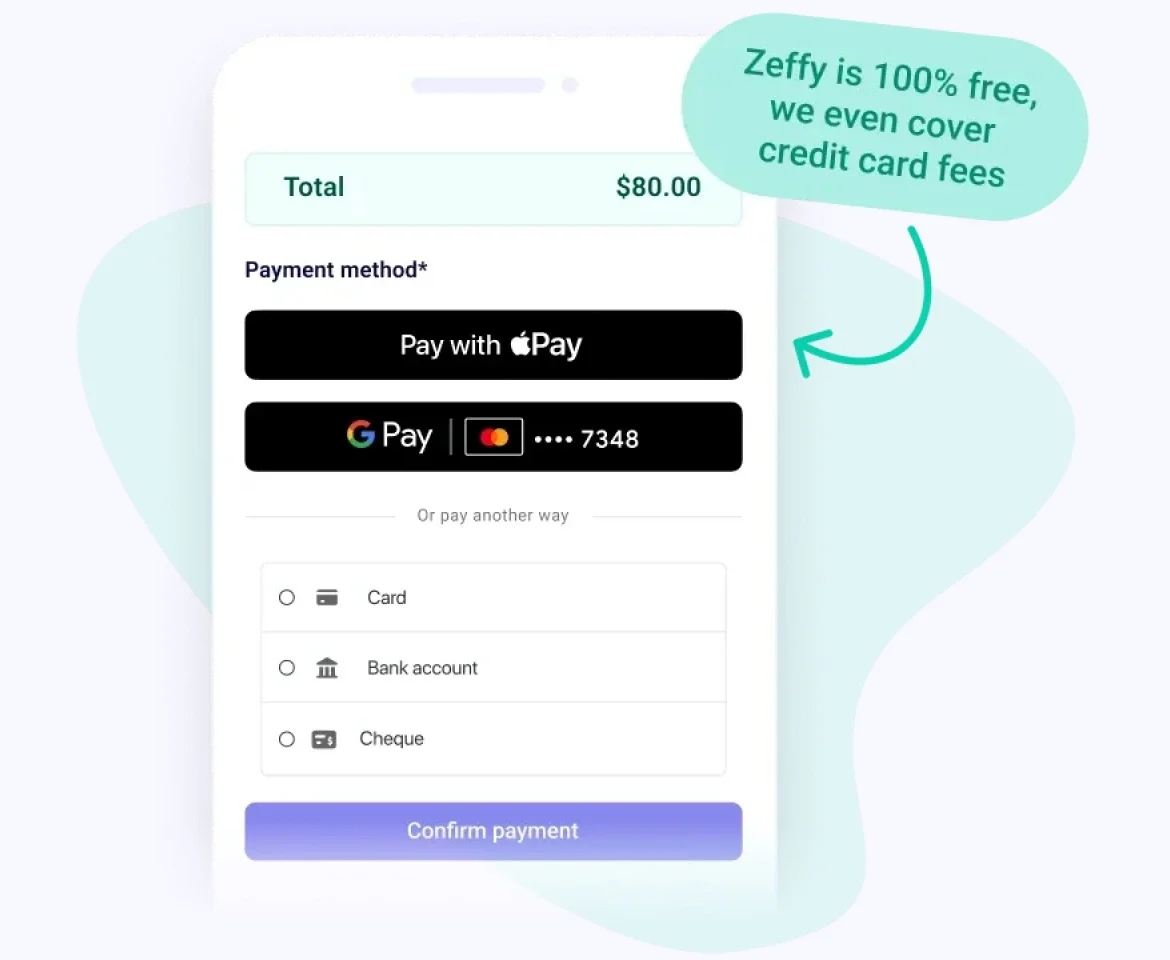
Keep 100% of the money for your mission with zero fees—we even cover credit card costs.







































.png)
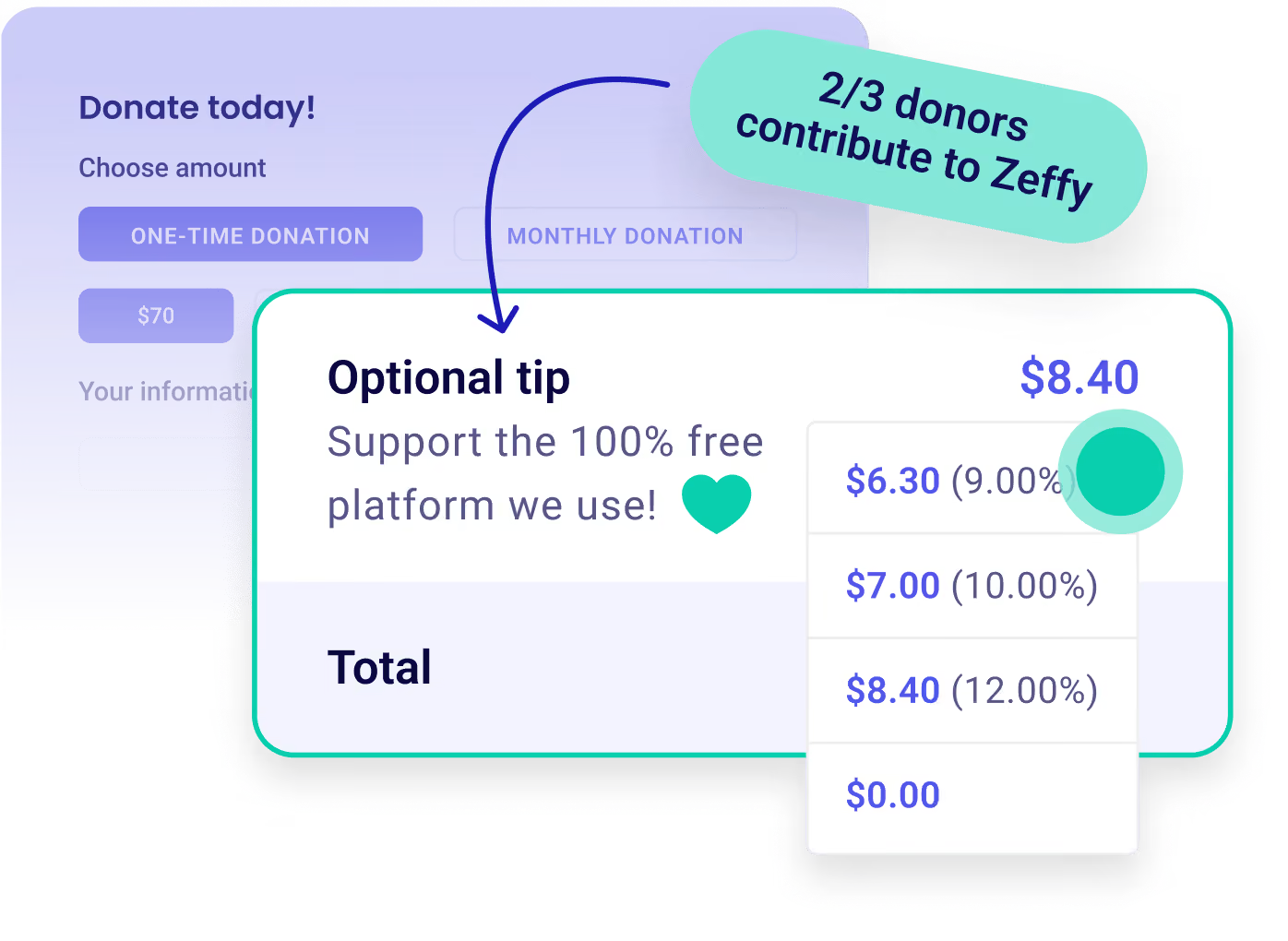
There's no platform fee, no transaction fee and no card fee on dues, and that holds however many members you have. Zeffy is funded by an optional contribution members can add at checkout, and your total is the same either way. A £25 membership reaches your bank account as £25. See how Zeffy stays free if you want the mechanics.
"With Zeffy, we are now getting 100% of donations, event fees, and membership fees. They have saved us almost $2000 in credit card fees in the first year."
Lori D., Marin History Museum (G2)
Create a free membership form, add your membership types with their dues, length and price, and share the link.
From there most of the admin runs itself: members sign up and pay online, each one lands on a member list you can filter, tag and export whenever you need it, and if you switch on membership cards, every new member gets theirs by email.
You also pick the renewal rhythm that matches how your organization actually works, whether that's monthly, yearly from each member's sign-up date, a fixed day and month so everyone renews together, or no expiry at all for lifetime members.
Yes. Any not-for-profit type qualifies, associations and clubs included, and you don't need registered-charity status specifically. You'll need your organisation's registration details and a bank account in the organisation's name, and if your charity registration is still pending you can register as “Other nonprofit organisation” and switch your type later.
Yes. Add as many membership types as your organization needs to one form, each with its own dues, length and price, and the level a member picks appears on their digital card. Tiers are how associations often welcome students, families and patrons at a price that works for each of them.
It depends on the schedule you choose, and the difference is worth knowing before you set it.
On yearly memberships automatic renewal is on by default, and a member can uncheck it at checkout if they'd rather renew by hand.
On monthly memberships renewal is always automatic, so signing up opts that member in and there's no box to decline.
Either way you can cancel any member's automatic renewal later from your dashboard, and members can cancel from their own account.
Anyone on a yearly membership gets a reminder email 30 days before it expires, confirming the upcoming charge if auto-renew is on or prompting them to renew if it isn't. Memberships you've set to no expiry don't renew and don't send reminders.
Yes. Every sign-up shows up as a single record with that member's type, renewal date and form answers together. Filter your contacts by membership to pull just your active members, save that as a list, and export it whenever you need it. Zeffy tracks the status for you, so an expired or cancelled membership drops out of that list without you touching it. That's the spreadsheet you no longer have to keep in sync.
Yes. Every supporter shows up as a single record, so someone who donates, holds a membership and buys an event ticket appears once with their whole history rather than in three separate lists. See CRM and donor management for what you can do with that record once it's there.
Switch on membership cards and each new member gets theirs by email when they join. The card carries their name and email, their membership type, the start date and the expiry or renewal date, your membership programme name, and their answers to any custom questions you asked on the form. You can add an image of your own, though the fields themselves are fixed. See membership cards for the detail.
Yes, you record it yourself. Add a payment from your dashboard, pick the membership level it's for, choose cash or cheque as the payment method, and attach it to that person's contact record, ticking the box to send them their confirmation email. One thing to plan around: paying by check through the form only becomes available above a threshold, so for most membership prices a posted check is something you log rather than something your member pays online.
Yes. On any event you run, you can restrict a ticket to people who hold an active membership, and Zeffy checks eligibility at checkout so you're not policing the guest list yourself. You choose which membership types qualify, or leave it open to all of them. A member who isn't signed in enters the email on their membership and gets a link straight back to the page, with no password to remember. Each membership buys one of those tickets per event, which stops a member rate being passed around. If you'd rather not gate the ticket at all, create a discount code and share it with members only.
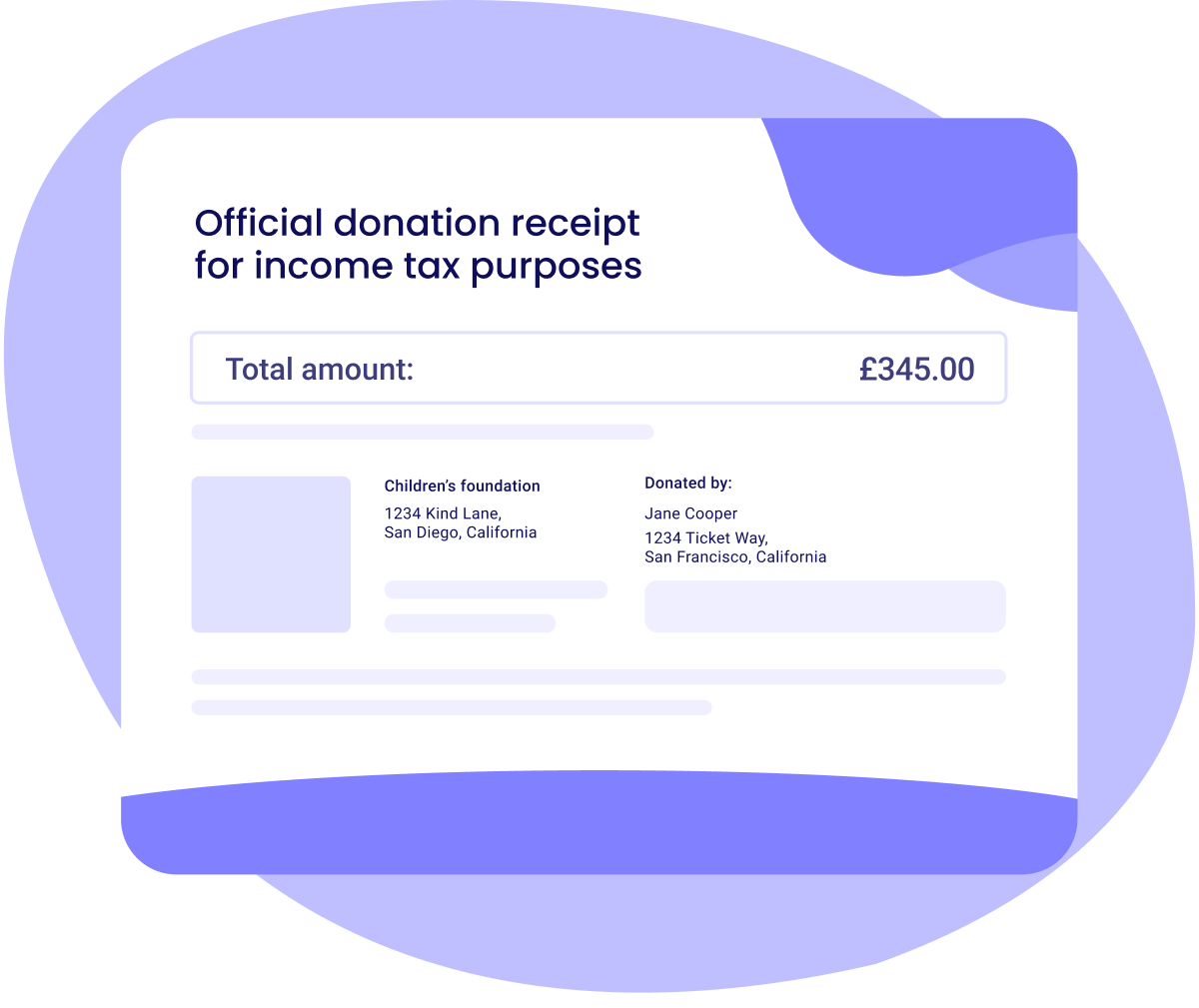
Yes, for the eligible portion. Where membership comes with benefits, only part of the dues can be receipted, so you set the eligible amount on the membership level and Zeffy issues a receipt for that portion automatically when someone joins. The rest is recorded as the value of what the member receives in return. Your charity needs to be set up to issue receipts first.
.webp)