FEATURE

Accept Apple Pay and Google Pay donations for free

Every other platform that supports Apple Pay and Google Pay still keeps 2.2% to 3% plus $0.30 off every wallet gift, so the wallet only made checkout faster, not cheaper. Zeffy turns Apple Pay and Google Pay on automatically for every donation form and charges $0. When a donor confirms a $25 gift with Face ID, your nonprofit receives $25.

Decorative

Accept digital wallet donations in three steps

Step 1

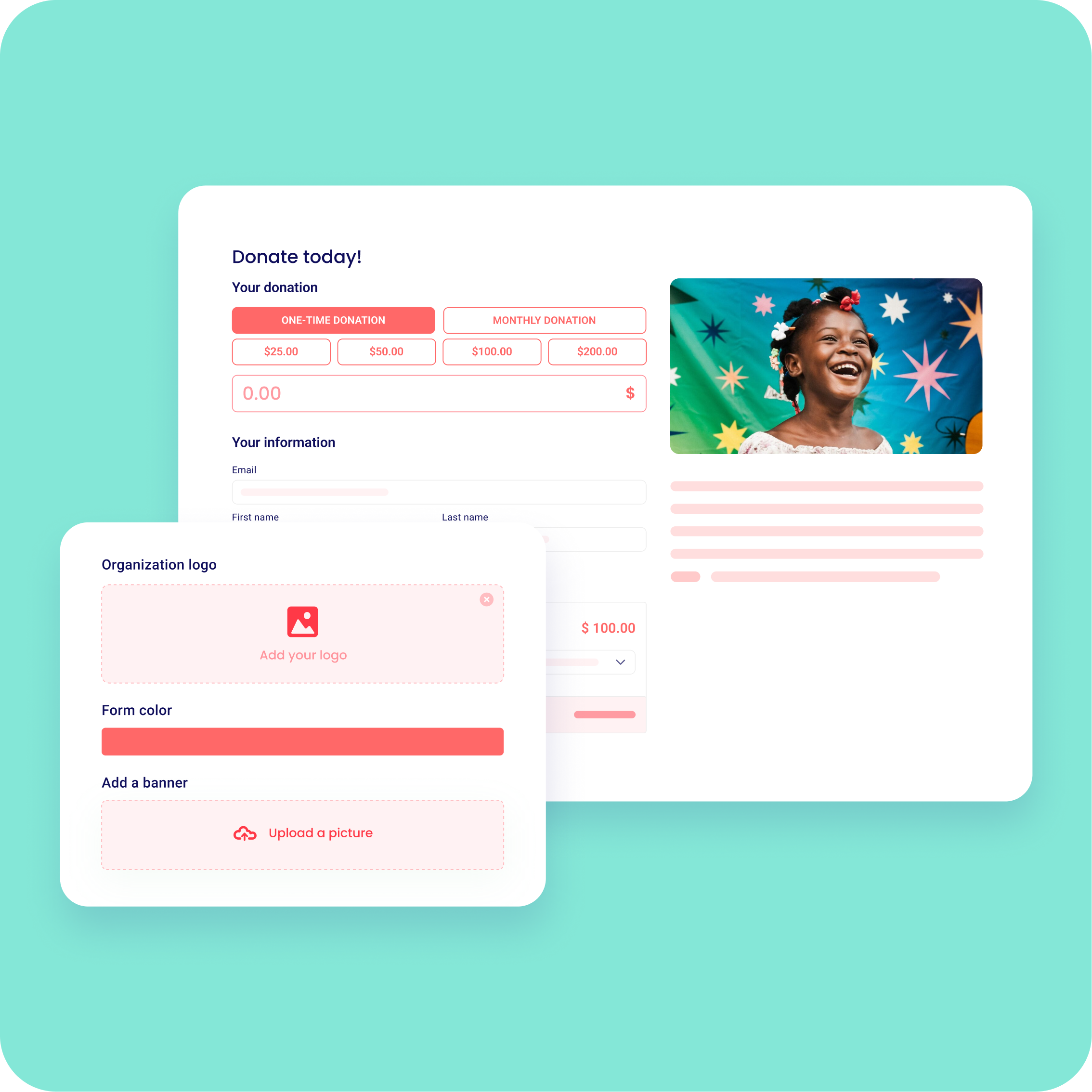
Create your free donation form

Apple Pay and Google Pay are enabled automatically on every form. No setup, no plugin, no gateway.
Sign up for freeStart your nonprofit

Step 2

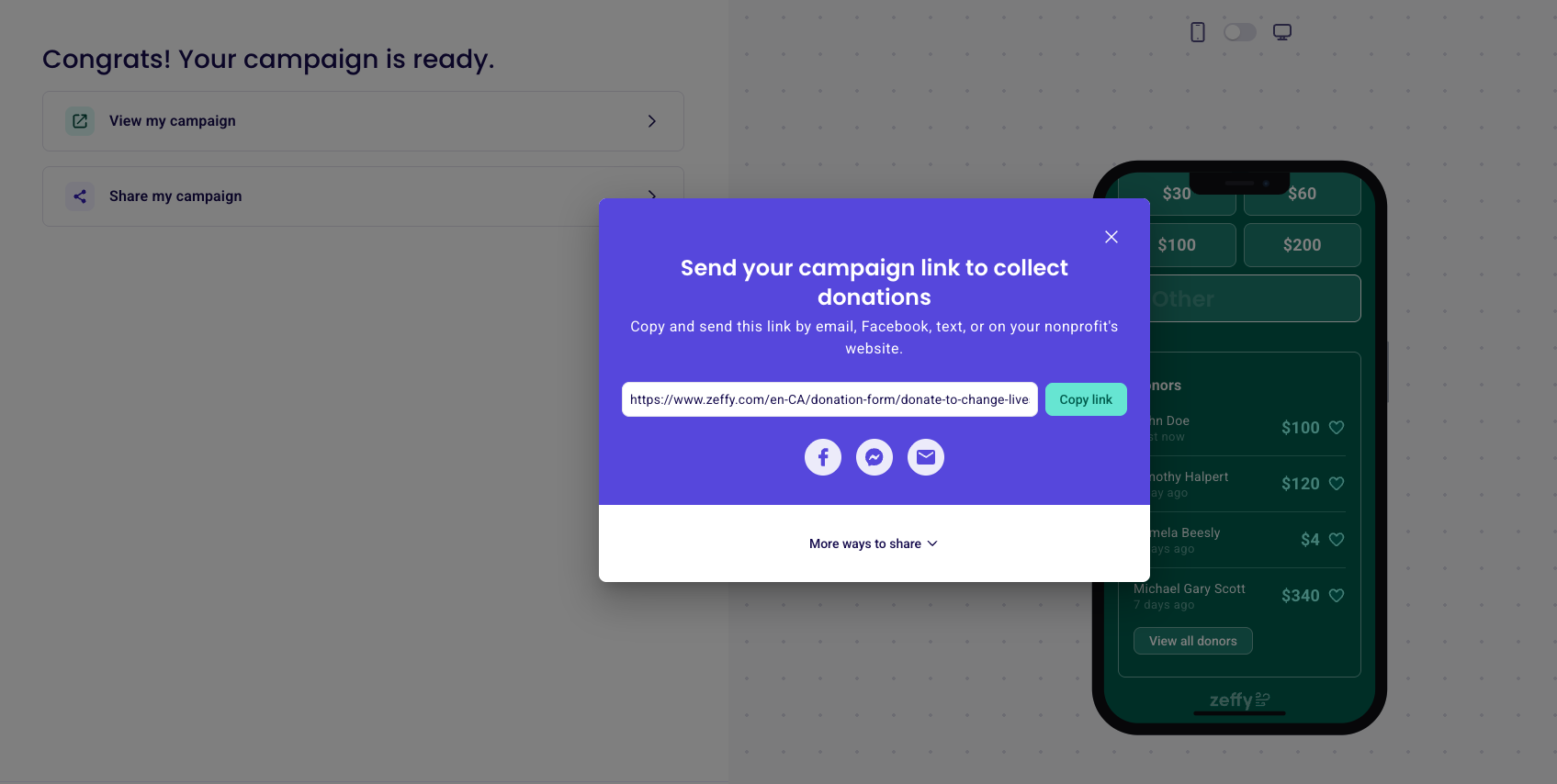
Share your form where donors are on their phones

Instagram bio, a text, a QR code at your event. Mobile donors see the wallet option at checkout.
Start your nonprofitSign up for free

Step 3

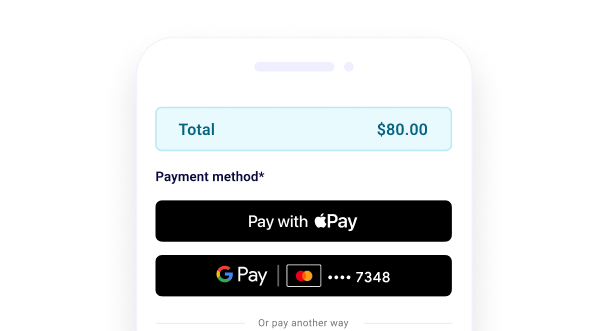
Donors give in one tap

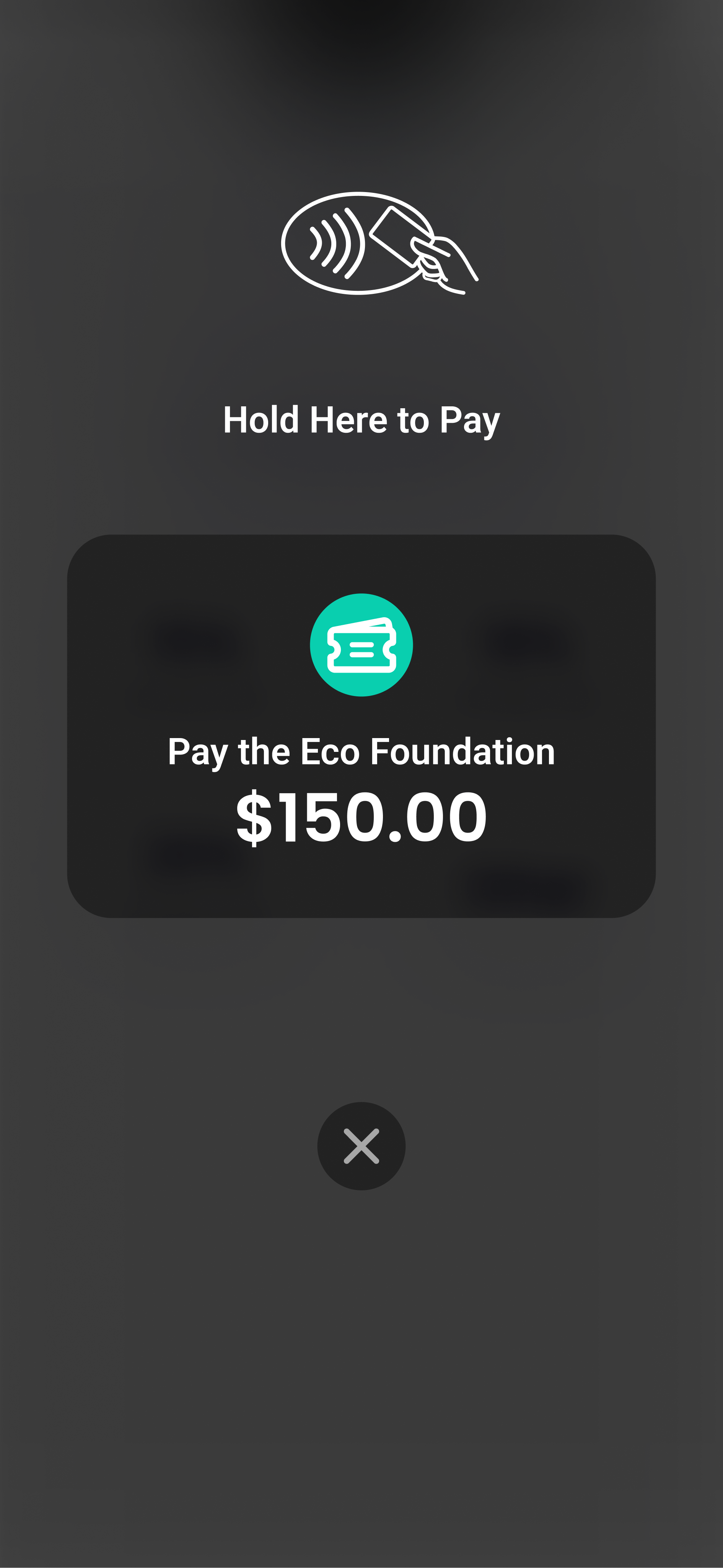
iPhone donors see Apple Pay, Android donors see Google Pay, and confirm with Face ID or a fingerprint. You keep 100%.
Sign up for freeStart your nonprofit

Step 4

Accept wallet gifts in person

Use Zeffy's Tap to Pay app to take Apple Pay and Google Pay at events, no terminal.

Sign up for freeStart your nonprofit

Step 1

Create your free donation form

Apple Pay and Google Pay are enabled automatically on every form. No setup, no plugin, no gateway.

Step 2

Share your form where donors are on their phones

Instagram bio, a text, a QR code at your event. Mobile donors see the wallet option at checkout.

Step 3

Donors give in one tap

iPhone donors see Apple Pay, Android donors see Google Pay, and confirm with Face ID or a fingerprint. You keep 100%.

Step 4

Accept wallet gifts in person

Use Zeffy's Tap to Pay app to take Apple Pay and Google Pay at events, no terminal.

Decorative

Common questions about Apple Pay and Google Pay donations

Can nonprofits accept Apple Pay and Google Pay with Zeffy?

Yes, both are enabled automatically on every Zeffy donation form, with nothing to set up.

Does Zeffy charge fees on wallet donations?

No. Apple Pay and Google Pay gifts are 100% free. A $25 Face ID gift means $25 to your cause.

Do donors need an account?

No. They use the wallet already set up on their device.

Can I accept digital wallets in person?

Yes, via Zeffy's Tap to Pay app, no terminal needed.

Which wallets does Zeffy support?

Apple Pay and Google Pay. Not PayPal, Venmo, Cash App, Samsung Pay, or Zelle as checkout wallets.

Decorative

Why nonprofits accept digital wallets with Zeffy

Apple Pay and Google Pay on every form automatically

No setup, plugin, or gateway

One-tap mobile giving (fewer drop-offs)

In-person via Tap to Pay, no terminal

Works with recurring gifts

Automatic tax receipts

100% free, you keep every wallet gift

Sign up for free
Decorative

Accept digital wallet donations for free

Turn on one-tap Apple Pay and Google Pay giving on every form, and keep 100% of every wallet gift.

Sign up for free

100,000 nonprofits fundraise with Zeffy

Zeffy has been supporting nonprofits for the last 7 years. Providing 100% free and user friendly fundraising tools.

How is Zeffy free?
How is Zeffy free?
Zeffy relies entirely on optional contributions from donors. At the payment confirmation step - we ask donors to leave an optional contribution to Zeffy.
Learn more >