We use cookies to improve your experience on our platform. By clicking “Accept all cookies”, you agree to the storing of cookies on your device to enhance site navigation, analyze site usage and assist in our marketing efforts.


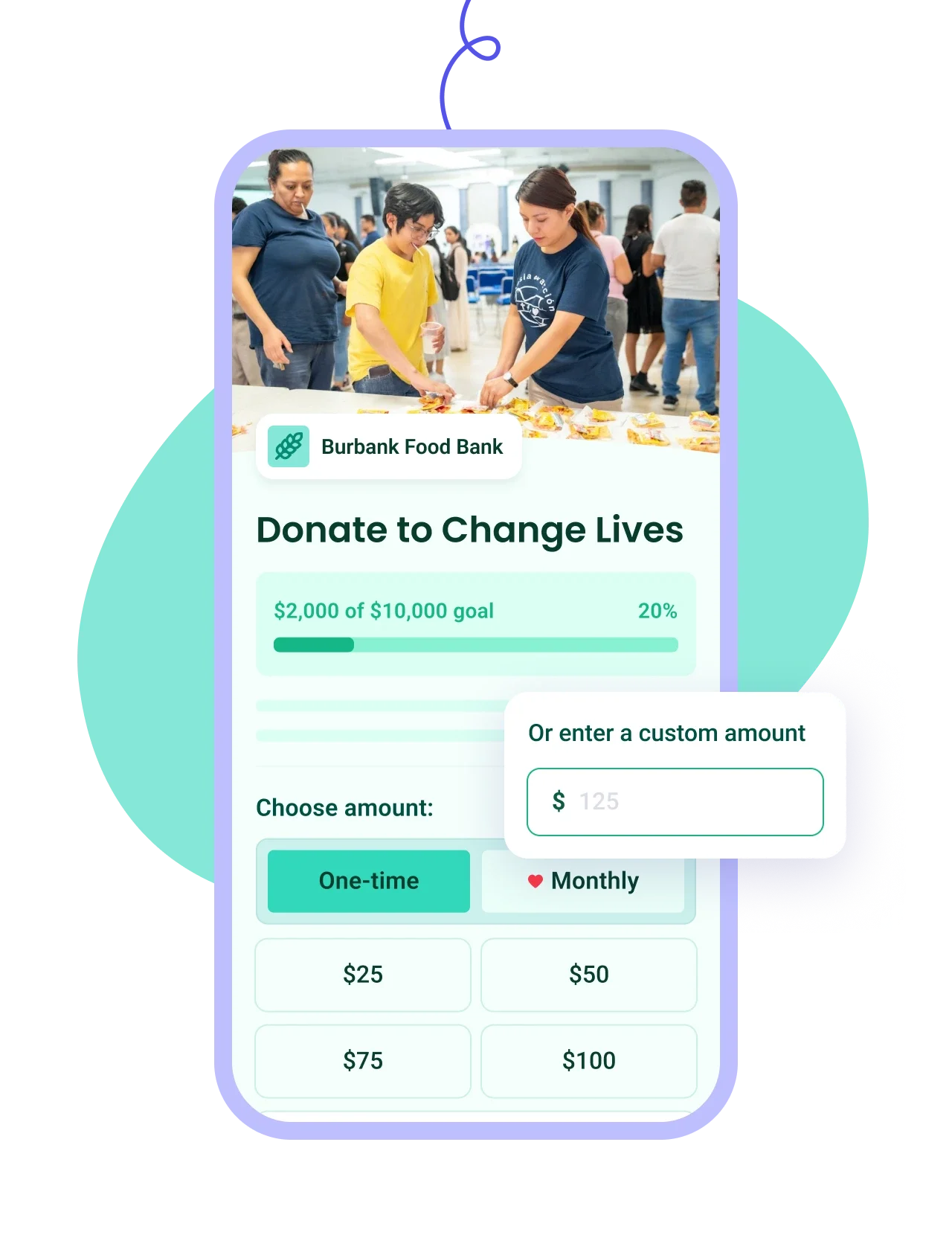
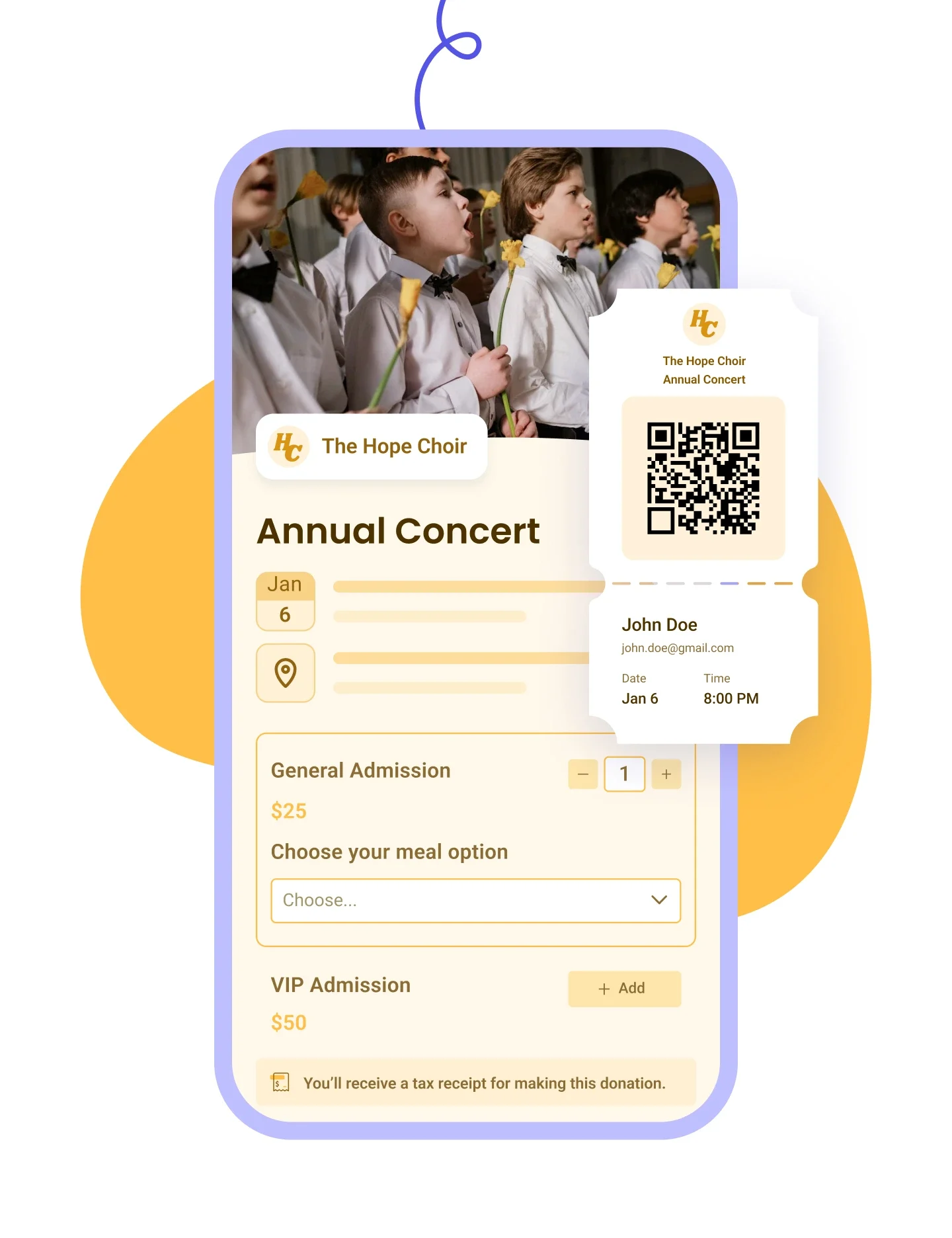
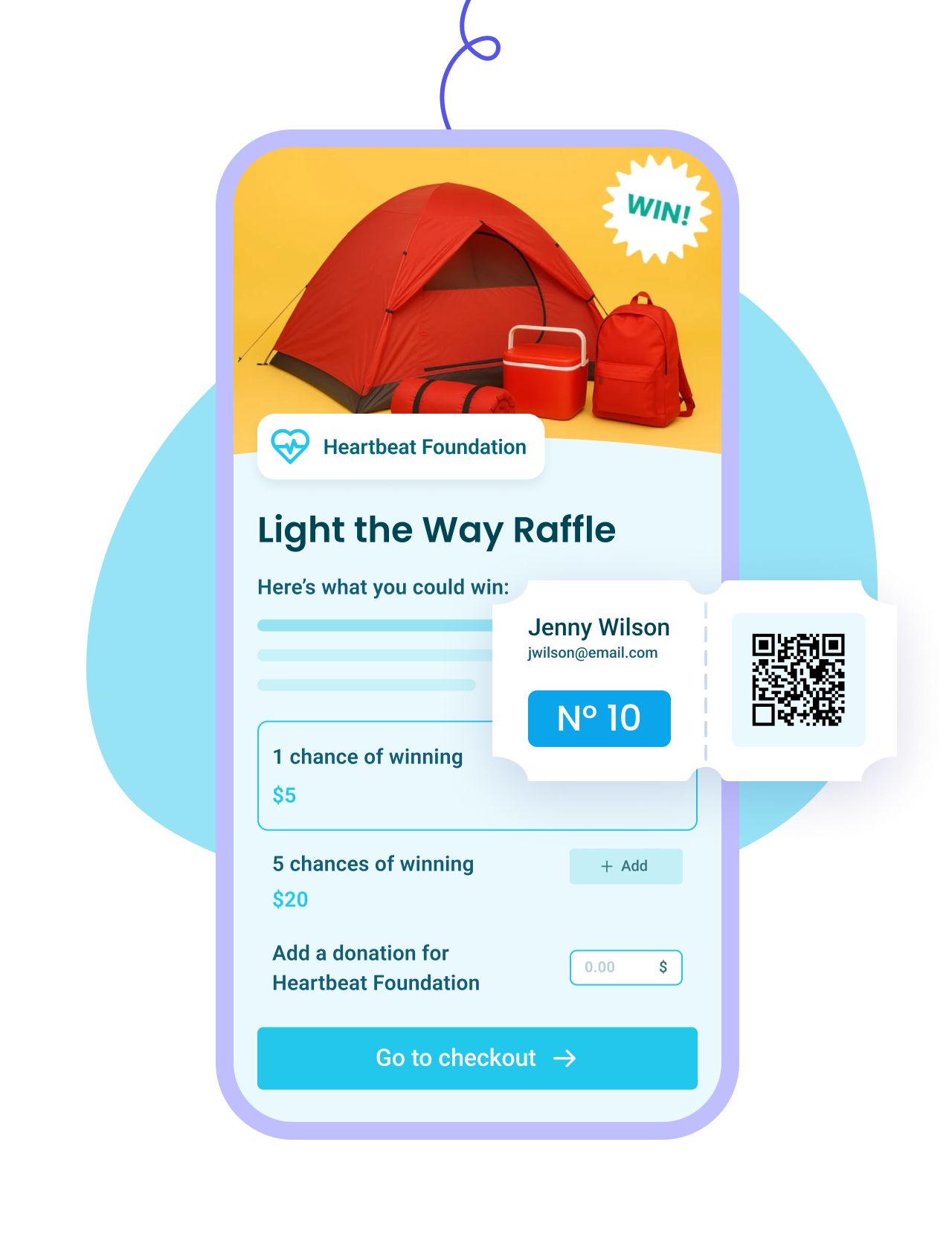
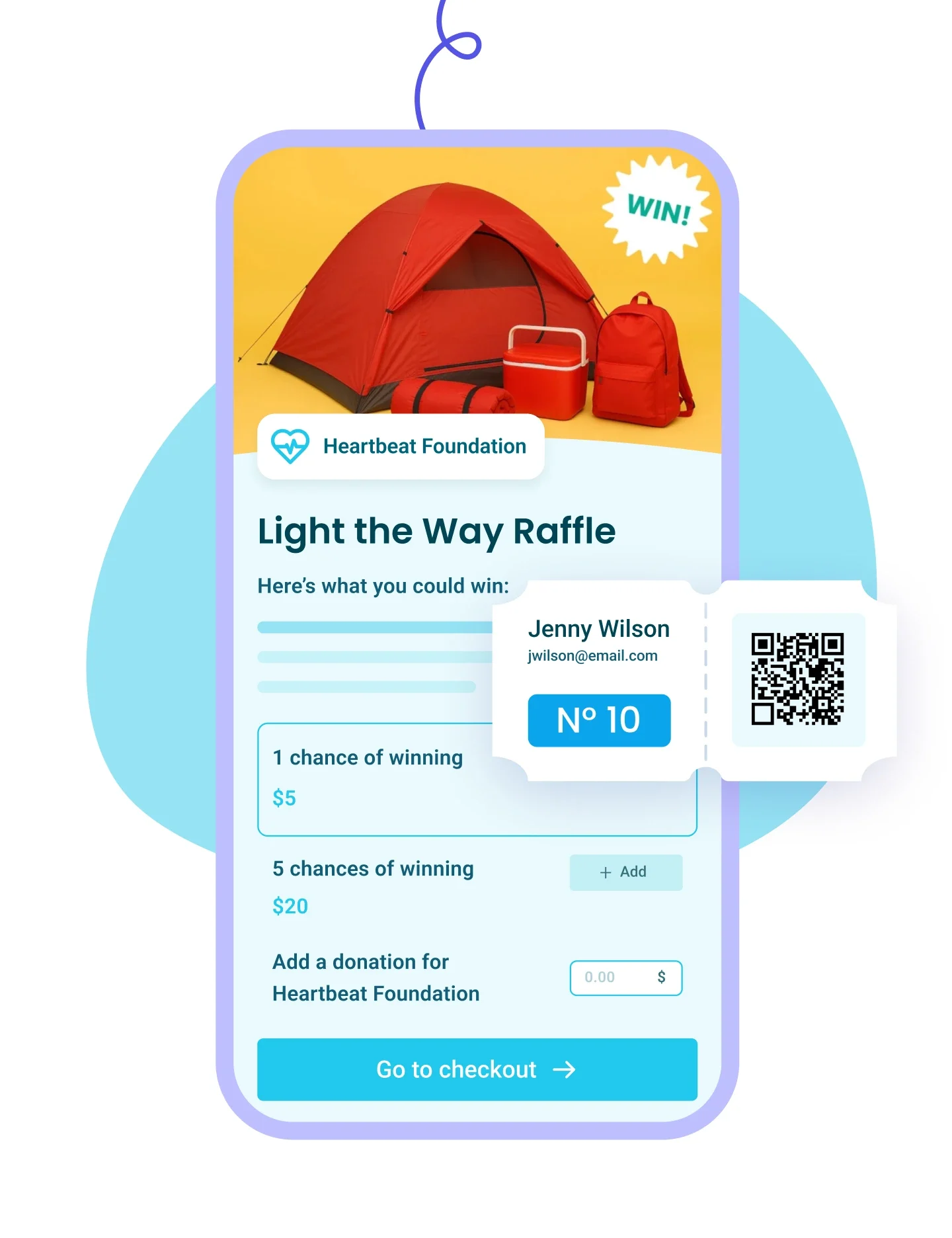
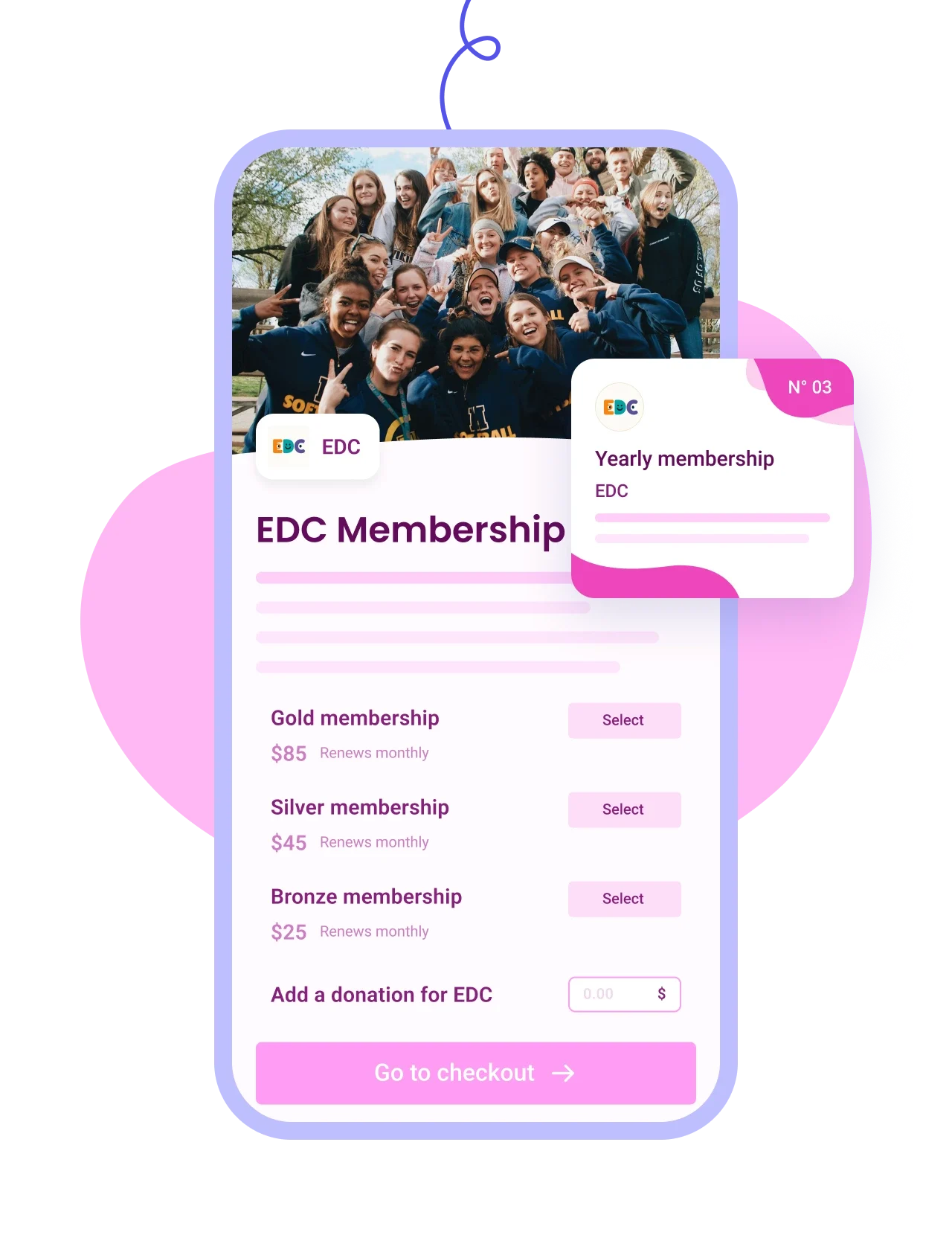
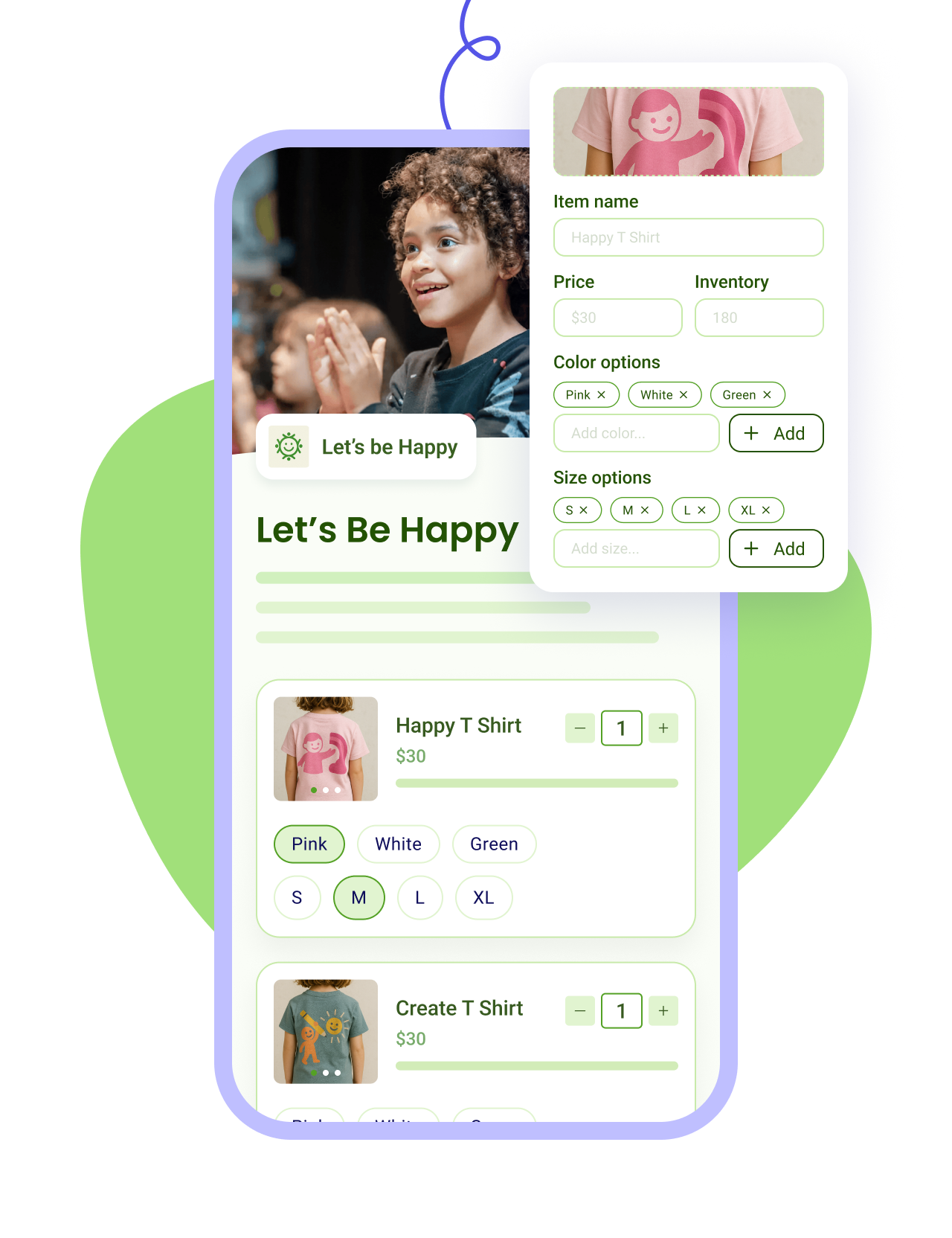
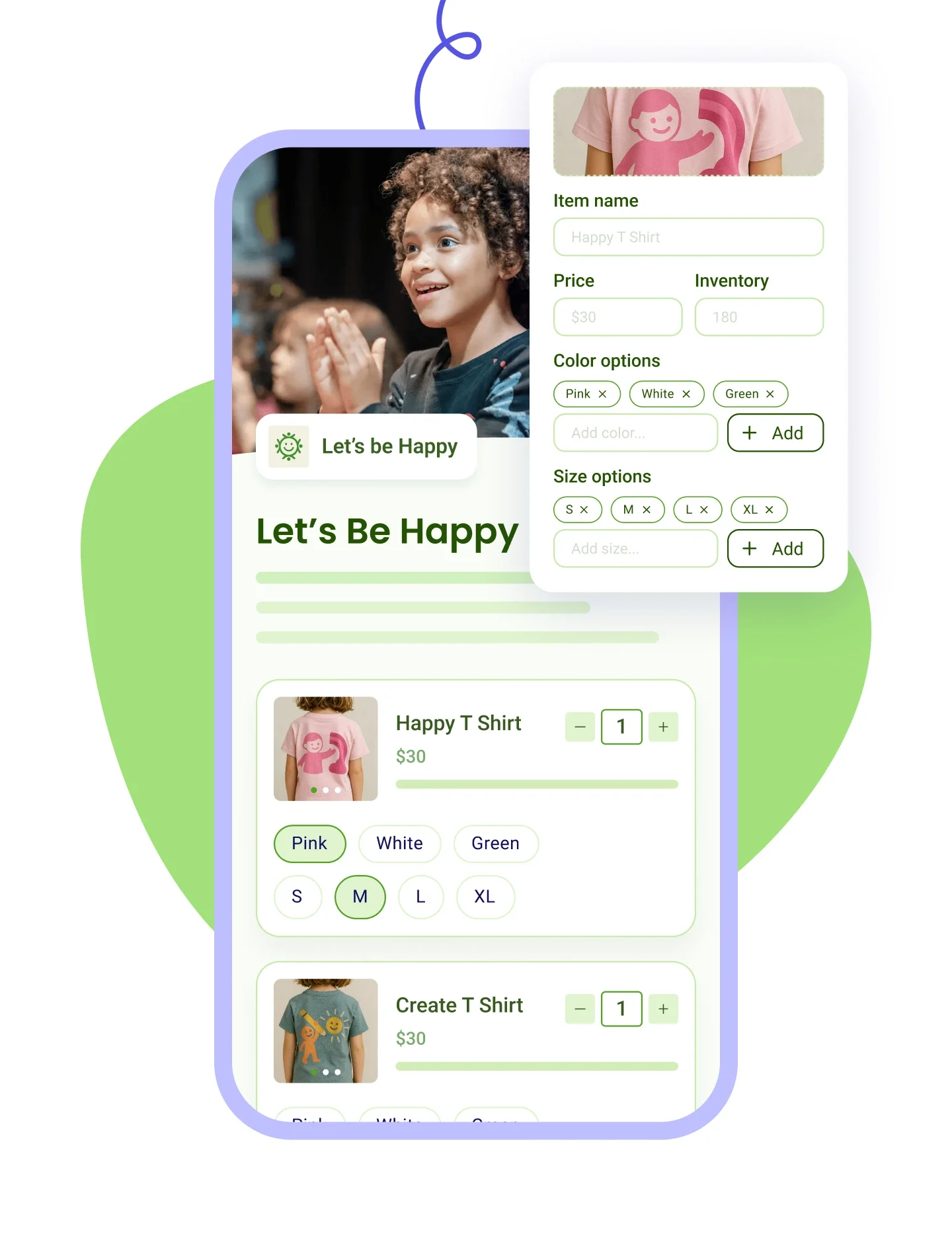
Customize your form to match your brand and offer one-time or recurring giving options.

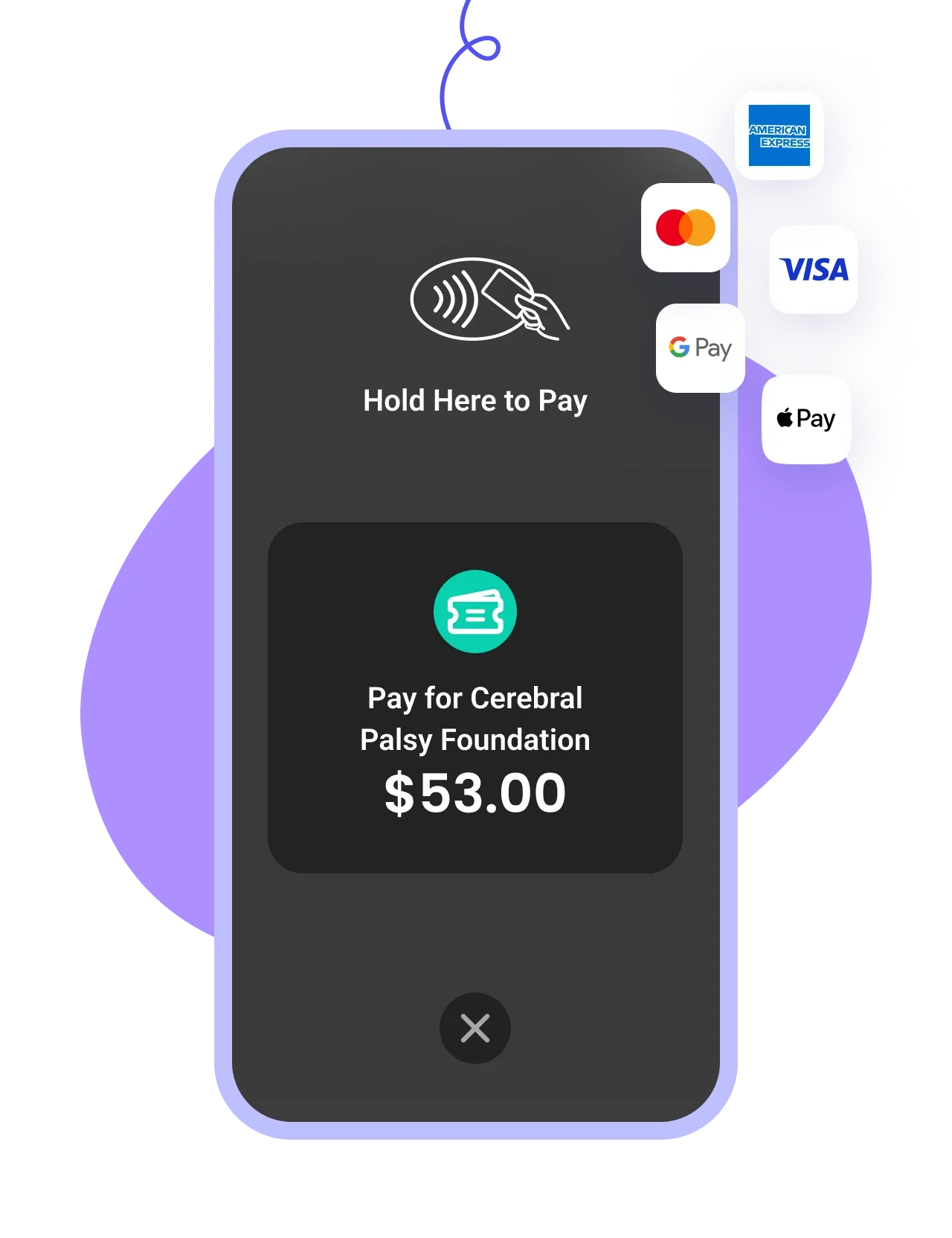
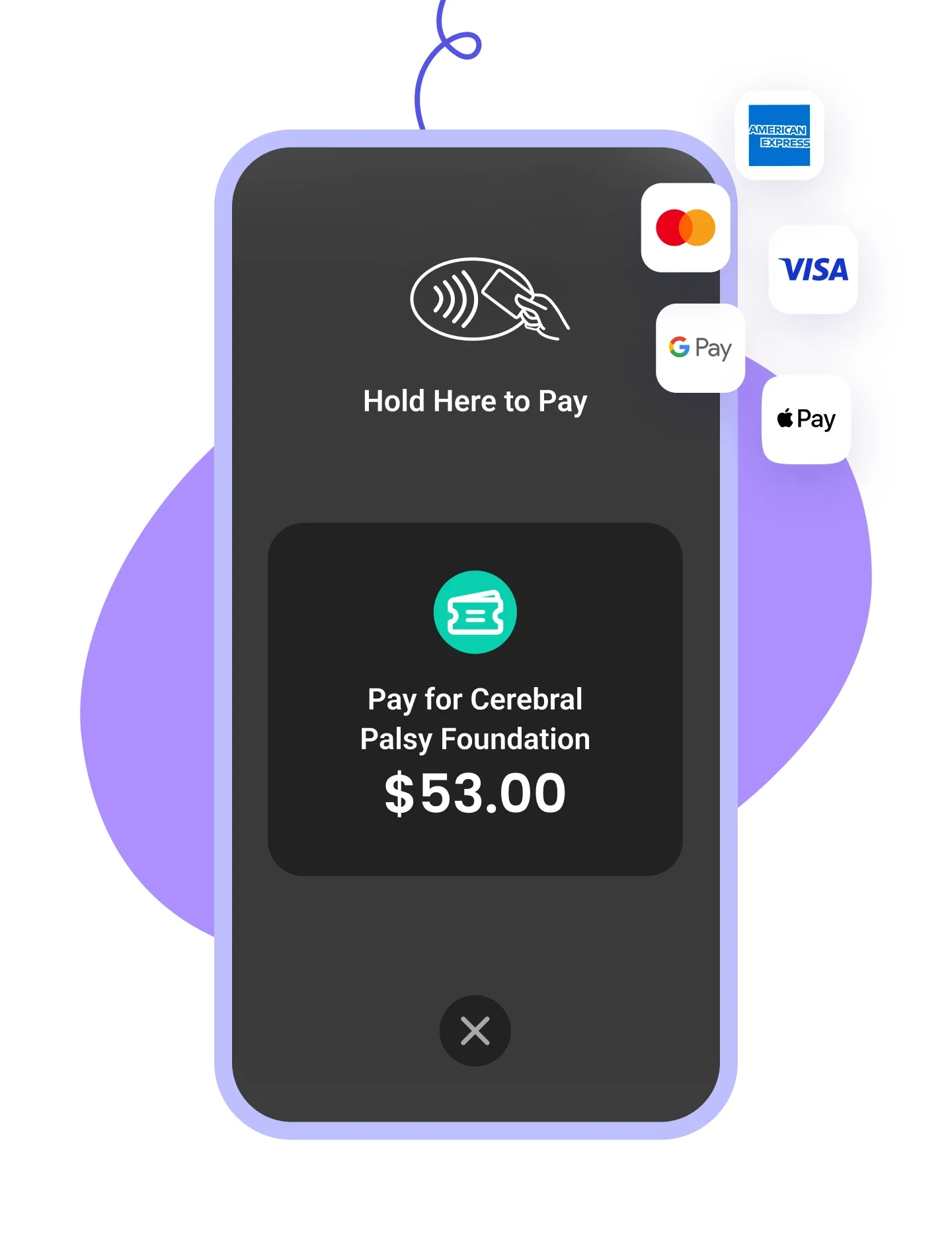
Accept all payment types including credit cards, Apple Pay, Google Pay, and bank transfers.

Keep 100% of donations for your mission with zero fees—we event cover transaction & credit card fees.






































.png)
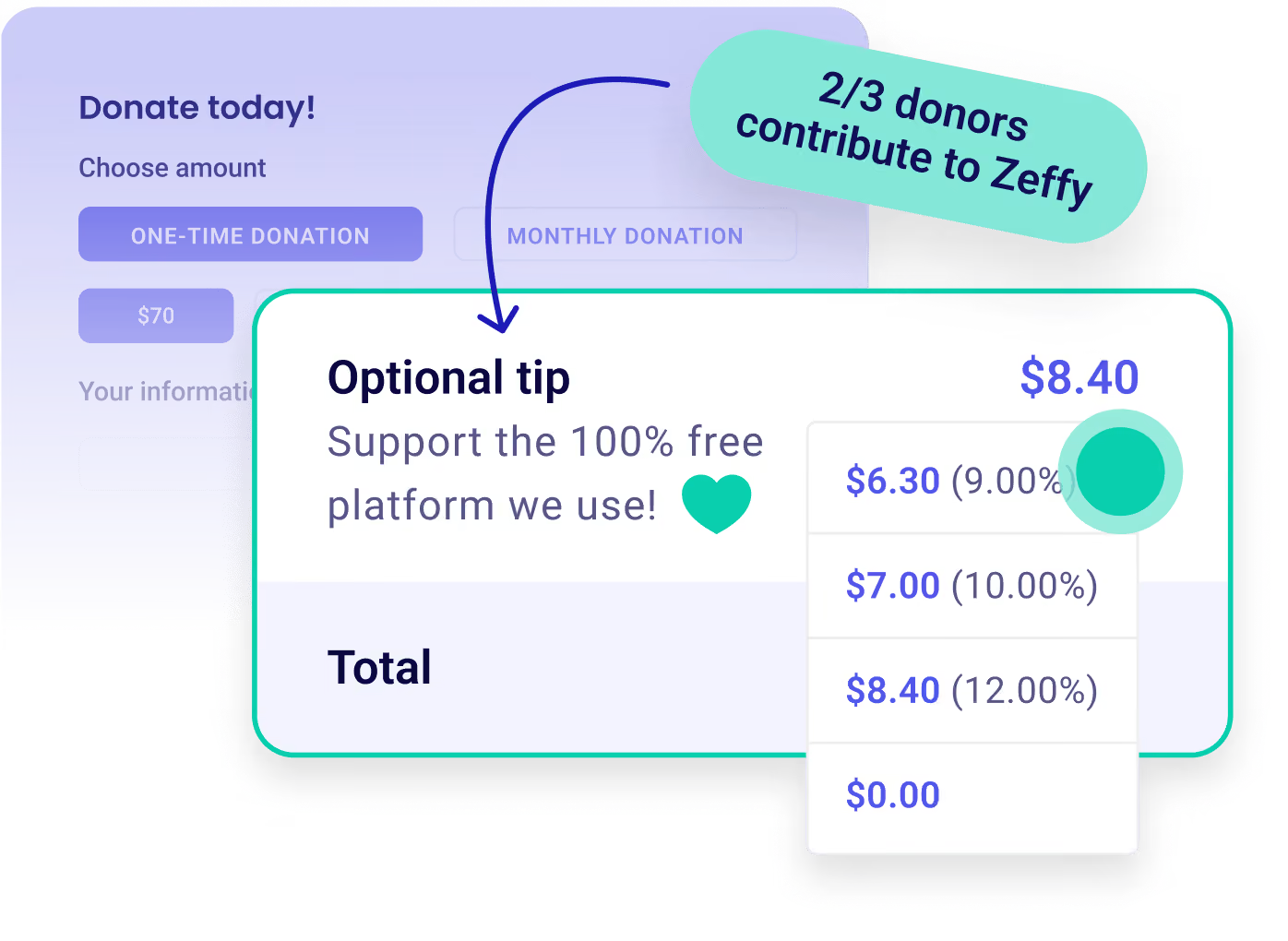
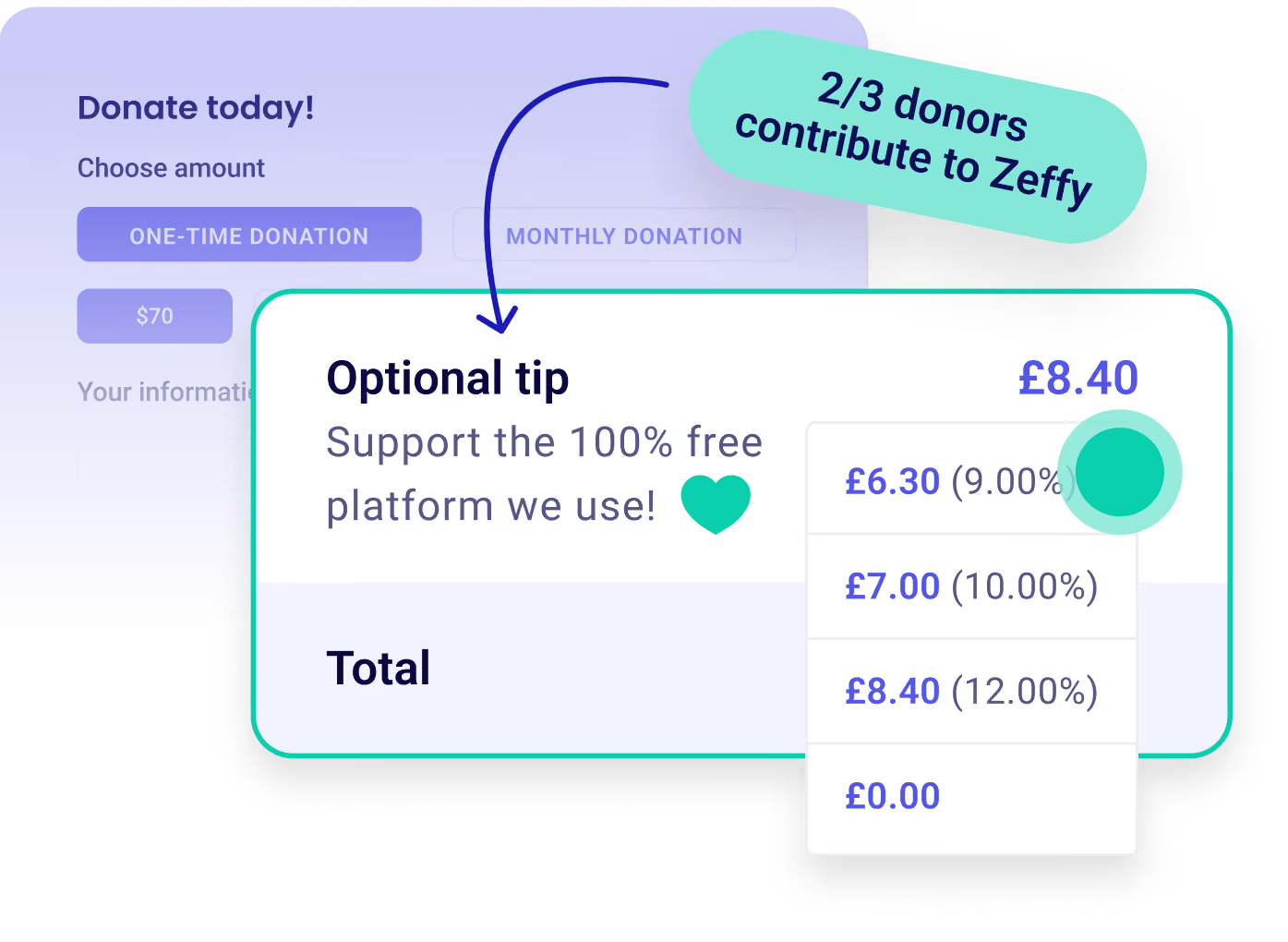
A £50 gift arrives as £50 in your bank account. There's no platform fee, no transaction fee and no card fee, and Zeffy absorbs the credit card cost rather than passing it to you. What funds Zeffy is a contribution your donor can add at checkout, shown as its own line with an amount they're free to lower or set to zero. That part you can test rather than take on trust: give £50 to your own form and £50 lands in your bank account. Where a platform charges a percentage instead, it comes off the top before the money ever reaches you.
"With Zeffy, we receive 100% of every donation, which makes an enormous difference in our ability to fund programs and support those in crisis."
Kim B., The Brandon Caserta Foundation (G2)
Both work, and you can change your mind later. Every form you build comes with its own hosted page and a QR code, so you can start with a link and nothing else. To put it on a site you already have, either add a donate button that opens your form, or embed the form in the page itself. WordPress and Wix have dedicated Zeffy add-ons, the WordPress plugin and the Zeffy app in the Wix App Market, so neither needs code. Squarespace, Webflow, GoDaddy, Weebly and Shopify use their own custom-code block to hold the embed. One thing worth knowing before you choose: an embedded form shows the giving fields only, so your description, images and logo live on the hosted page.
And if you don't have a website at all, your Zeffy Organization Page can be where you send people instead. Every supporter shows up as a single record whichever route they came through.
Yes, and a single donation form is often all you need. Every form comes with its own hosted page and a QR code, so you can share the link today and raise money without a website behind it. When you want one place that holds everything, Zeffy also gives you an Organization Page, a single link like zeffy.com/yournonprofit that gathers your donation forms, events, memberships, shop and campaigns together, with your logo, colours and mission on it. Plenty of organizations use that in place of paying for a website, and you can still link to it from a site later if you build one. It's already sitting in your dashboard waiting to be published, and it becomes publicly visible once you've taken seven payments, or sooner if you ask support to switch it on.
Yes, and you choose the rhythm. Donors can give monthly, quarterly or yearly alongside a one-time option, and you decide which of those appear on your form and which one is pre-selected. Each frequency can carry its own suggested amounts. Either side can change things later: your donor from their own portal or their confirmation email, and you from your dashboard, including the amount, the charge date, the card on file, or stopping it altogether. If your organization issues receipts, monthly donors get one cumulative receipt at the end of the fiscal year, covering the whole year rather than twelve separate ones. There are no fees on any of it.
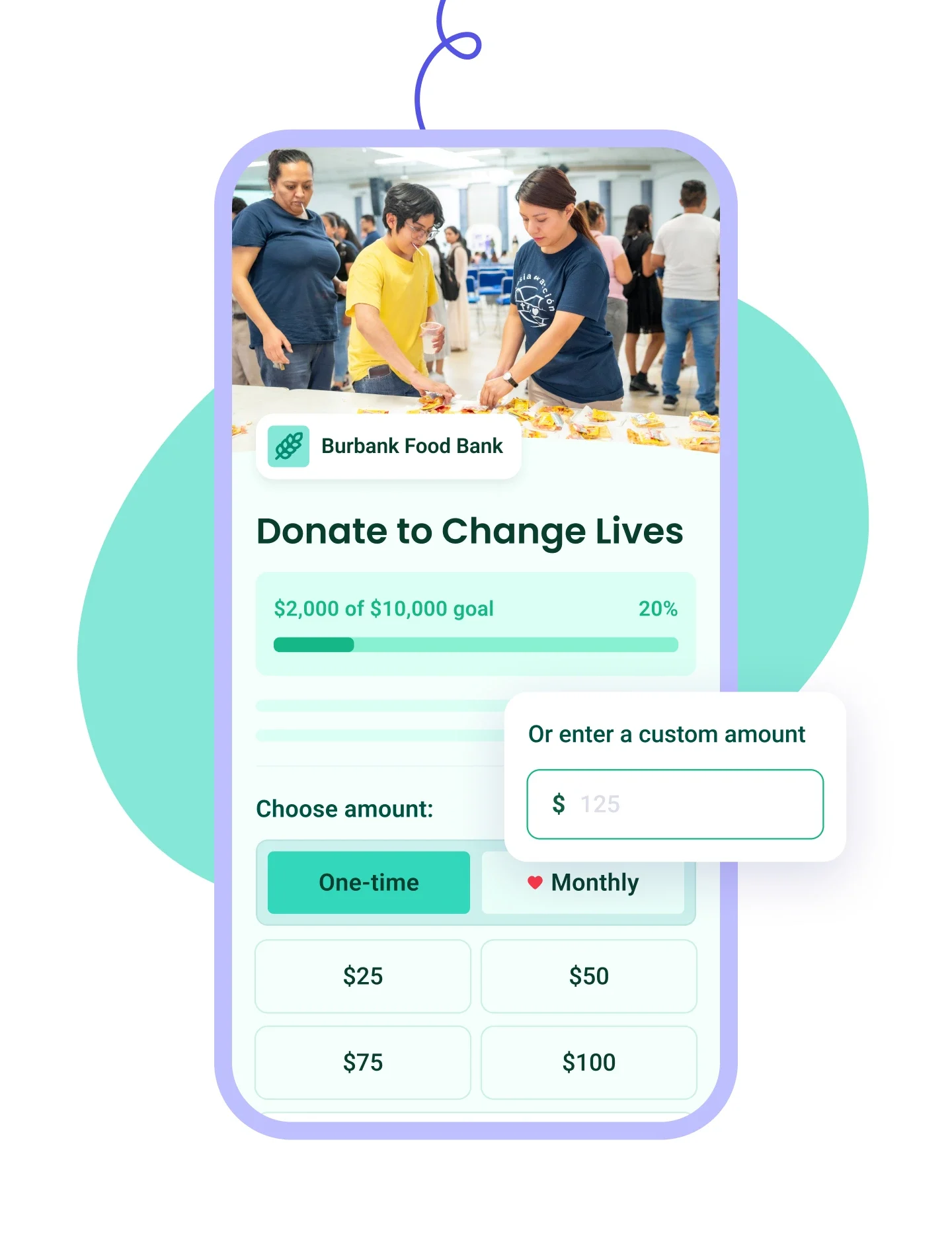
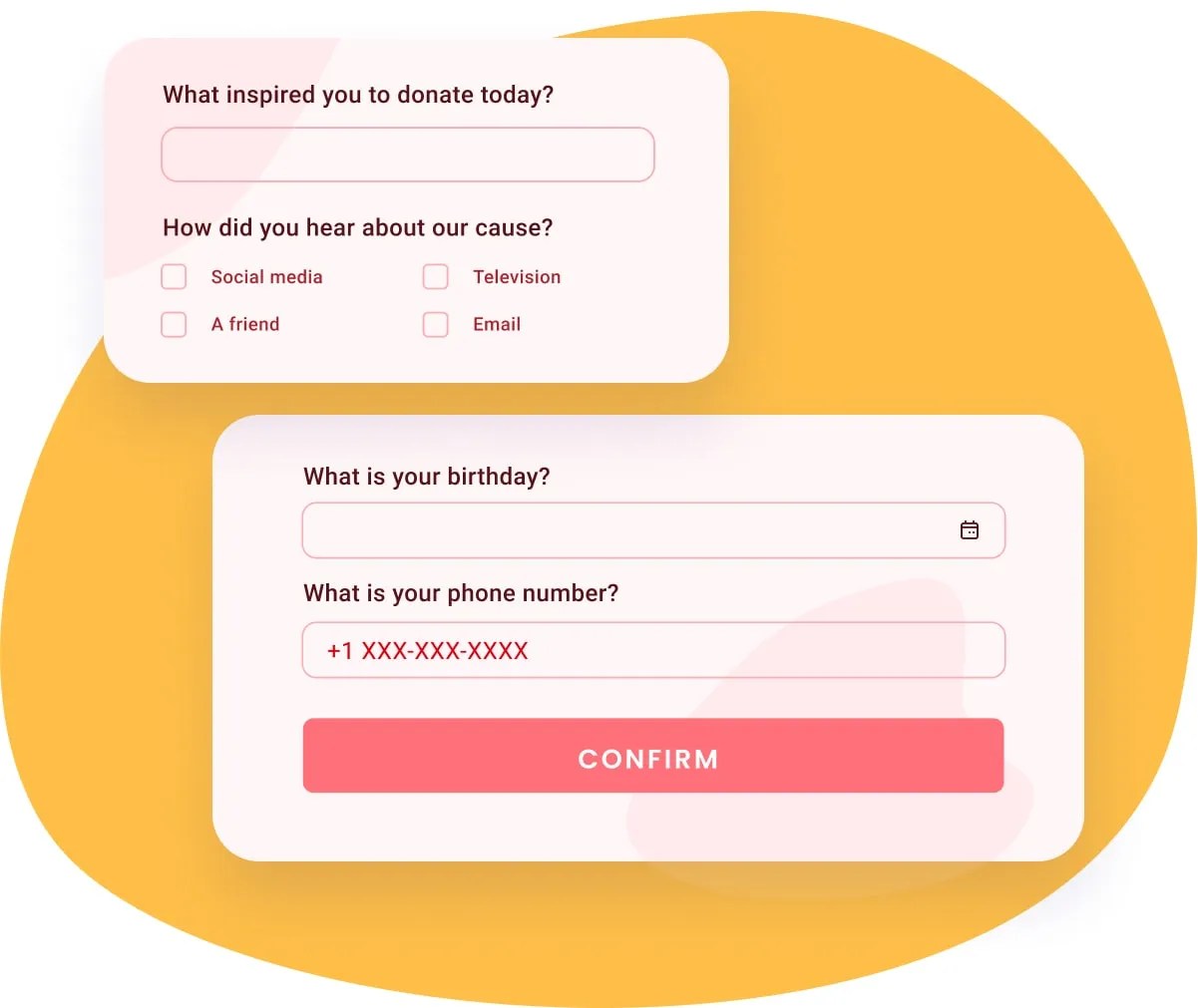
Yes, and further than most people expect. Add your logo, a banner image or a YouTube video, and a colour theme in light or dark mode, then write your own title and description in place of Zeffy's template. You can set up to four suggested amounts and, beside each one, a line explaining what that amount actually pays for. Add your own questions, write the thank-you email your donors receive, and let people give in honor or in memory of someone. You can also translate the form into Spanish or French.
Your money comes to you without you having to ask for it. Every payout goes straight to the bank account you connected, so there's nothing to withdraw and no payout fee. Weekly is the standard schedule and lands each Monday, or you can switch to monthly if that suits your bookkeeping better. Once your organization has been verified by our team, next-day payouts open up, and from then on you can send your balance to your bank whenever you need it, which matters when a bill is due before Monday comes around. New payments clear a fraud review first, usually within one to three business days.
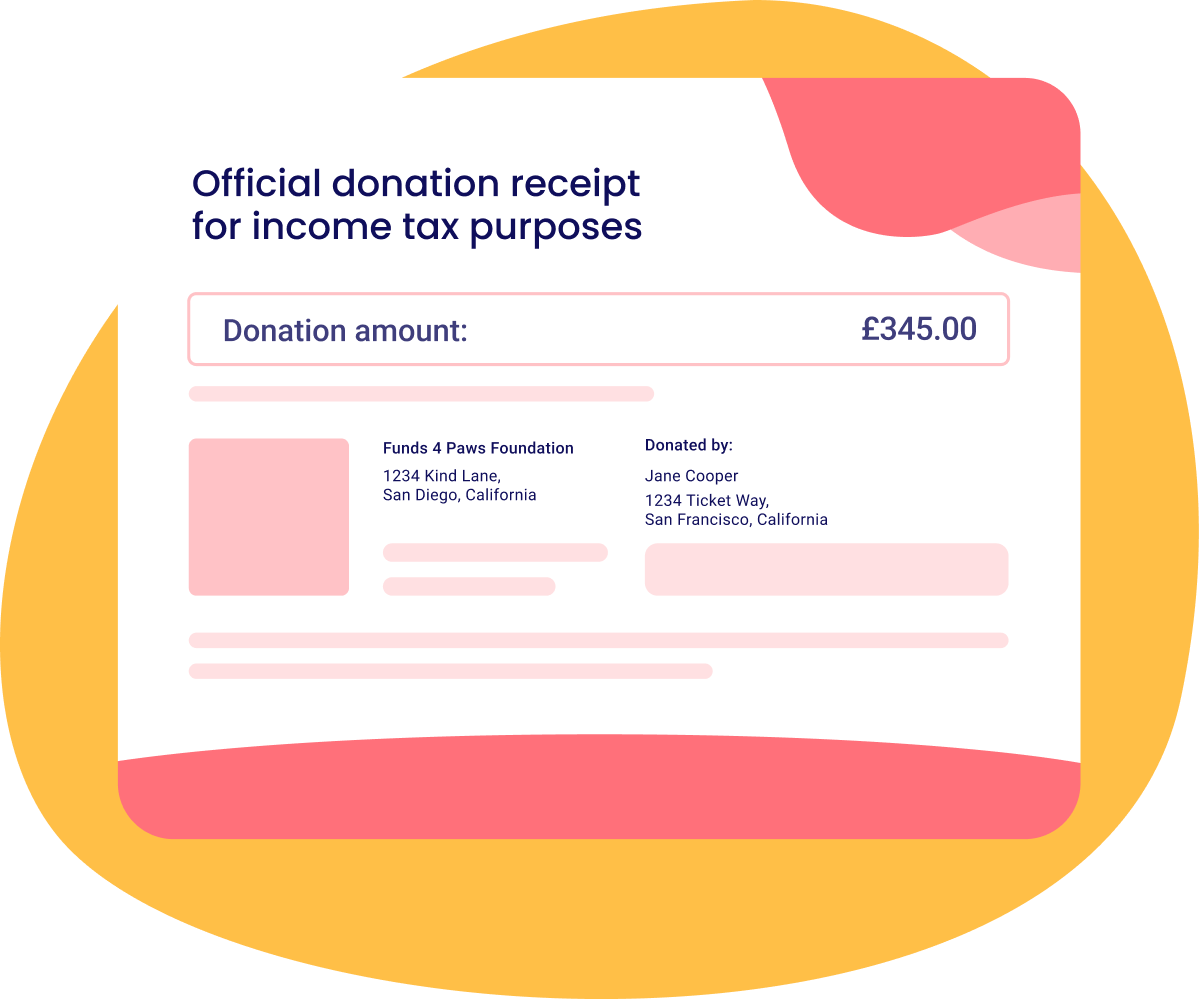
Yes, once automatic receipts are switched on. From then on Zeffy sends one the moment a gift arrives, attached to the donor's confirmation email, carrying your charity number and the required wording.
Then each January, Zeffy re-sends receipts to every donor you've issued one to, with a link to their Giving Recap: the year's total, every organization they supported, and all their receipts together in one place. They can open that recap any time from their donor account, which is what keeps "can you resend my receipt?" out of your inbox in tax season.
Monthly donors get a single cumulative receipt for the year, at the end of the fiscal year, rather than twelve separate ones.
It handles the awkward cases too: the eligible portion when an event ticket is worth more than what the guest receives, and gifts in kind you've logged yourself.
Worth a calendar note: that January send only carries what exists by mid-January, so corrections and offline gifts need adding before then. See donation receipts for the detail.
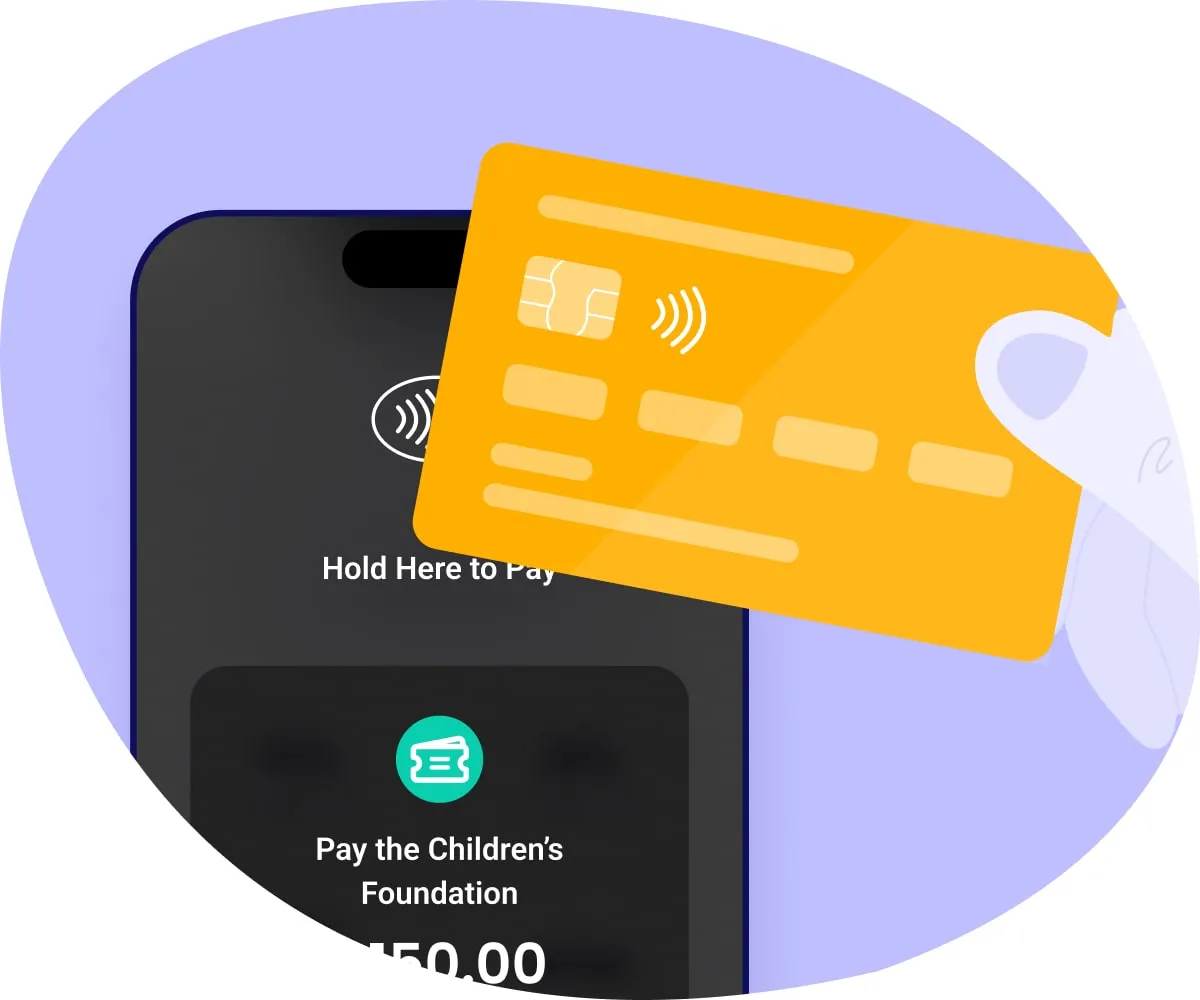
Yes. Your form takes credit and debit cards, Apple Pay, Google Pay and bank transfers, so donors give with whatever is already set up on their phone. That matters more than it sounds. A donor who has to get up and find their wallet is a donor who might not come back to finish.
Included, and it fills itself in. Every donation, ticket and signup creates or updates that person's record, so your contact list is a by-product of fundraising rather than something you maintain on the side.
Each profile holds their giving history, the events they came to and whether they opened your last email, plus any notes you add. From there you can filter by amount, date or campaign, save the result as a list, and email it. Duplicates can be merged when the same person turns up twice. Offline gifts you log show up in the same place. For the full picture see CRM and donor management.
No. Zeffy's eligibility rules don't require registered-charity status, and any registered not-for-profit type is welcome, including CICs and unincorporated associations.
If your registration with the Charity Commission, OSCR or CCNI is still pending, choose “Other nonprofit organisation” when you register and update it once your registration comes through, which is also what switches on automatic receipts. Two things are needed either way: your organisation's registration details, and a bank account in your organisation's name. A group collecting money informally, with no registered organisation behind it, isn't eligible yet.
Yes. Log it against the campaign and against that person's record, whether it arrived as cash, a cheque, a bank transfer or in kind, so your campaign total and their giving history both stay right. If your charity issues receipts, they get one the same as an online donor would. It's the difference between a cheque being a line in a spreadsheet and a cheque being part of someone's history with you.
Use a donation form built for charities rather than a general payment link. Both move money, but only one runs a fundraising program: a real form issues the tax receipt, remembers the donor, and lets them start a recurring gift they can manage themselves. A payment app leaves you reconciling a bank statement by hand, and it drops ticket sales, sponsorships and donations into one undifferentiated line, when those are exactly the things you need kept apart at reporting time.
With Zeffy you build that donation form free, connect your bank account and share the link, and every gift arrives whole because Zeffy covers the transaction and card fees. For the full walkthrough, including how to promote it and track what works, our guide to accepting donations online goes step by step.
.webp)