

Step 1
Turn on donor-advised funds
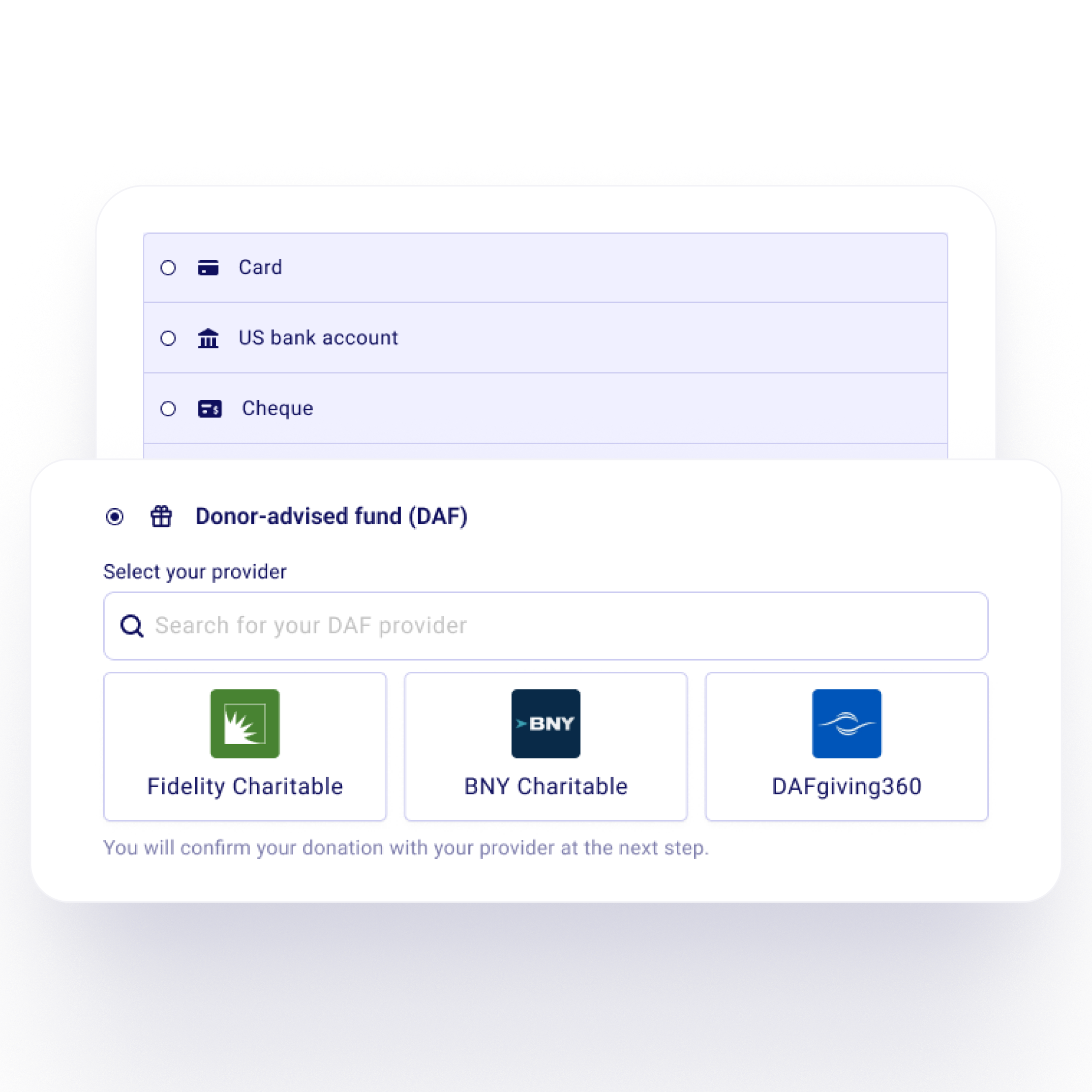
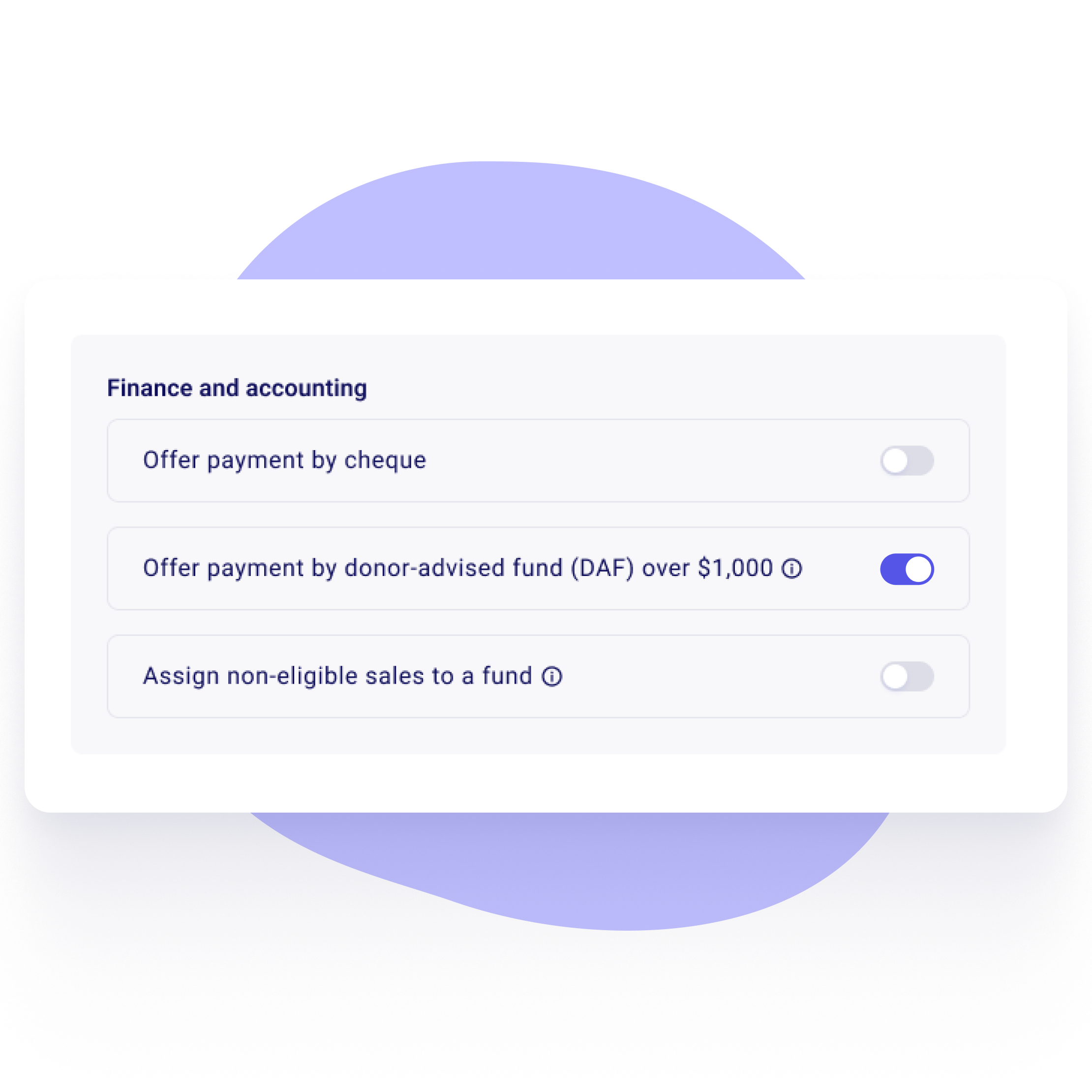
Switch on the DAF option on your donation form or peer-to-peer campaign. It shows next to card and bank for one-time gifts of $1,000 or more.

Step 2
Donors pick their fund provider
Fidelity Charitable, BNY Charitable and DAFgiving360 are one click away. Donors can search for any other provider too.
Step 3
Their request goes out with your details filled in
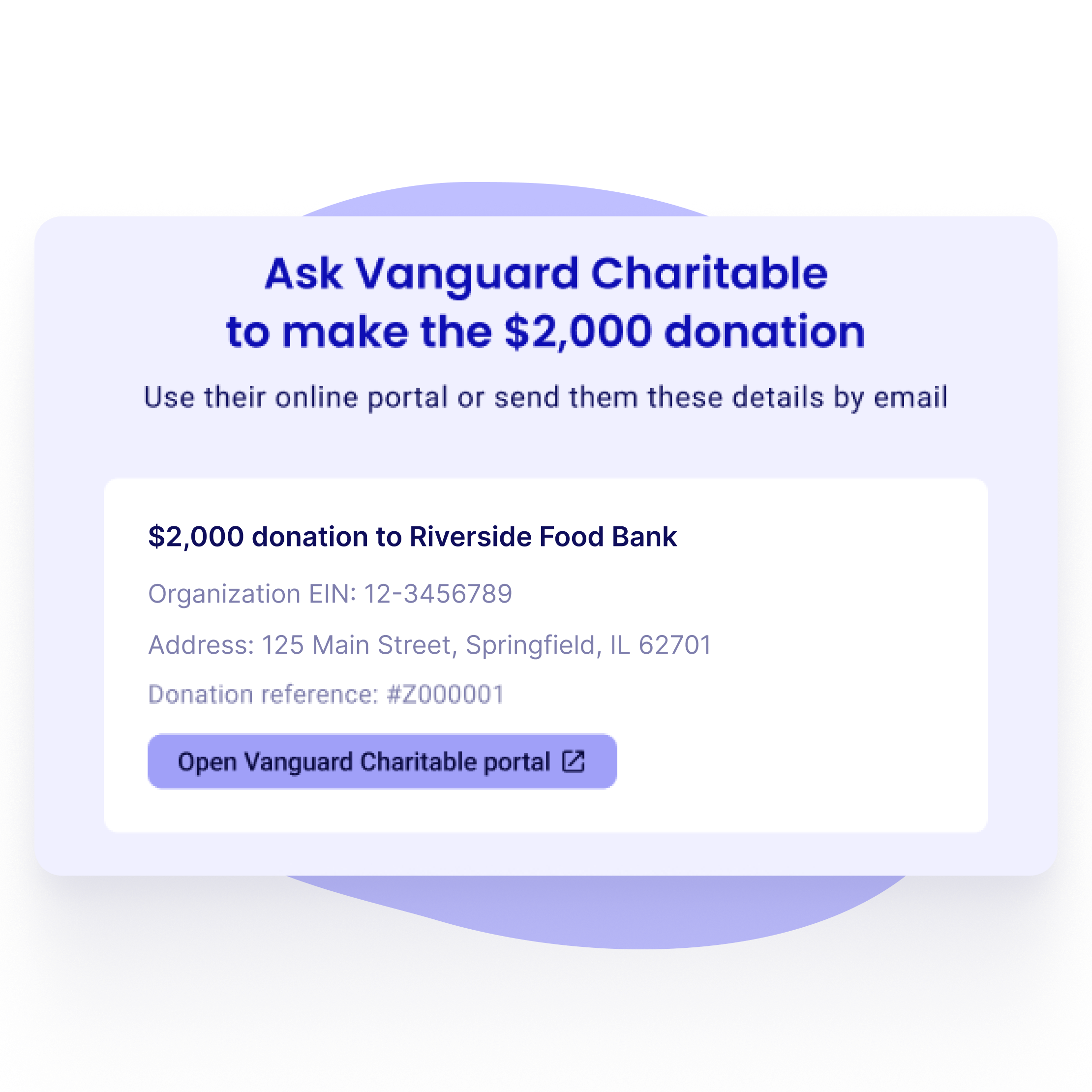
For Fidelity Charitable, BNY Charitable and DAFgiving360, the donor's portal opens with the amount, your EIN, your legal name and a donation reference already filled in. For any other fund, Zeffy shows every detail the provider needs, ready to copy.
Step 4
Track each gift until it arrives
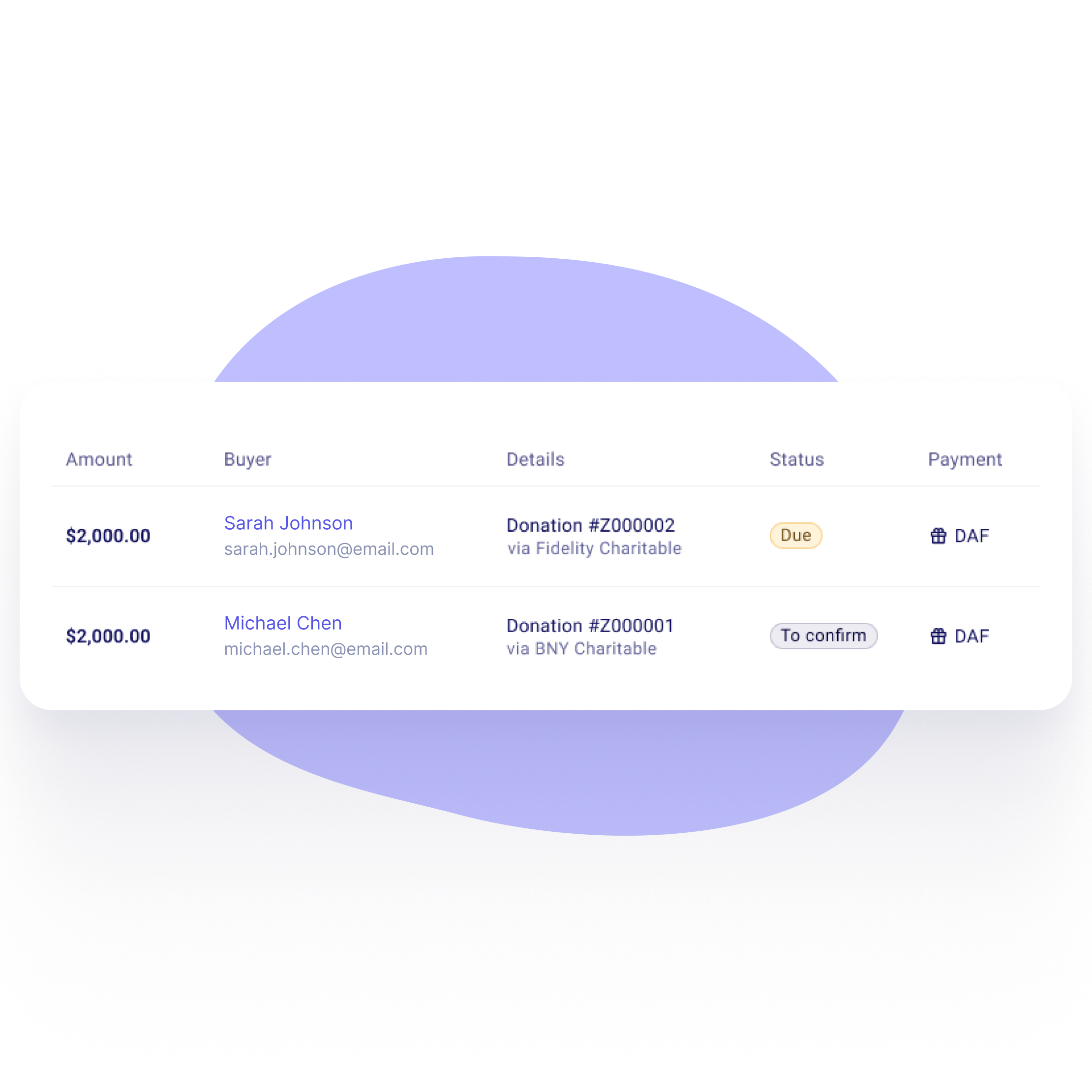
The gift shows as Due in your payments list until the money arrives. Mark it as paid and the donor gets an email. If a donor doesn't finish, Zeffy sends a reminder to them and to your team.



.png)


%20(1).webp)

%20(1).webp)
.webp)
.webp)

%20(1).webp)


.webp)
.webp)


