We use cookies to improve your experience on our platform. By clicking “Accept all cookies”, you agree to the storing of cookies on your device to enhance site navigation, analyze site usage and assist in our marketing efforts.
Cookies required for basic website functionality.
Cookies used to deliver content most relevant to you and your needs.
Cookies used to deliver content most relevant to you and your needs.
Cookies that help understand the performance of the website, how users interact with it and to identify bugs.
How is Zeffy free?
How is Zeffy free?
Zeffy relies entirely on optional contributions from donors. At the payment confirmation step - we ask donors to leave an optional contribution to Zeffy.
How to Accept Mobile Donations at Charity Events for Free
April 17, 2026
Your donors have phones, not cash. Here's how to meet them where they are — with zero fees, no card reader, and no hardware to buy.
⚡TL;DR — The Short Answer
Verdict: Zeffy's tap-to-pay app is the fastest, cheapest way to accept donations at a charity event — your iPhone becomes a donation terminal in minutes.
What works: Tap-to-pay for staffed tables and welcome desks; QR codes for unstaffed areas, posters, and program booklets. Both are free, both take minutes to set up, and both run through the same Zeffy dashboard.
What doesn't: Cash-only or check-only collection loses donations in real time. Donation kiosks are expensive ($500+ hardware plus ongoing fees) and overkill for most events.
Best for: Nonprofits running charity events, galas, school fundraisers, door-to-door campaigns, or any in-person collection point where volunteers interact face-to-face with donors.
Worth considering if: You need to cover a large venue with no staff at every table — pair tap-to-pay at manned stations with printed QR codes everywhere else for full coverage at zero cost.
Most donors no longer carry cash. If your event only accepts checks or bills, you're losing donations in real time.
The good news: you don't need expensive hardware or a payment processor contract. You need a phone and a Zeffy account.
Zeffy is trusted by 100K+ nonprofits, has helped raise $2B+, and charges $0 in platform fees — on every method covered below.
Method 1: Tap-to-pay
What it is
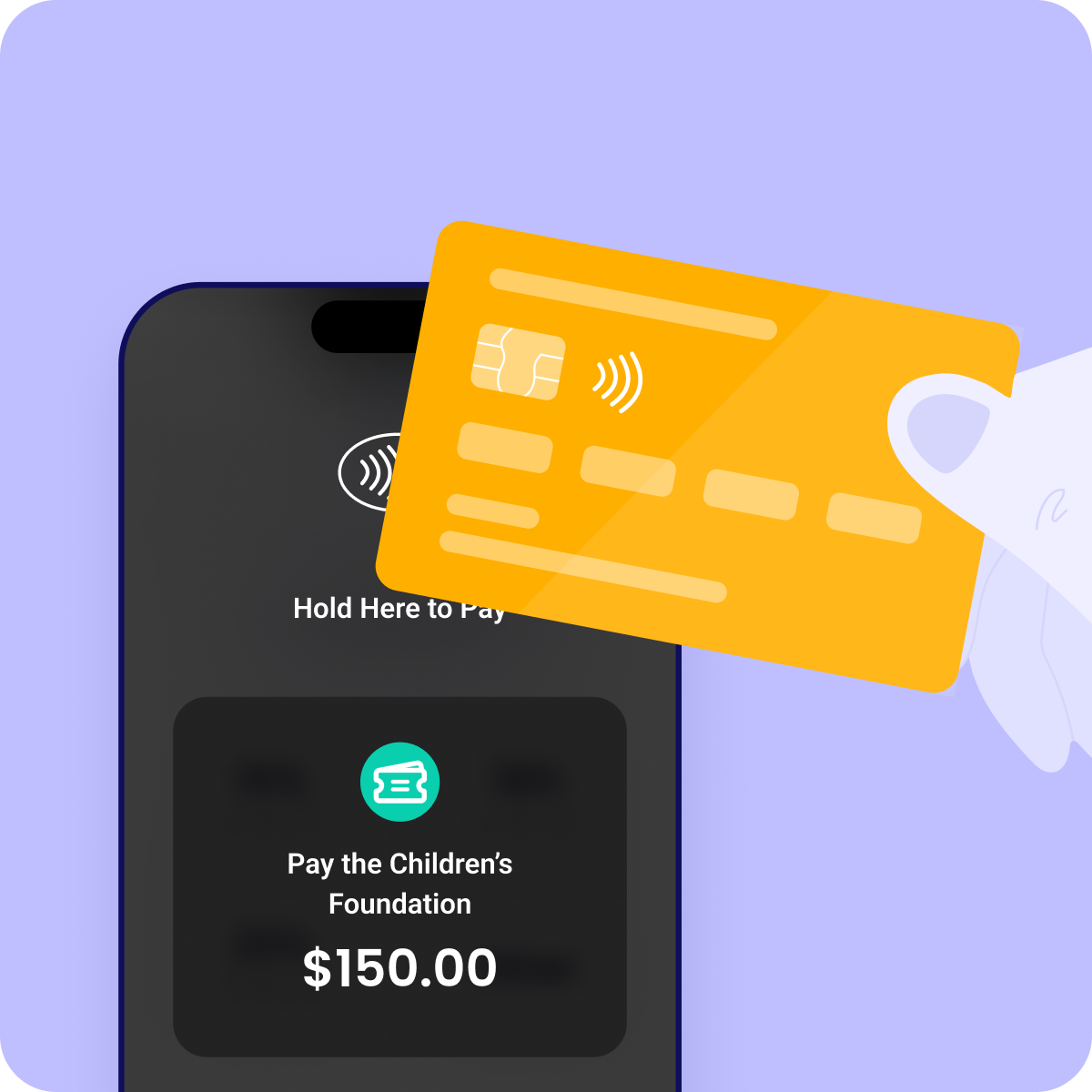
Tap-to-pay turns your iPhone into a donation terminal. No card reader. No hardware. Donors tap their card or phone, and the donation processes instantly.
Zeffy's tap-to-pay app uses NFC technology built into iPhones. It works with physical cards, Apple Pay, Google Pay, and other digital wallets.
When to use it
Tap-to-pay is best when someone's staffing the collection point — a welcome table, a raffle booth, a gala check-in desk, or a street fundraising station.
It's also perfect for door-to-door fundraising, museum tours, school events, and any situation where a volunteer is face-to-face with a donor.
How Zeffy handles it
Download the Zeffy app, log in, and you're ready to collect. No monthly fee. No hardware cost. No percentage taken from donations.
Deborah Nelson of the AAUW Florida Supporting Foundation switched to Zeffy's tap-to-pay after dealing with clunky card readers and processing fees that ate into every event's proceeds.
With Zeffy, her team accepted contactless donations directly from donors' phones and cards at their events. The time saved on reconciliation alone made a meaningful difference to their small volunteer team — no manual entry, no chasing receipts, no fees to account for.
In Deborah's words: "It's really simplified things for us. We don't have to worry about the fees, we don't have to worry about the equipment — it just works." — Deborah Nelson, AAUW Florida Supporting Foundation
Method 2: QR codes
What it is
A QR code links directly to your Zeffy donation form. Donors scan it with their phone camera and complete a donation in seconds — no app download required.
When to use it
QR codes work anywhere you can display them: event banners, table cards, program booklets, pledge walls, posters, staff t-shirts, and direct mail.
They're especially useful when you can't staff every table or room. Print once, place everywhere, and donors can give on their own timeline throughout your event.
How Zeffy handles it
Zeffy generates a unique QR code for every donation form you create. You download it, print it, and display it. Every scan opens your branded donation page with zero fees for donors and your organization.
Pair it with tap-to-pay for maximum coverage: staffed tables use tap-to-pay, unstaffed areas use QR codes.
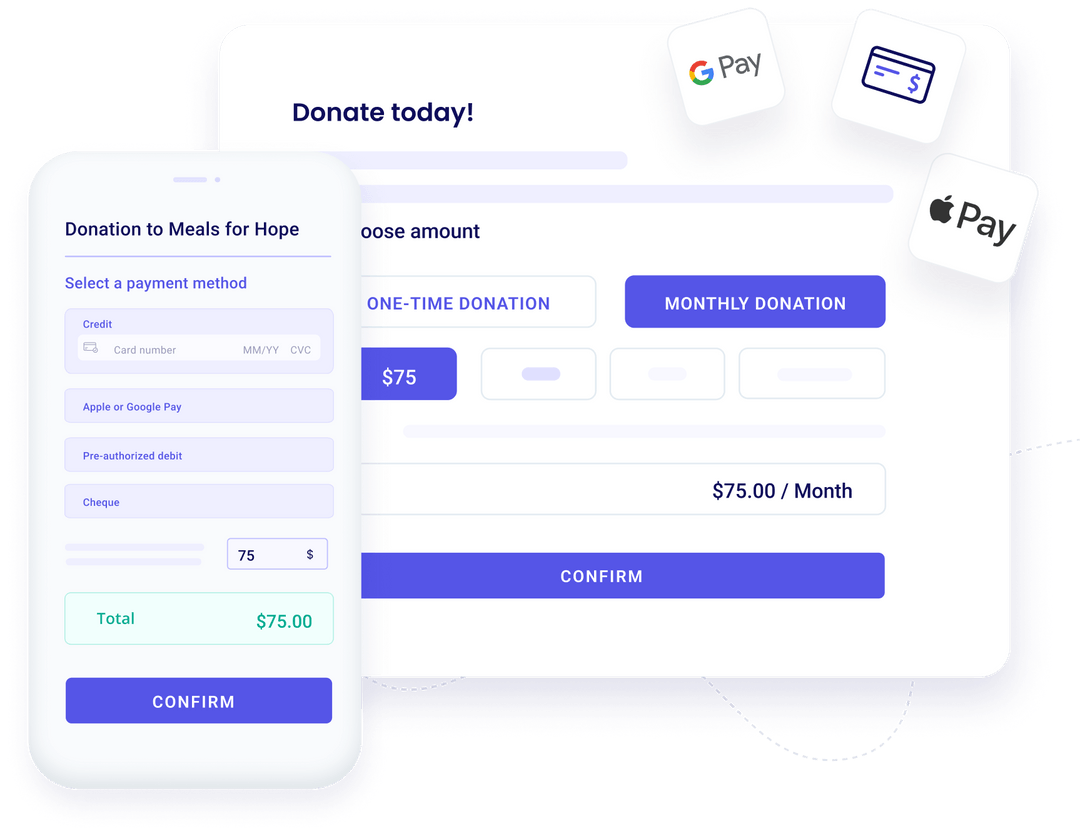
Apple Pay and Google Pay let donors complete a donation without typing in card details. They authenticate with Face ID or a fingerprint and confirm in one tap.
When to use it
Digital wallets work through your Zeffy online donation form — ideal for donors who land on your form via QR code, a link in your event program, or an email you send during or after the event.
They're also great for donors who've forgotten their physical card but always have their phone.
How Zeffy handles it
Zeffy donation forms accept Apple Pay and Google Pay out of the box. When a donor opens your form on a compatible device, those payment options appear automatically. No extra setup required.
Zero fees apply here too — your organization keeps every dollar.
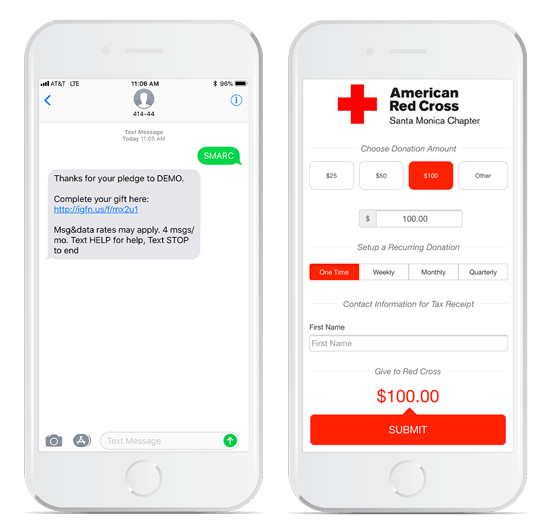
Text-to-give lets donors send a keyword to a shortcode (like "GIVE" to 55555) and receive a secure donation link by text. They click the link, fill in their amount, and donate in under a minute.
When to use it
Text-to-give works well during live events with an emcee or auctioneer who can prompt the crowd. It's also effective in emergency campaigns where speed matters.
How Zeffy handles it
Text-to-give is coming soon on Zeffy. We're building it — and when it launches, it'll follow the same zero-fee model as everything else on this list.
A donation kiosk is a self-service station — usually a tablet or dedicated screen — that lets donors give without staff involvement. They're common in museums, airports, malls, and permanent fundraising installations.
When to use it
Kiosks make sense for high-traffic, fixed locations where donors browse or wait and might give spontaneously. Think museum lobbies, hospital reception areas, or a permanent display in a charity's storefront.
The real cost problem
Kiosks come with real costs. Hardware typically runs $500 or more per unit. You'll need a power source, WiFi, and someone to manage the device. Monthly software fees add up on top of that.
For most charity events, kiosks are overkill — and expensive overkill at that.
The better option for events: tap-to-pay. It's already in your volunteer's pocket, it costs nothing, and setup takes minutes instead of days.
If you're running a permanent installation with high foot traffic and a facilities budget to support it, a kiosk may make sense. For everything else, your iPhone does the job for free.
Quick comparison: all 5 methods
Method
Cost
Hardware needed
Setup time
Best for
Tap-to-pay
$0
iPhone only
Minutes
Events, galas, door-to-door
QR codes
$0
Printer
Minutes
Tables, posters, unstaffed areas
Digital wallets
$0
None
None (built-in)
Online forms, event follow-up
Text-to-give
$0 (coming soon)
None
TBD
Live events, emergency campaigns
Kiosks
$500+ hardware + fees
Tablet + power + WiFi
Hours to days
Permanent, high-traffic locations
---
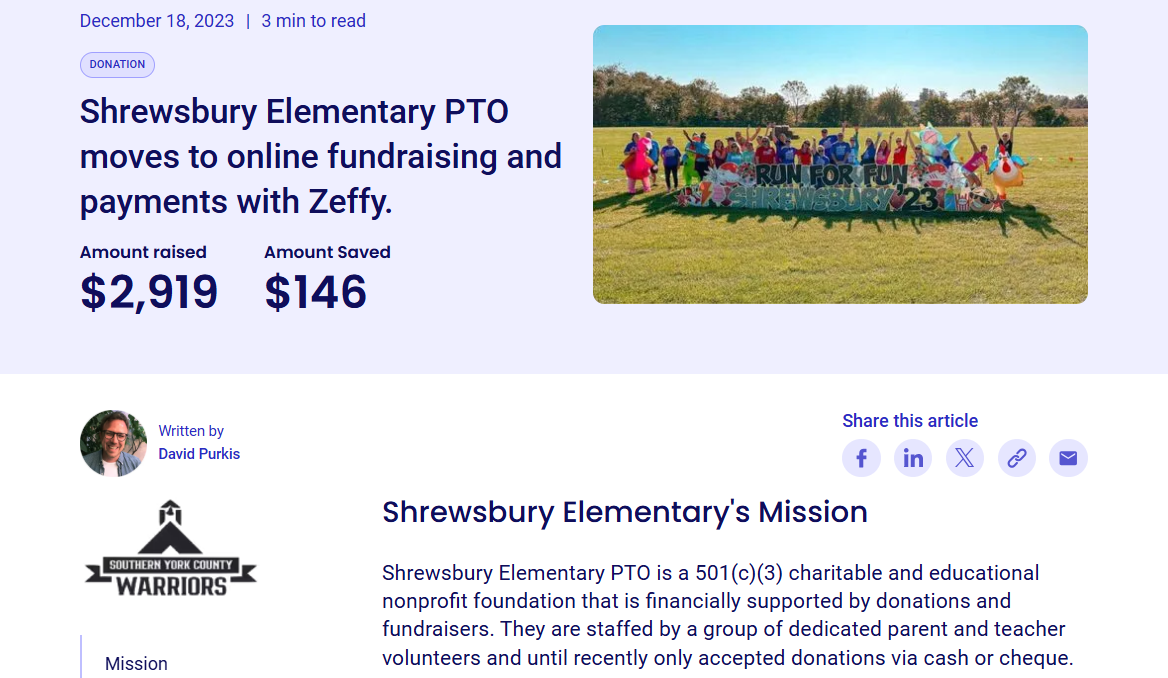
Case study: Shrewsbury Elementary PTO raised $2,919 with Zeffy
Shrewsbury Elementary PTO is a 501(c)(3) charitable and educational nonprofit that runs on donations and fundraisers.
Before switching to Zeffy, they relied on cash collection at school events — slow, manual, and easy to lose track of.
After moving to contactless fundraising through Zeffy's platform, they raised $2,919 in their first major contactless campaign and saved $146 in fees. Parent donors reported higher satisfaction with the convenience of tap-to-pay at school events. Participation increased compared to previous cash-only fundraisers.
Zeffy has been a game changer for our PTO. We raised more than ever before, and every dollar stayed with the school — none of it went to fees. — *PTO Coordinator, Shrewsbury Elementary PTO*
That $146 in savings didn't go to a payment processor. It went back to the school.
No. For QR codes, digital wallets, and tap-to-pay, donors just use their phone as-is. There's no app to download on the donor's side. Only your volunteer needs the Zeffy app installed (for tap-to-pay).
Tap-to-pay requires a data connection to process. If your venue has unreliable WiFi, use your volunteer's cellular data as a backup. For areas with no connectivity at all, QR codes that link to your donation form will still work once donors step outside or regain signal.
Yes. Zeffy's tap-to-pay accepts physical credit and debit cards too — donors just tap the card to your volunteer's iPhone. No smartphone required on the donor's end.
Everything runs through your Zeffy dashboard. Whether a donor gives via tap-to-pay, QR code, or digital wallet, every transaction appears in the same place. You don't need to reconcile data from different sources.
Text-to-give is in development. We'll announce when it's ready. The best way to stay updated is to create your free account — you'll receive product updates directly.
Zeffy is trusted by 100K+ nonprofits. $2B+ raised. $0 in fees — always.
Get weekly fundraising tips from nonprofits experts
Thank you! Your submission has been received!
Oops! Something went wrong while submitting the form.
Keep reading :
Company news
Best Point of Sale System for Nonprofits in 2026: Zeffy vs Square vs PayPal Zettle
Looking for a nonprofit POS that fits your organization’s needs? Learn more about Zeffy’s Tap to Pay and why it's the best and most affordable POS system.
Look for people who attend related events, follow relevant Facebook groups, or subscribe to aligned newsletters.These aren’t just potential donors—they’re your future advocates.
Look for people who attend related events, follow relevant Facebook groups, or subscribe to aligned newsletters.These aren’t just potential donors—they’re your future advocates.





.webp)

